How to
Shopify competitor analysis: a practical guide for store owners
Which competitors to watch, the six things worth recording about each, a schedule you can actually keep, and an honest list of what you cannot learn from outside a shop.
Published 8 min read
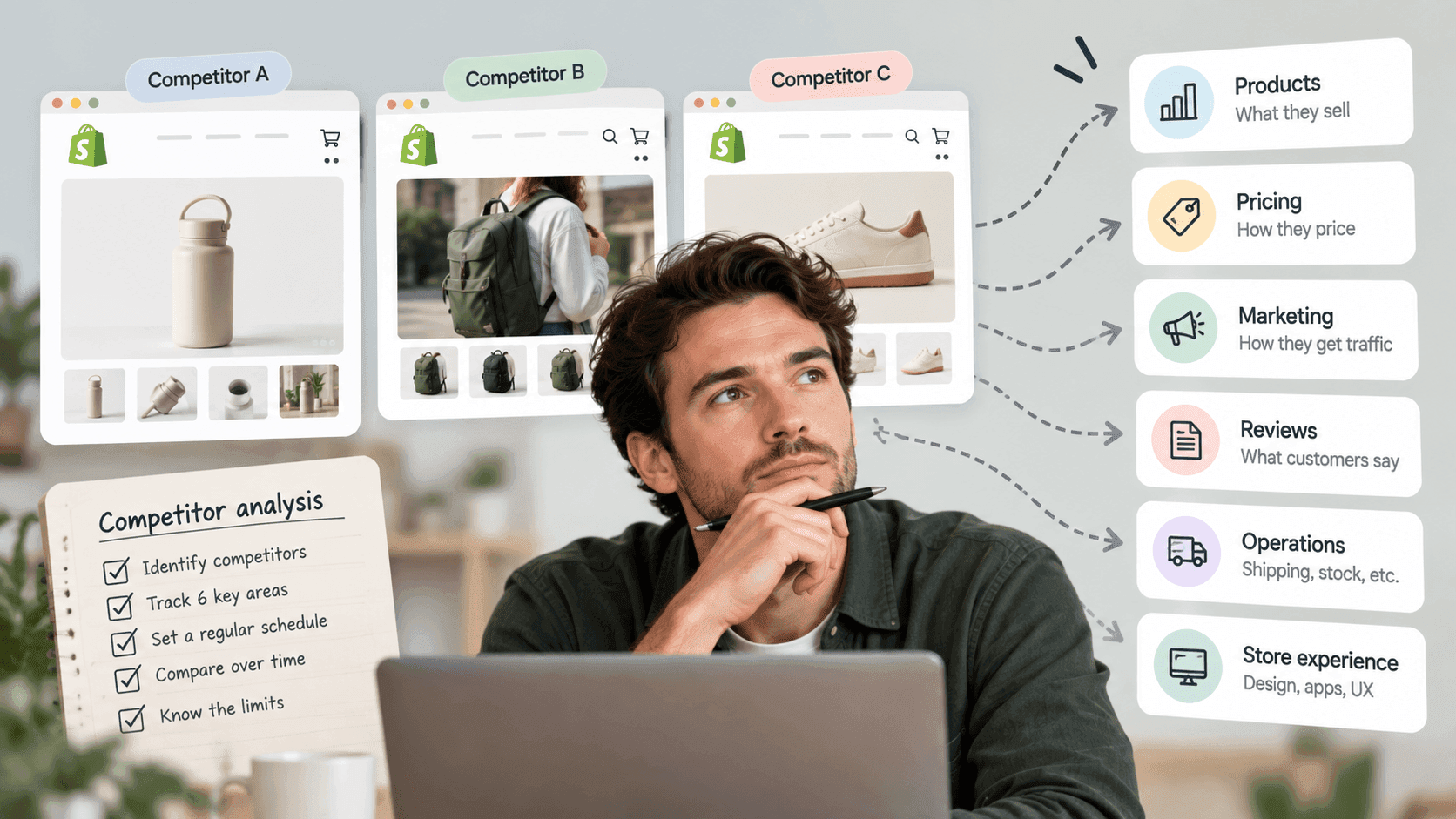
Competitor research that works is smaller and duller than most guides suggest: pick five to ten shops that are genuinely your competitors, record six specific things about each one, look again on a fixed schedule, and pay attention to what changed rather than what is. This guide covers each of those steps, and finishes with an honest list of the things nobody can find out about a shop from outside — which is the part that keeps you from drawing confident conclusions from thin evidence.
Step one: choose the right shopsLink to this section
Most competitor research fails here. People pick the biggest names in their category, discover those shops do things they cannot afford, and learn nothing useful.
A competitor is a shop your customer would genuinely buy from instead of you. Test each candidate against three questions:
- Would your customer consider them? Same kind of product, same sort of person.
- Are they in your price band? Within roughly half to double your average price. A shop selling at five times
your price is not competing for the same purchase.
- Can you see them where your customers look? Search for the thing you sell and note which shops appear.
Check the same on the social platform your customers use.
Pick five to ten. Five is enough to see a pattern. Twenty is a list you will stop maintaining within a month — which is worse than four you actually check.
Two additions worth making to the list:
- One shop clearly ahead of you. Not the category giant; the one about eighteen months further along. That is
the most useful shop on your list, because what they are doing now is plausibly what you will be doing next year.
- One newcomer. New shops move fast and try things established ones will not. They tell you what is changing.
Step two: record these six thingsLink to this section
For each shop, six things. No more — a template with thirty fields is a template nobody fills in twice.
1. What they run onLink to this section
Knowing the platform tells you what is easy for them and what is not, and it decides which of the methods below will work. Checking whether a shop runs on Shopify takes about ten seconds.
2. How many products, and in what shapeLink to this section
Count the products and note the range of prices: cheapest, dearest, and roughly where the middle sits. If the shop is on Shopify, its own published product list gives you all of this at once.
The shape matters more than the count. A shop with forty products and a narrow price band is running a focused range. One with eight hundred products across a wide band is running a catalogue business. Those are different companies with different problems, and copying between them goes badly.
3. What is on sale, and how deeplyLink to this section
Shopify shops publish both the current price and the original price when something is discounted — that is what the crossed-out figure on a product page is, and Shopify's own help pages describe how a shop sets it. Record roughly how much of the catalogue is marked down and how deep the markdowns go.
A shop with a permanent quarter of its range discounted is running a different pricing strategy from one that discounts twice a year. The full method for watching prices over time is a separate piece, including the discounts that are invisible from outside.
4. What they are visibly doing to convertLink to this section
Browse the shop as a customer and note the features: reviews, subscriptions, bundles, loyalty, email pop-ups, back in stock alerts, live chat. Each is usually an app, and together they show you what the shop believes closes its sale. How to find which apps a shop is running covers this, along with why every app list is incomplete — Shopify's own documentation explains that apps do not necessarily leave any trace on the storefront at all.
5. What is newLink to this section
The single most useful column in your sheet. Which products appeared since last time? A shop's new releases tell you what it is betting on right now, which is far more informative than its back catalogue.
6. Rough size — with wide error barsLink to this section
Some sense of scale is useful, as long as you hold it loosely. Every published traffic or revenue figure for a shop is an estimate built on assumptions, and the errors multiply. For smaller shops there is often no sensible estimate at all. The full explanation of where those numbers come from and how wrong they can be is worth reading before you put one in a document.
Record it as a range, with a date and a confidence, or do not record it.
Step three: a schedule you will actually keepLink to this section
Competitor research is not a project you finish. It is a habit, and the only ones that survive are small.
| How often | What | Time |
|---|---|---|
| Weekly | New products and obvious sales on your top three. Glance, do not analyse. | 15 min |
| Monthly | The full six fields for all five to ten shops. | 60–90 min |
| Quarterly | Look back over three months. What is the trend? Who has moved? Does the list still contain the right shops? | 60 min |
Always record the date. A figure without a date is not evidence; it is a memory. And keep the old versions — your archive is the only thing that will tell you what changed.
Step four: turn it into a decisionLink to this section
Research nobody acts on is a hobby. After each monthly pass, answer three questions in writing:
- What changed that matters? Not everything that changed — what matters.
- What is at least two of them doing that we are not? Two shops independently doing the same thing is a signal.
One is a coincidence.
- What will we do about it, and by when? One thing. Written down, with a date.
If a month passes with nothing worth writing, that is a real finding too: your market is stable, and you can drop to a lighter schedule.
What you cannot learn from outside a shopLink to this section
This is the section most guides leave out, and skipping it is how people end up confidently wrong.
You cannot see their costs or margins. A shop selling at half your price may be making more per order, or losing money on every sale. Nothing on the outside distinguishes the two.
You cannot see their marketing spend or where their traffic comes from, beyond rough modelled guesses. A shop that looks busy may be renting every visitor.
You cannot see stock levels. You can usually see whether something is available or sold out. The number of units behind that is invisible, so "they must be selling well" from a sold-out product is a guess.
You cannot see their customers. Repeat purchase rate, lifetime value, email list size, how much of their revenue comes from returning buyers — all invisible, and all more important than anything you can see.
You cannot see discounts that are not on the product page. Codes, basket offers, email-only deals and country-specific prices all leave the listed price untouched.
You cannot see wholesale or other channels. A brand that looks modest online can be substantial in shops.
And estimates are estimates. Anyone quoting a shop's revenue to the nearest hundred pounds is quoting a model, not a measurement.
Knowing this list does not make the research useless. It makes it honest, and it stops you making a strategic decision on a number that was never solid.
When doing it by hand stops workingLink to this section
The method above is free, and for one or two shops it is genuinely fine. It breaks for an unglamorous reason: it depends on a person remembering to look, on a schedule, at every shop, and spotting the difference from last time. That is the part people quietly drop in month two — and the changes you most want to catch, like a competitor starting a sale, are exactly the ones that happen between your checks.
That is what StoreLenz is being built to do: you name the shops, it looks at them on a schedule, and it tells you what changed rather than making you notice. Tracking and alerts are being built rather than finished today, and what it does now says clearly which parts are which. What each plan covers — including how many shops you can watch — is on the pricing page.
The rest of this series: Competitor researchLink to this section
This article is the starting point. Each of these goes deeper into one part of it:
- How to choose which competitors are worth watching
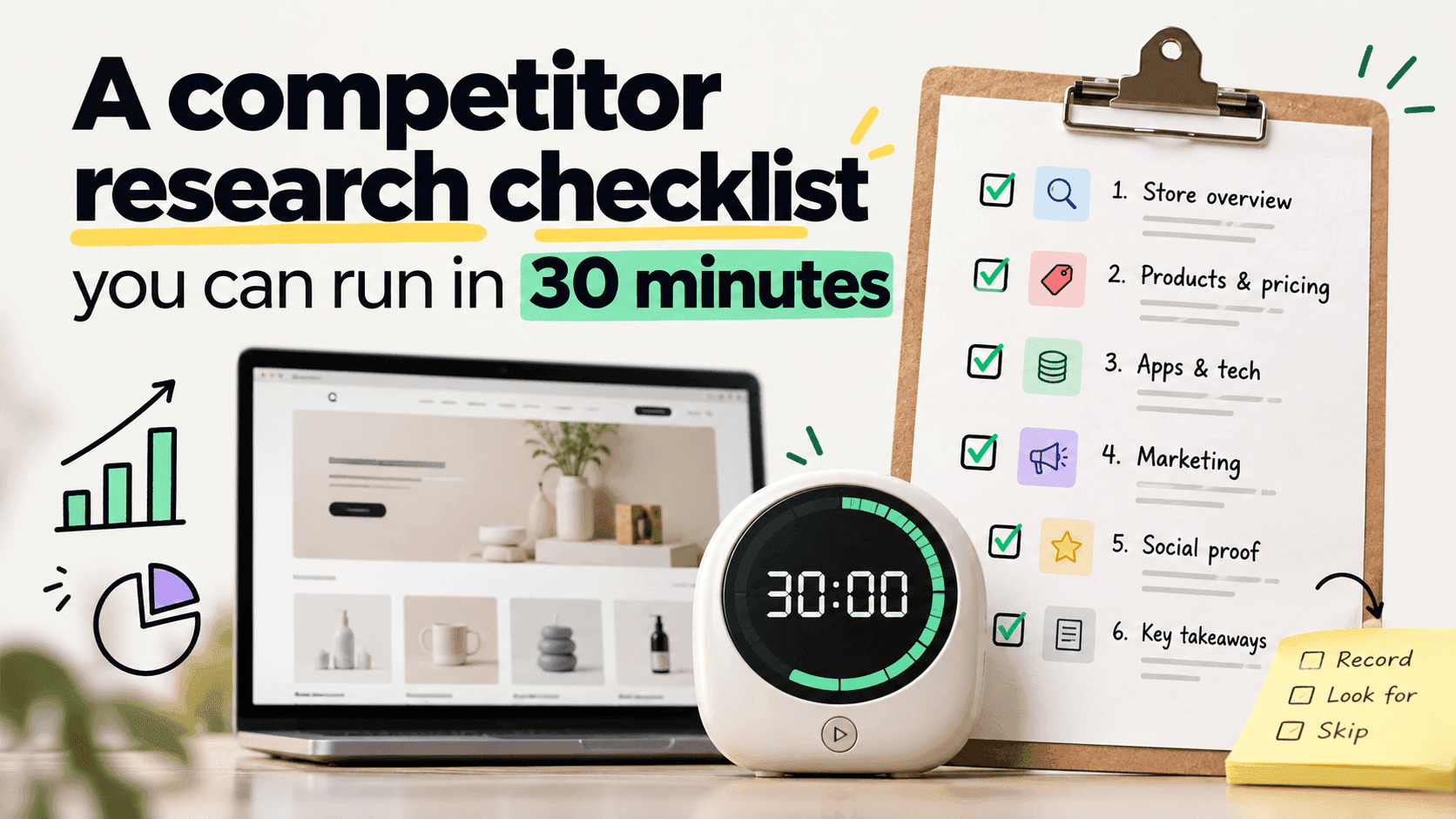
- A competitor research checklist you can run in 30 minutes
- What you can and cannot learn about a store from outside
- How to write a competitor report a client will accept
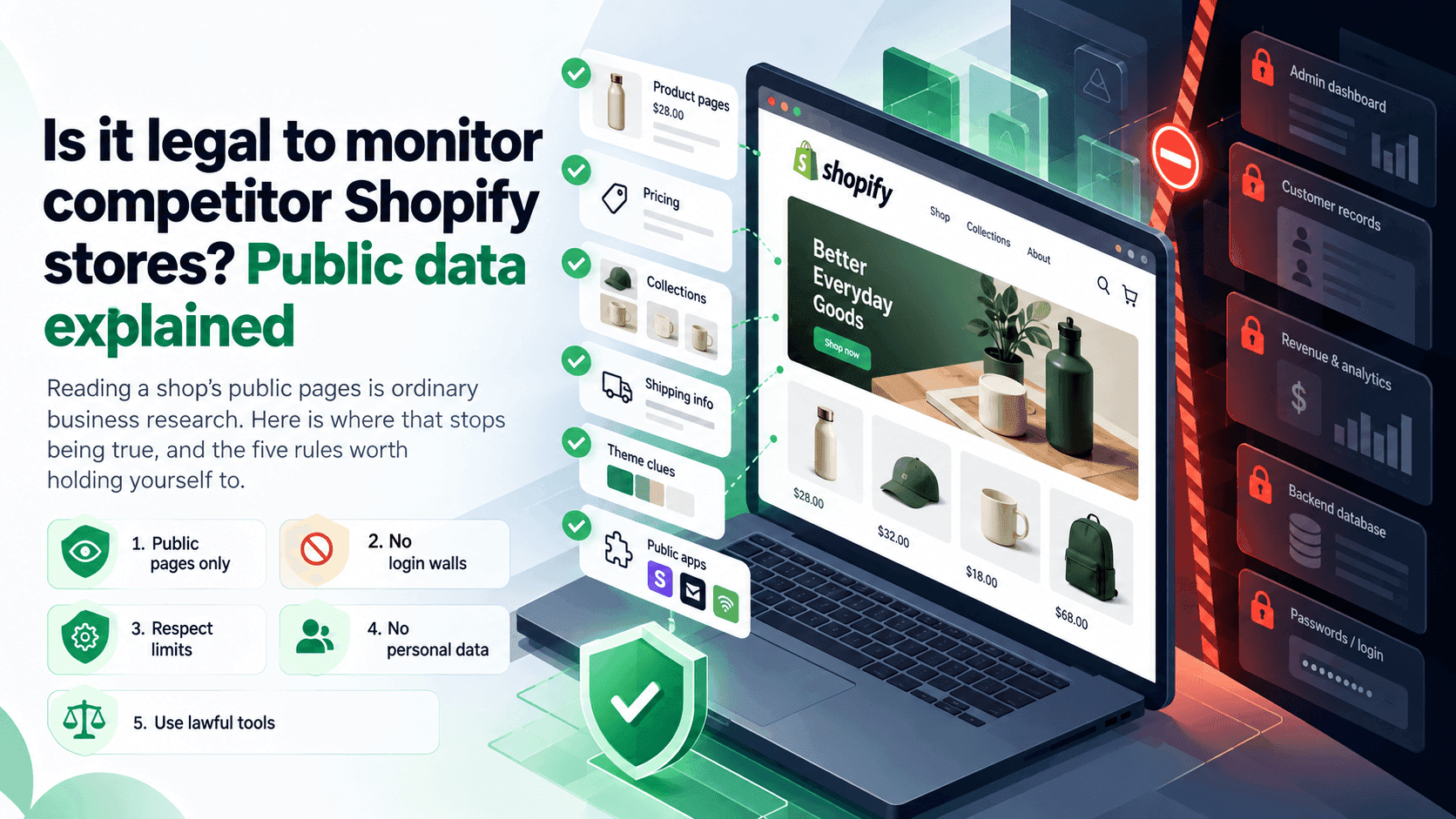
- Is researching a competitor's shop fair? Where the line sits
- Shopify competitor monitoring: the 6 changes worth watching every week
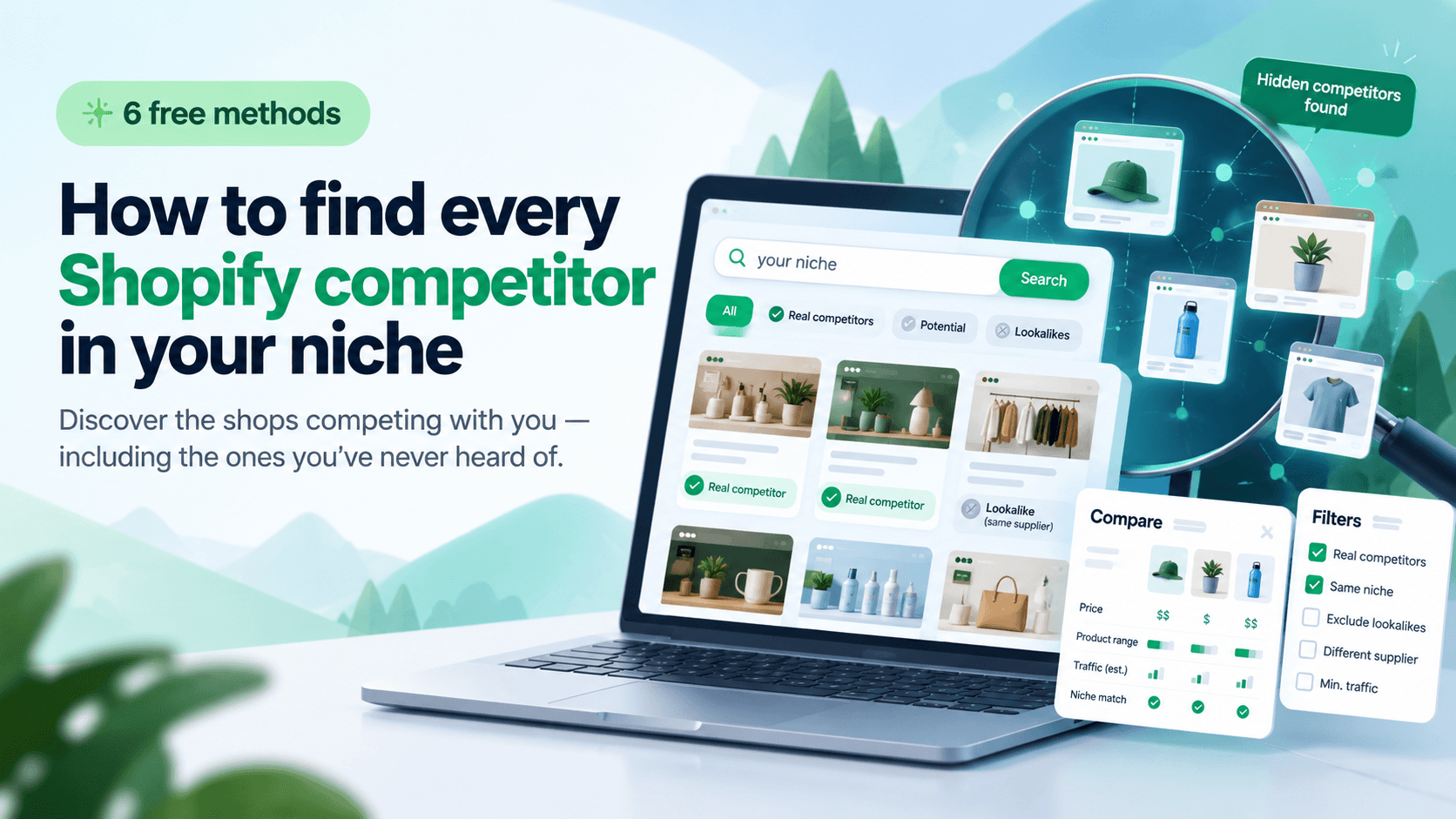
- How to find every Shopify competitor in your niche (free methods)
Related readingLink to this section
- How to tell if a website is built on Shopify
- How to track a competitor's price changes
- How to find out which apps a Shopify store is using
- How to estimate a Shopify store's revenue — and how wrong it can be
SourcesLink to this section
- Shopify Help Center, Finding and submitting your sitemap — https://help.shopify.com/en/manual/promoting-marketing/seo/find-site-map — read 2026-09-22
- Shopify Help Center, Setting sale prices for products — https://help.shopify.com/en/manual/products/details/product-pricing/sale-pricing — read 2026-09-22
- Shopify.dev, Configure theme app extensions (app embed blocks are deactivated by default after install; the merchant activates them in the theme editor) — https://shopify.dev/docs/apps/build/online-store/theme-app-extensions/configuration — read 2026-09-22
Written by Soneth Martins
shopify store manager