How to
How to see what apps a Shopify store uses, free and without an extension
How to see which apps a shop has running, why every list you will ever see is incomplete, and what an app list actually tells you about a competitor.
Published 8 min read
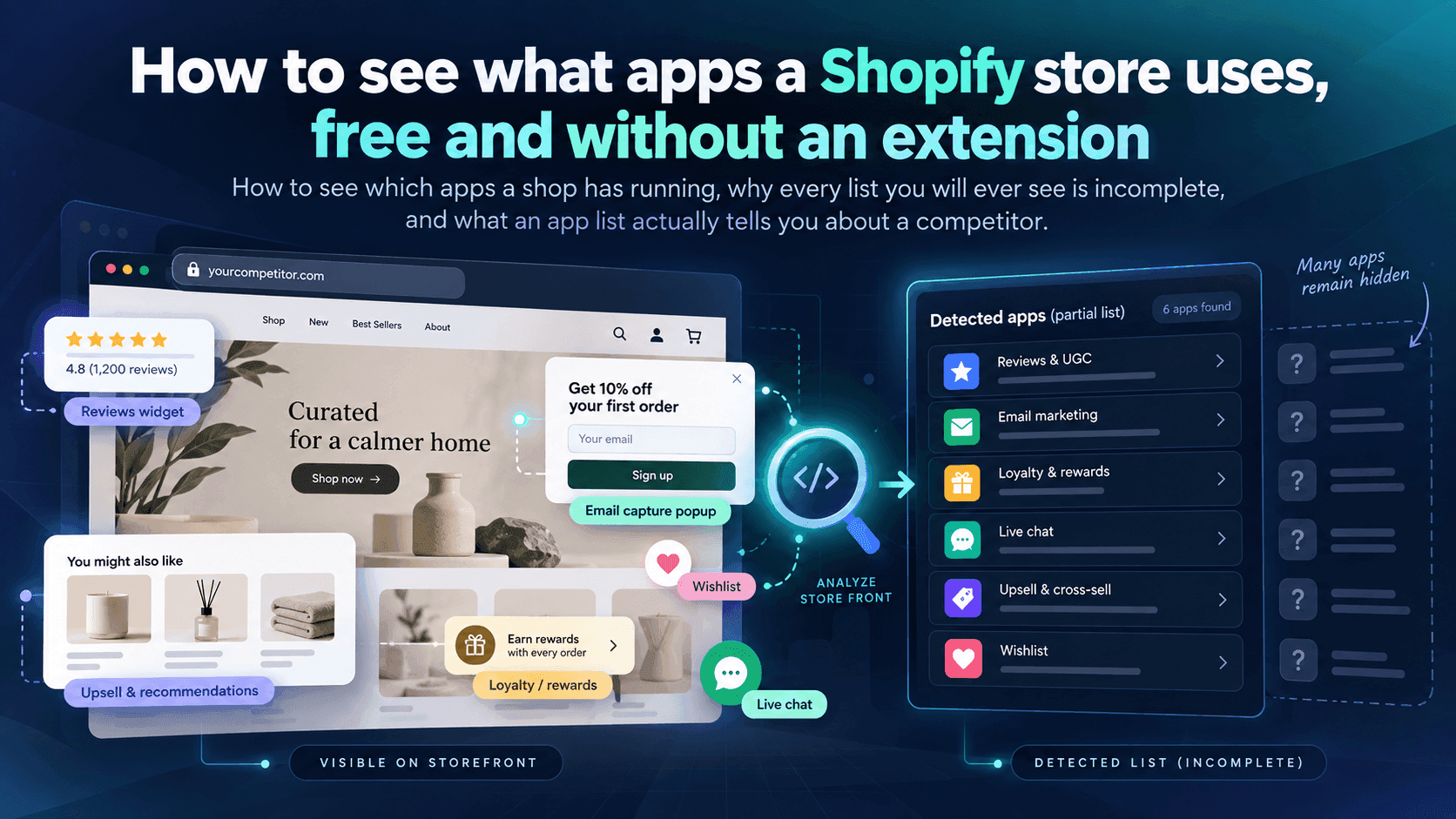
You can find some of the apps a shop is running by reading the shop's own pages: press Ctrl+U (or Cmd+Option+U on a Mac) on the shop's home page to see the underlying text, then search it for app names you know. Apps that add something visible — reviews, bundles, pop-ups, subscriptions — usually leave their name behind. What no method can give you is a complete list, and the reason for that is written in Shopify's own documentation.
The quick methodLink to this section
- Open the shop's home page, and a product page too. Different apps show up on different pages.
- Press
Ctrl+Uon Windows orCmd+Option+Uon a Mac to see the page's underlying text. - Press
Ctrl+F(Cmd+F) and search for the names of apps you already know — the popular review apps, the popular pop-up and bundle apps, the subscription apps. - Search also for the word
apps. Many apps load their files from an address with/apps/in it, and the name of the app is often sitting right there in the address.
You will usually find between nothing and a handful. That is normal, and the next section explains why.
Why you find things this way at allLink to this section
Apps that change what a shopper sees have to put something into the page. Shopify's own developer documentation describes how: an app adds a block to the theme, and Shopify renders those blocks into the page just before the closing </head> and </body> tags. So an app that shows a review star rating, a cookie banner, a bundle offer or a chat bubble has to leave a footprint in the page text, because that footprint is the feature.
That is the whole trick. You are not doing anything clever or hidden — you are reading the shop's public page, the same text your browser reads, and noticing whose name is on the parts of it.
The second method: work backwards from what you can seeLink to this section
Often the fastest route is not technical at all. Browse the shop like a customer and write down every feature that is not part of a plain shop:
- star ratings and written reviews on product pages
- a "subscribe and save" option
- a pop-up offering a discount for your email address
- bundles, "frequently bought together", or an upsell at the basket
- a loyalty or points scheme
- a size guide, a back-in-stock button, a wishlist
- a chat bubble in the corner
- multiple currencies or languages
Each of those is almost certainly an app. You may not learn which app, but for competitor research the question you actually care about is usually "do they do subscriptions?" rather than "which subscription app is it?".
What an app list tells you — and what people over-readLink to this section
An app list is a list of things a shop has decided are worth paying for every month. Read that way, it is genuinely useful:
- Subscriptions or a loyalty scheme suggest a shop working hard on repeat purchases rather than one-off sales.
- A reviews app used heavily suggests they believe social proof is what closes their sale.
- Bundles and upsells everywhere suggest they are pushing average order value, which often means their traffic is expensive.
- A cookie banner and consent tooling suggests they take European or UK traffic seriously.
What it does not tell you is whether any of it works. A shop can install six conversion apps and convert badly. The apps tell you what a competitor is trying, which is worth knowing, and nothing at all about whether it is succeeding.
Why every app list you will ever see is incompleteLink to this section
This is the part worth reading twice, because most tools that show you an app list — including ours — present it as though it were the whole picture. It is not, and Shopify's own documentation explains why.
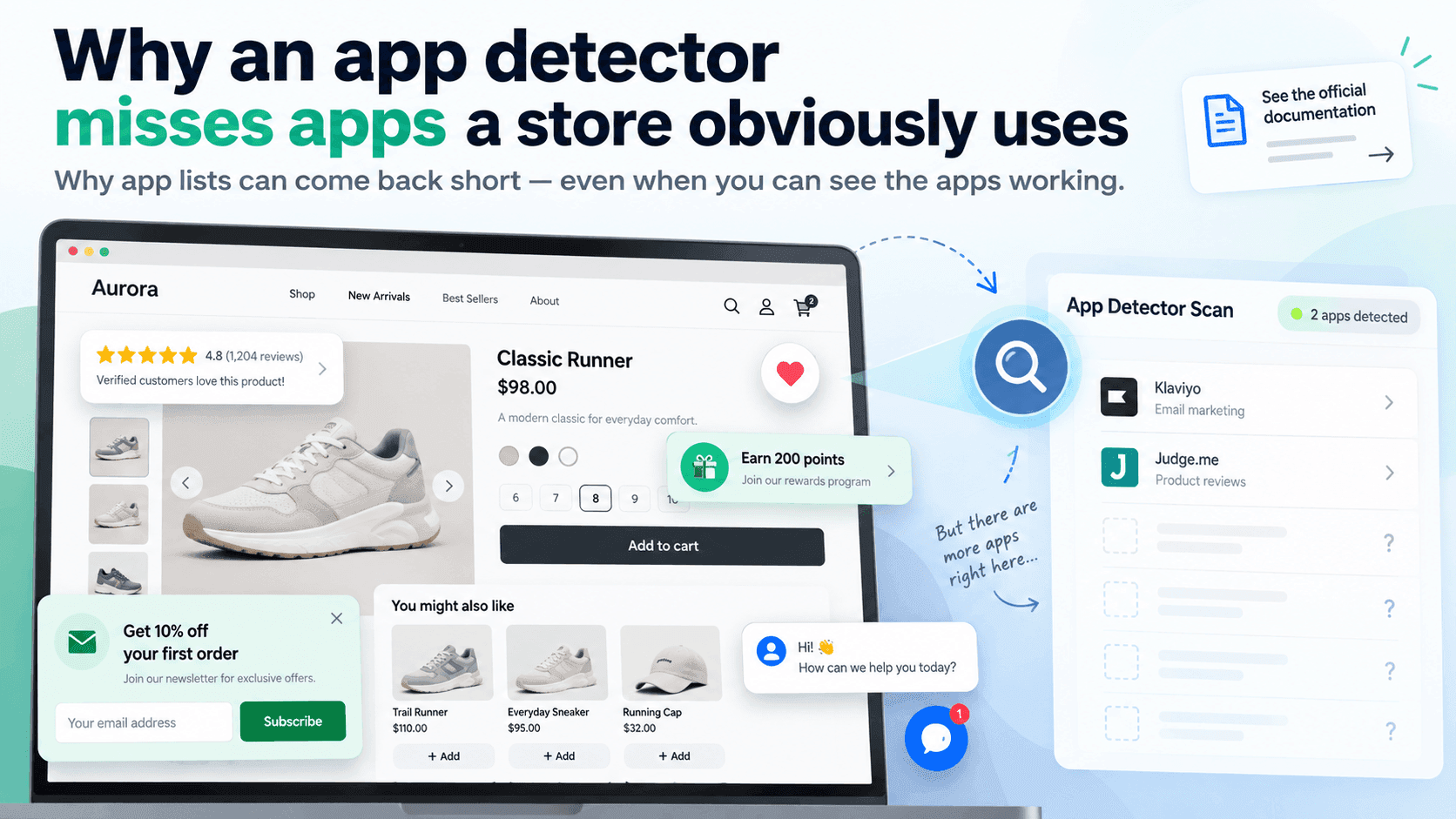
Apps are switched off in the theme by default. Shopify's developer documentation states plainly that app embed blocks are deactivated after an app is installed, and that the merchant has to switch them on in the theme editor. An app can therefore be installed, paid for and doing work without putting anything into the shop's pages for you to find.
Plenty of apps never touch the storefront. Accounting, shipping labels, inventory, supplier ordering, email marketing, customer service — a shop can be running a dozen apps that a shopper would never see a trace of, because their work happens in the shop's admin, not in the shop window.
Checkout is a closed door. Shopify's documentation notes that theme app extension blocks cannot be rendered on checkout pages. Anything a shop uses only during checkout is invisible from outside by design.
Names are inconsistent. An app's files might carry its brand name, its old brand name after a rebrand, or a developer's internal name that matches nothing in the app store.
When we tested app detection against a set of real stores in September 2026, the lists that came back were short — often only a handful of names, sometimes none, including for shops that were obviously running several apps a shopper could see. That is not a failure of one tool; it is the shape of the problem. Treat any app list as a sample, never an inventory.
One more honest limit, specific to how this data arrives: the app information available to us carries names only, with no category attached. Grouping apps into "reviews", "shipping" and so on has to be done by matching names against a list we maintain ourselves, so an app we have not seen before shows up simply as an app, uncategorised. We would rather say that than quietly guess a category.
What to do with an incomplete listLink to this section
Use it as one ingredient, not as an answer.
- Write down what you can see as a customer first. That list is more complete than any technical one, because it is the list of things the shop is actually showing people.
- Use the app names you do find to fill in the gaps, especially for things you cannot see by browsing.
- Note what is missing rather than assuming it is absent. "No reviews app found" and "no reviews on the site" are different findings.
- Watch for changes over time. A competitor installing a subscription app is a much stronger signal than the fact they have one today, because it tells you what they are doing now.
That last point is the one that is genuinely hard by hand. You would have to re-read the same pages every week and remember what was there before.
When checking by hand stops workingLink to this section
For one shop, once, the method above is fine and free. It falls apart for the ordinary case: five or fifteen competitors, checked regularly, with someone noticing what is new.
StoreLenz is being built to do that part: you name the shops, it looks at them on a schedule, and it tells you when something changes — including when apps appear or disappear. Alerts for app changes are part of what is being built rather than something finished today; what it does now is written out honestly, including the parts that are still coming.
The rest of this series: Apps and themesLink to this section
This article is the starting point. Each of these goes deeper into one part of it:
- Why an app detector misses apps a store obviously uses
- What a competitor's apps tell you about their strategy
- How to spot when a competitor installs or removes an app
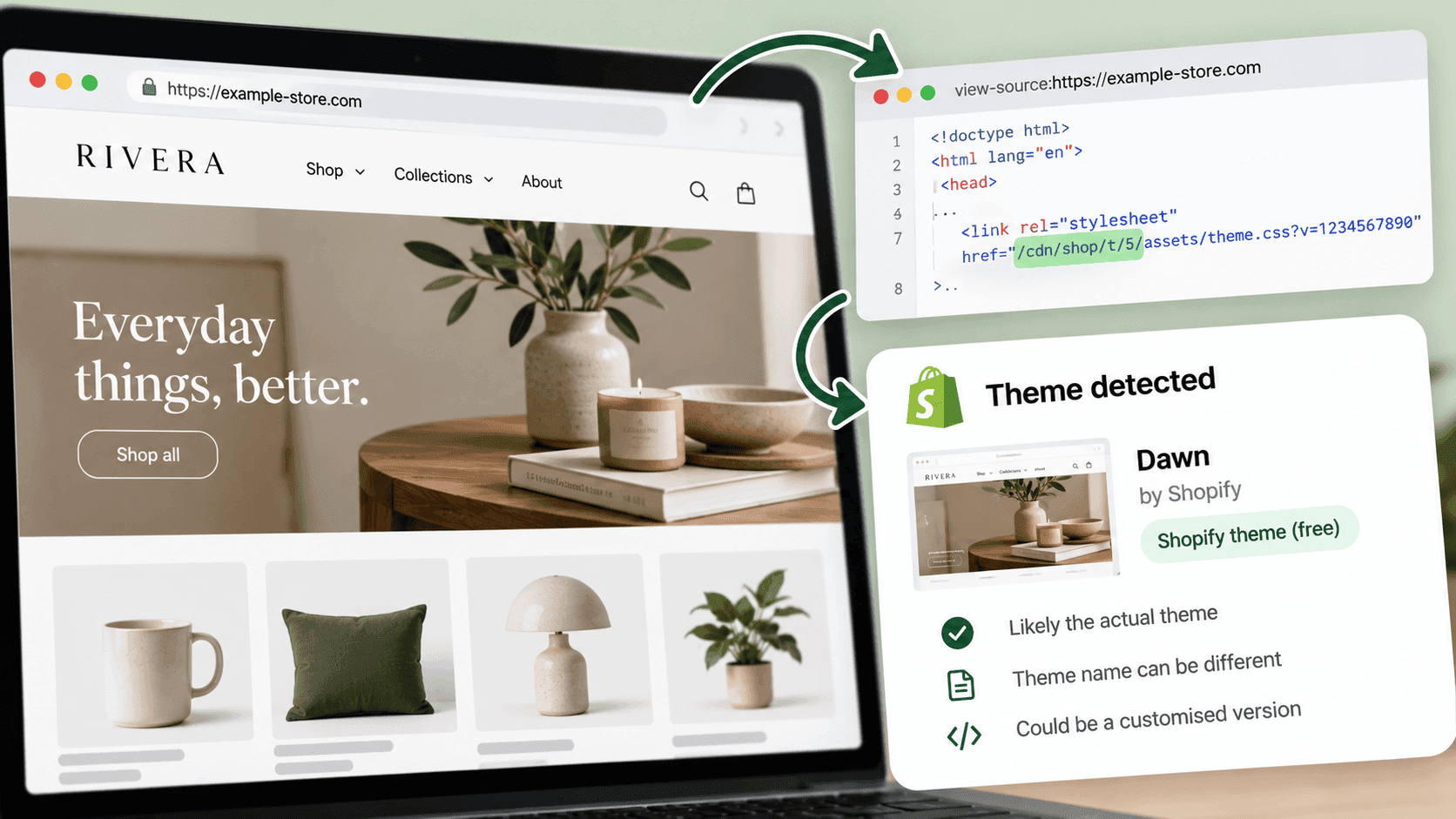
- How to find out which theme a Shopify store is using
- Why did your competitor change their Shopify theme? What it usually means
- Which review app is that Shopify store using, and what the choice tells you
Related readingLink to this section
- Shopify competitor analysis: a practical guide
- How to tell if a website is built on Shopify
- How to track a competitor's price changes
SourcesLink to this section
- Shopify.dev, About theme app extensions — https://shopify.dev/docs/apps/build/online-store/theme-app-extensions — read 2026-09-22
- Shopify.dev, Configure theme app extensions (app embed blocks are rendered before the closing
</head>and</body>tags; they are deactivated by default after install and the merchant activates them in the theme editor; they cannot be rendered on checkout pages) — https://shopify.dev/docs/apps/build/online-store/theme-app-extensions/configuration — read 2026-09-22 - Shopify Help Center, Extend your theme with apps — https://help.shopify.com/en/manual/online-store/themes/customizing-themes/apps — read 2026-09-22
- Our own testing of app detection against a set of real public stores, September 2026
Written by Pinto Arkad
I love shopify