How to
Shopify competitor monitoring: the 6 changes worth watching every week
A fifteen-minute weekly routine covering the six competitor changes that actually matter, what each one means, and the ones safe to ignore.
Published 6 min read
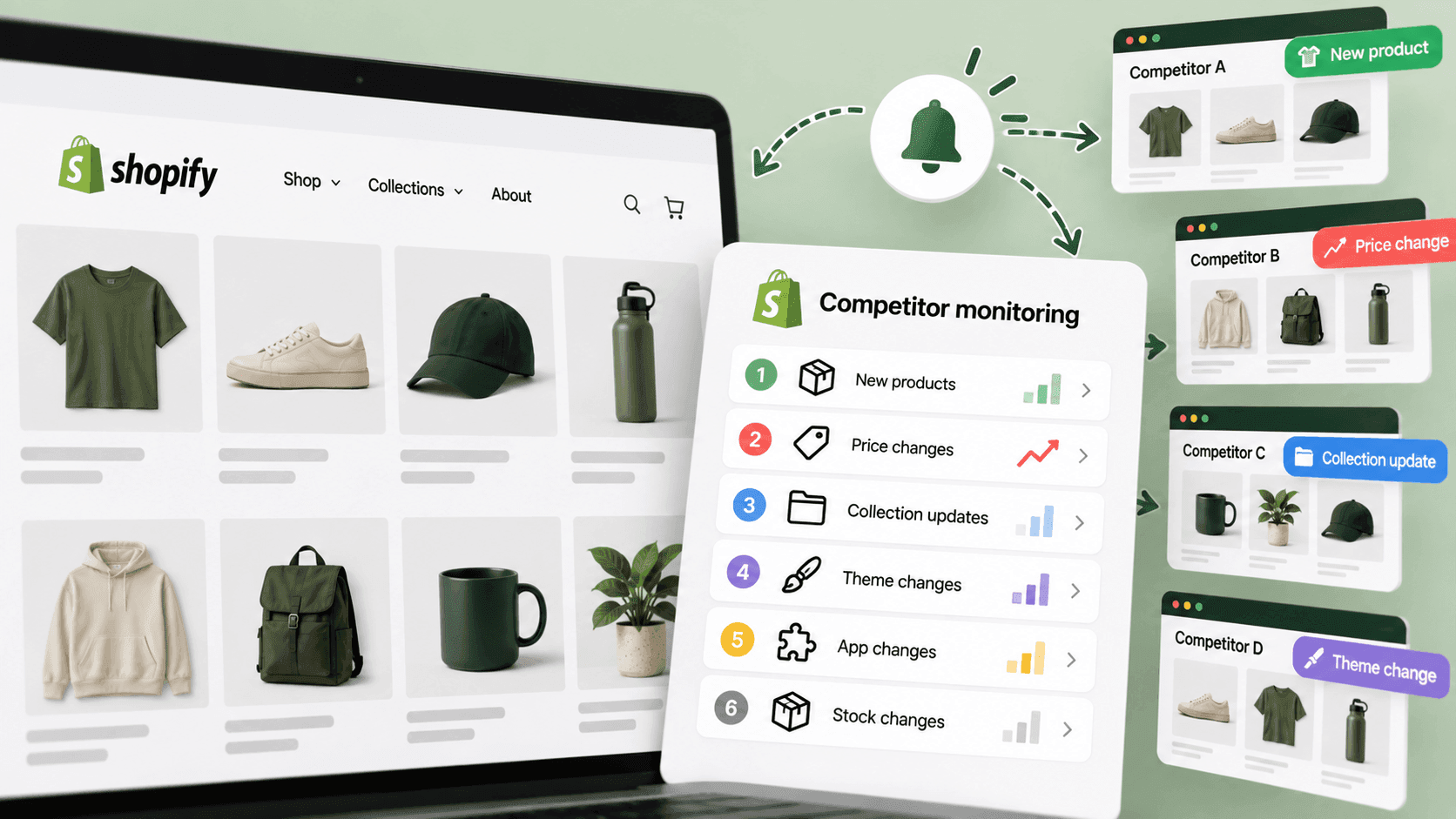
Six things, fifteen minutes, one morning a week: new products, price moves, sales starting or ending, items going out of stock, anything new on their shopfront, and whether the shop is still up at all. Everything else is either too slow to be worth a weekly look or too invisible to catch. Here is what each one tells you, and the four things people waste weekly checks on.
How this differs from a full competitor reviewLink to this section
Two different jobs, and confusing them is why people give up.
- A full review is a deep pass on one competitor: their whole catalogue, price shape, software, positioning.
It takes half an hour and you do it monthly at most. That is its own checklist.
- Weekly monitoring — this article — is a shallow pass across all of them. You are not analysing. You are
looking for the word "different".
If you try to do a full review weekly, you will do it twice and stop.
The sixLink to this section
1. New productsLink to this section
The strongest single signal a competitor sends. What they launch tells you what they are betting on now, which is far more useful than their back catalogue.
How: sort their product list by published date and read the top ten. The method, and the three reasons a "new" product often isn't.
What it means: a shop launching weekly is investing; one that has launched nothing in months is coasting, out of cash, or about to do something else. A launch into your strongest category is the one to act on.
2. Price moves on your head-to-head productsLink to this section
Not every price — the three to five items where a customer would genuinely put your product next to theirs.
How: note the price and the crossed-out price, with the date. The full method.
What it means: on its own, very little. Against last week's number, everything. This is the check that is worthless without history, which is why the habit matters more than any single look.
3. Sales starting and endingLink to this section
Not one product going down — a group moving together.
How: count how many products carry a compare-at price higher than their price. Shopify's help pages describe that pair as how a shop marks a sale. Compare the count with last week.
What it means: a jump is a promotion and may affect your week. A count that never changes is a pricing style rather than an event, and you should stop reacting to it.
4. Out of stock on things you both sellLink to this section
The most immediately actionable item on the list, and the one most often missed.
How: check availability on your head-to-head products.
What it means: a competitor out of stock on something you have is an opportunity this week — worth a promotion, a search advert, or a line in your next email. It decays fast, which is exactly why it belongs in a weekly check rather than a monthly one. Be careful reading it as success: a sold-out product means four different things.
5. Anything new on the shopfrontLink to this section
Reviews appearing, a subscribe option, a loyalty scheme, a bundle, a new banner, a changed menu.
How: load their home page and one product page and look. Thirty seconds.
What it means: a competitor adding a feature has decided something about their strategy — and Shopify's own documentation notes that an app only shows up publicly once the merchant switches it on in the theme, so what you are seeing is the moment they started using it on real customers, not the moment they bought it.
6. Is the shop still there?Link to this section
Sounds trivial. It is not.
How: the page loads, the basket works, prices are present.
What it means: a shop that is down, stripped back, or has stopped taking orders is a market event. Shops also quietly close, get sold, or move off the platform, and nothing announces it.
The four things not to check weeklyLink to this section
Traffic and revenue estimates. They do not move meaningfully week to week, and the noise in them is larger than any weekly change. Quarterly at most.
Their whole catalogue. Once a month is plenty. Weekly is an hour you will not spend twice.
Their social media. Interesting, endless, and it will eat the fifteen minutes. Set a separate time or skip it.
Their blog. Slow-moving by nature. Subscribe instead and let it come to you.
The recordLink to this section
One row per shop per week. Six columns, the date, and one line of notes. That is the whole system.
| Shop | New products | Head-to-head prices | On sale (count) | Out of stock | Shopfront changes | Up? |
|---|---|---|---|---|---|---|
| Example: Shop A, week of 5 Oct | 3 new | 1 cut, 1 rise | 12 | 2 | New homepage banner | Yes |
Keep the old rows. The value is entirely in the comparison — one week's row describes a shop, twelve weeks of rows describe a strategy. A sheet you overwrite each week destroys the only thing you were collecting.
Same day each week. Not because the day matters, but because a routine with a fixed slot survives and one without a slot does not.
What weekly checking cannot catchLink to this section
Anything shorter than a week. A 48-hour flash sale happens entirely between two checks. If a competitor's strategy is short, sharp promotions, a weekly check will tell you they rarely discount — the exact opposite of the truth.
Every promotion that does not touch a listed price. Discount codes, basket offers, free-delivery thresholds, email-only deals, prices set for other countries. A shop can run its biggest promotion of the year and your six checks will show nothing. Staying on their mailing list is the only fix, and it is free.
Why anything happened. You will see the change. The reason is not public, and writing a reason into your notes as though you knew it is how research turns into fiction.
Anything behind the checkout, or in their admin, or in their accounts.
When fifteen minutes stops being enoughLink to this section
The routine above works and it is free. It fails for one boring reason: it needs a person to do it, on a schedule, for every shop, and to remember what last week looked like. That is the part that lapses in a busy month — and the changes you most want to catch are the ones that happen while you are busy.
StoreLenz is being built to run exactly these six checks for you and send one plain-English summary of what changed. Tracking and alerts are being built rather than finished today; what it does now says which is which. How many shops to put on the list is its own question — the short answer is five to ten, and fewer than you think.
Related readingLink to this section
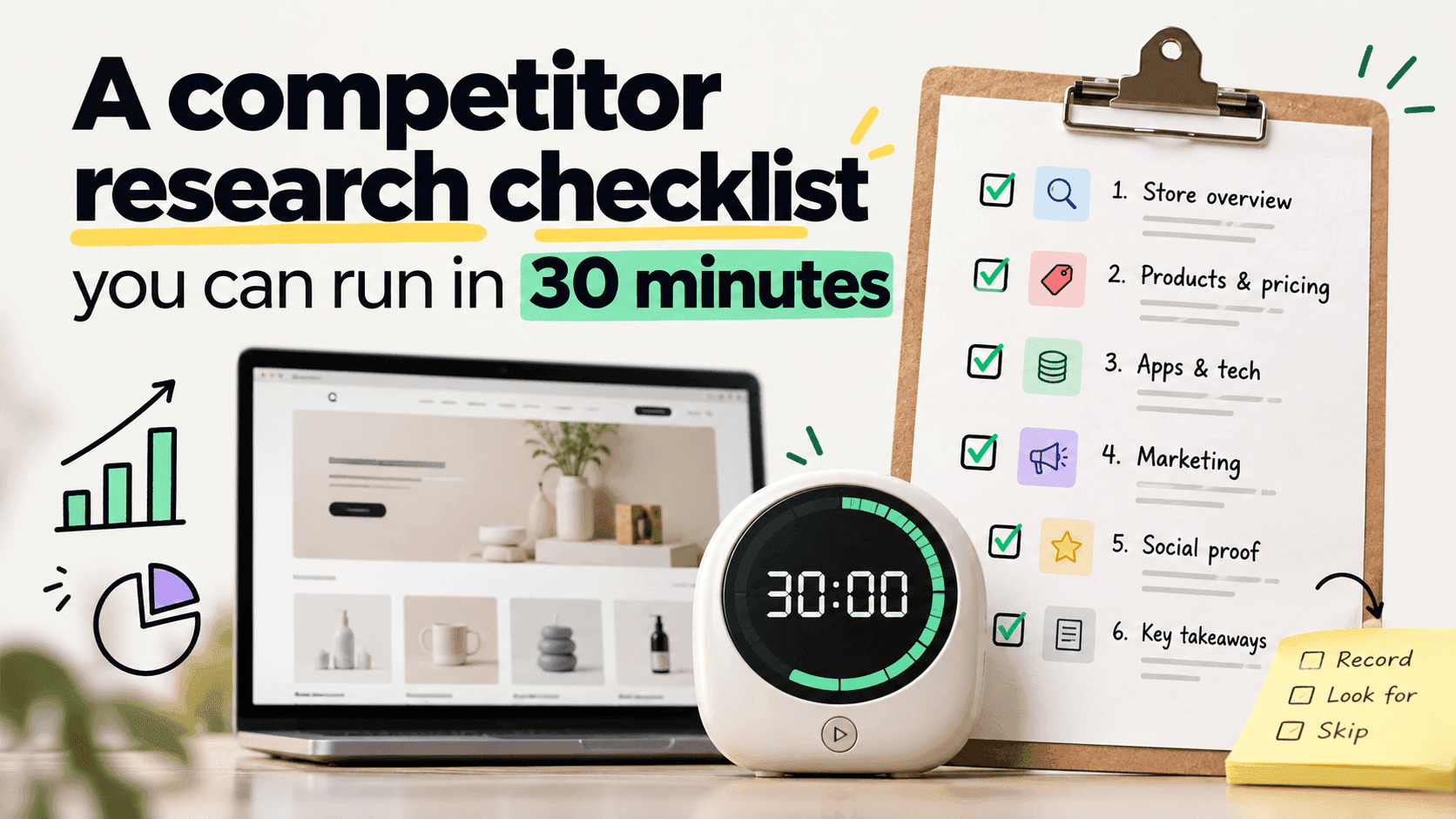
- A competitor research checklist you can run in 30 minutes
- How to track competitor prices on Shopify
- How to know when a competitor adds new products
SourcesLink to this section
- Shopify Help Center, Setting sale prices for products — https://help.shopify.com/en/manual/products/details/product-pricing/sale-pricing — read 2026-09-22
- Shopify.dev, Configure theme app extensions (app embed blocks are deactivated by default after install; the merchant activates them in the theme editor) — https://shopify.dev/docs/apps/build/online-store/theme-app-extensions/configuration — read 2026-09-22
- Our own checks of public stores' product lists, 2026-09-22
Written by Pinto Arkad
I love shopify