How to
How to tell if a website is built on Shopify: four quick checks
Four free ways to check whether a shop runs on Shopify, each taking under a minute, plus the cases where none of them give you a clear answer.
Published 8 min read
You can usually tell in under a minute, without installing anything. Type the shop's address into your browser and add /products.json on the end. If you get a page of product information rather than an error, you are almost certainly looking at a Shopify store. Below are three more checks for the times that one does not work, and an honest account of when none of them give you a clear answer.
Why you might want to knowLink to this section
Knowing the platform tells you what a shop can and cannot do easily. If a competitor runs on Shopify, you know roughly what their checkout looks like, what apps are available to them, and — usefully — that a lot of their shop is published in a standard, readable form. It is also the first step in almost any piece of competitor research: before you can compare two shops sensibly, you need to know whether you are comparing like with like.
Method one: add /products.json to the addressLink to this section
This is the quickest check.
- Take the shop's address, for example
https://www.example-shop.com. - Add
/products.jsonon the end:https://www.example-shop.com/products.json. - Press enter.
What you should see if it is a Shopify store: a wall of text listing products, each with a title, a web-friendly name, the date it was created, the date it was last changed, and a list of variants with prices. It looks unfriendly, but you are reading the shop's own product list.
What you should see if it is not: an error page, a "not found" message, or the shop's ordinary home page.
We checked this on a public store on 2026-09-22 and it returned exactly that: a list of products, each carrying a title, a created date, an updated date, and variants with both a price and a compare_at_price field. That second field is the one that matters for watching a competitor's sales — it holds the original price when something is marked down.
If nothing loads: not every shop answers this address. Some block it, some sit behind protection that asks you to prove you are a person first. A "no" here is not proof of anything. Move on to method two.
Method two: look at the sitemapLink to this section
Every Shopify store publishes a sitemap — a list of its own pages for search engines — at the root of its address, and Shopify's sitemaps have a distinctive shape.
- Go to
https://www.example-shop.com/sitemap.xml. - Look at the file names listed inside it.
A Shopify store's sitemap points at files with names like sitemap_products_1.xml, sitemap_collections_1.xml, sitemap_pages_1.xml and sitemap_blogs_1.xml. We checked a public store on 2026-09-22 and saw exactly those names. Shopify's own help pages confirm that every store generates this sitemap automatically and that it sits at the root of the shop's address.
Other shop software publishes sitemaps too, but the particular combination of "products", "collections" and "blogs" files, named in that pattern, is a strong sign. "Collections" is the giveaway — that is Shopify's word for a group of products, and most other platforms call it something else.
Method three: check the cart addressLink to this section
Shopify runs a small set of standard addresses on every storefront. One of them is /cart.js, which hands back the contents of your basket as plain text. Shopify documents this address itself, in its developer reference for the storefront cart.
- Go to
https://www.example-shop.com/cart.js. - You should see a short block of text mentioning an item count, a total price and a currency — an empty basket,
since you have not added anything.
An error means the check is inconclusive, not that the answer is no.
Method four: find the .myshopify.com addressLink to this section
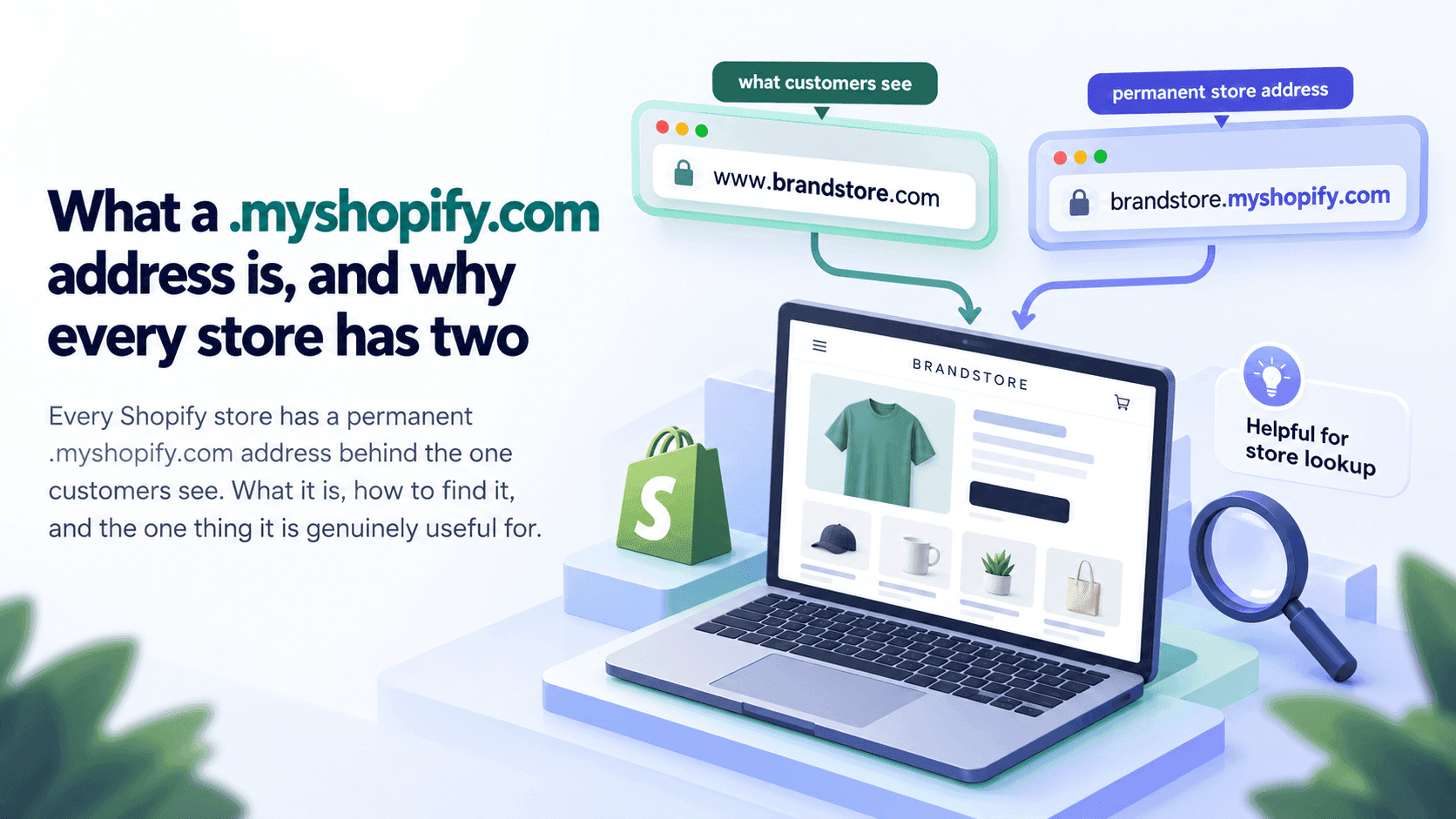
Every Shopify store has two addresses: the one the owner bought and shows customers, and a permanent one ending in .myshopify.com that Shopify gives it. Shopify's help pages describe this second address as the default one every store receives, and note that a store owner can change it only once.
That permanent address sometimes shows up in the shop's own pages — in a link, a form or a script — and when it does, the answer is settled. The quickest way to look:
- On the shop's home page, press
Ctrl+Uon Windows orCmd+Option+Uon a Mac. This shows the page's underlying
text.
- Press
Ctrl+F(orCmd+F) and search formyshopify. - If you find something like
example-shop.myshopify.com, you have your answer.
While you are in that view, search for /cdn/shop/ as well. Shopify serves shop pictures from addresses containing that path, and it is a strong sign when you find it.
Search for /cdn/shop/, not for cdn.shopify.com. Plenty of guides tell you to look for cdn.shopify.com, and on a lot of shops you will not find it even though they are unmistakably on Shopify. We checked two unrelated real shops on 2026-09-22 and both served every picture from their own address with /cdn/shop/ in the path, with cdn.shopify.com appearing nowhere. Searching for the wrong string is a good way to talk yourself out of a correct answer.
Even so, a shop can serve its pictures from somewhere else entirely, so not finding it proves nothing.
What these checks do not tell youLink to this section
This is the part most articles on this subject leave out.
They do not tell you which plan the shop is on. There is no reliable way, from outside, to tell a shop on Shopify's entry plan from one on its most expensive. Any tool that displays a plan name with confidence is making an informed guess. Treat it as one.
They do not tell you a shop's sales. Knowing the platform tells you nothing about revenue. If you want to go there next, read how store revenue estimates are built and how wrong they can be first — the short version is that these are estimates with wide error bars, and for smaller shops there is often no sensible estimate at all.
Some shops give no clear answer at all. A shop can be built on Shopify but put its own front end in front of it, so the standard addresses above behave differently or not at all. A shop can sit behind protection that blocks automated checks. And a shop that has moved off Shopify since the last time anyone looked will still be listed in plenty of directories as a Shopify store. When we tested store lookups against a public directory list in September 2026, a noticeable share of the addresses we tried were no longer Shopify shops at all — one had become a different business entirely. Any list of "Shopify stores" older than a few months should be treated as a starting point, not a fact.
A slow answer is not a "no". When a site is not a Shopify store, a check can take several seconds before it gives up — much longer than the near-instant "yes" you get from a real one. If a page is still spinning, wait before concluding anything.
What to do when the answer is "probably"Link to this section
Use more than one method. One check that says yes and one that is inconclusive is weak evidence. Three checks agreeing is strong. And if two shops in your market both come back as "probably", the honest thing to write in your notes is "probably", not "yes".
Doing this for twenty shops, every weekLink to this section
Checking one shop by hand takes a minute and works perfectly well. It stops working when you need to know something else: not is this shop on Shopify today, but what changed since last month. Doing that by hand means visiting every shop on a schedule, remembering what each looked like last time, and noticing the difference — which is the part people quietly stop doing after about three weeks.
That is what StoreLenz is being built for: you name the shops you care about, and it looks at them on a schedule and tells you what changed. You can read what it does today, including the parts that are still being built.
The rest of this series: Identifying a shopLink to this section
This article is the starting point. Each of these goes deeper into one part of it:
- What a .myshopify.com address is, and why every store has two
- How to find out which theme a Shopify store is using
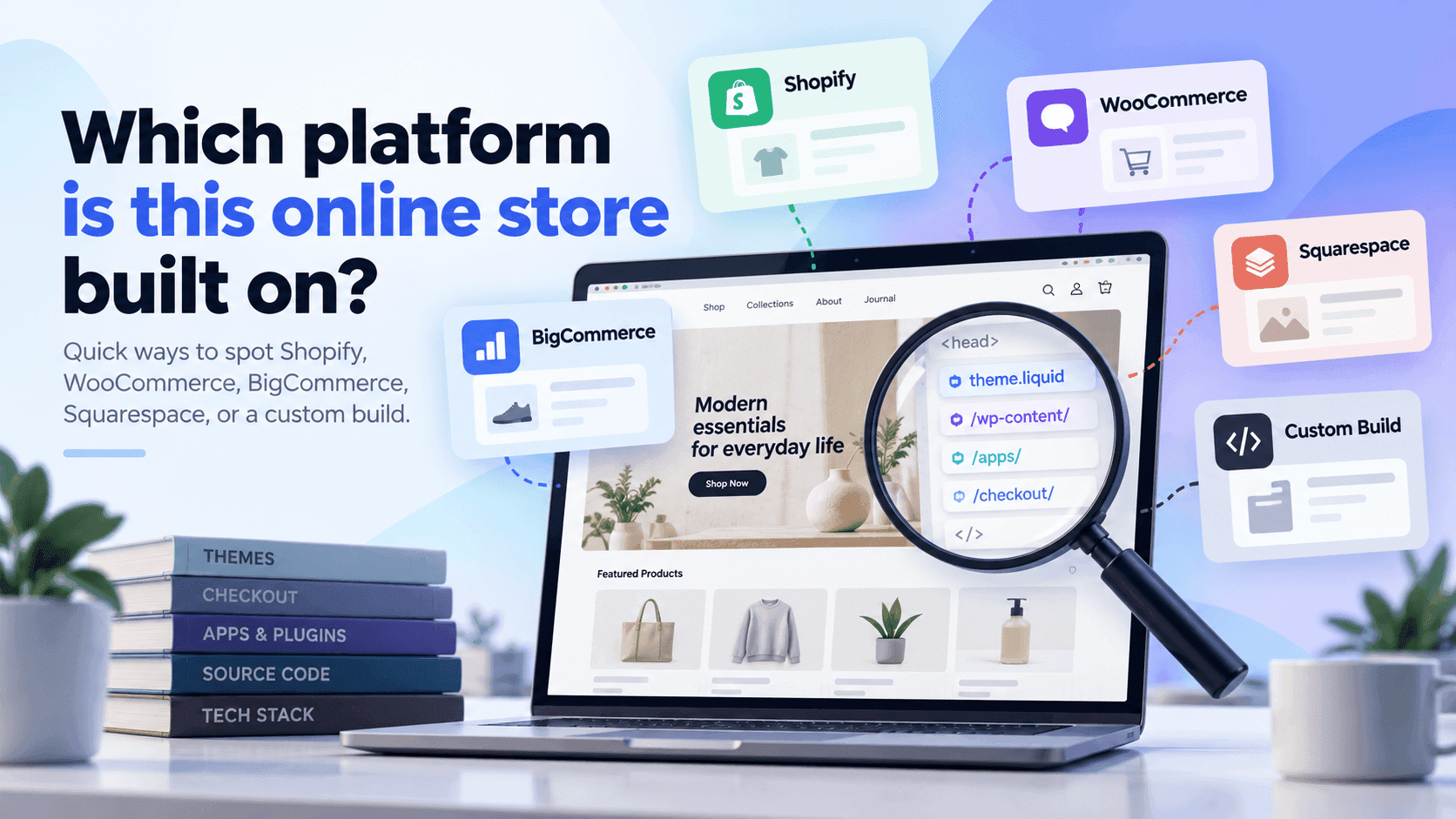
- Which platform is this online store built on?
- Why some stores are hard to identify, and what to do about it
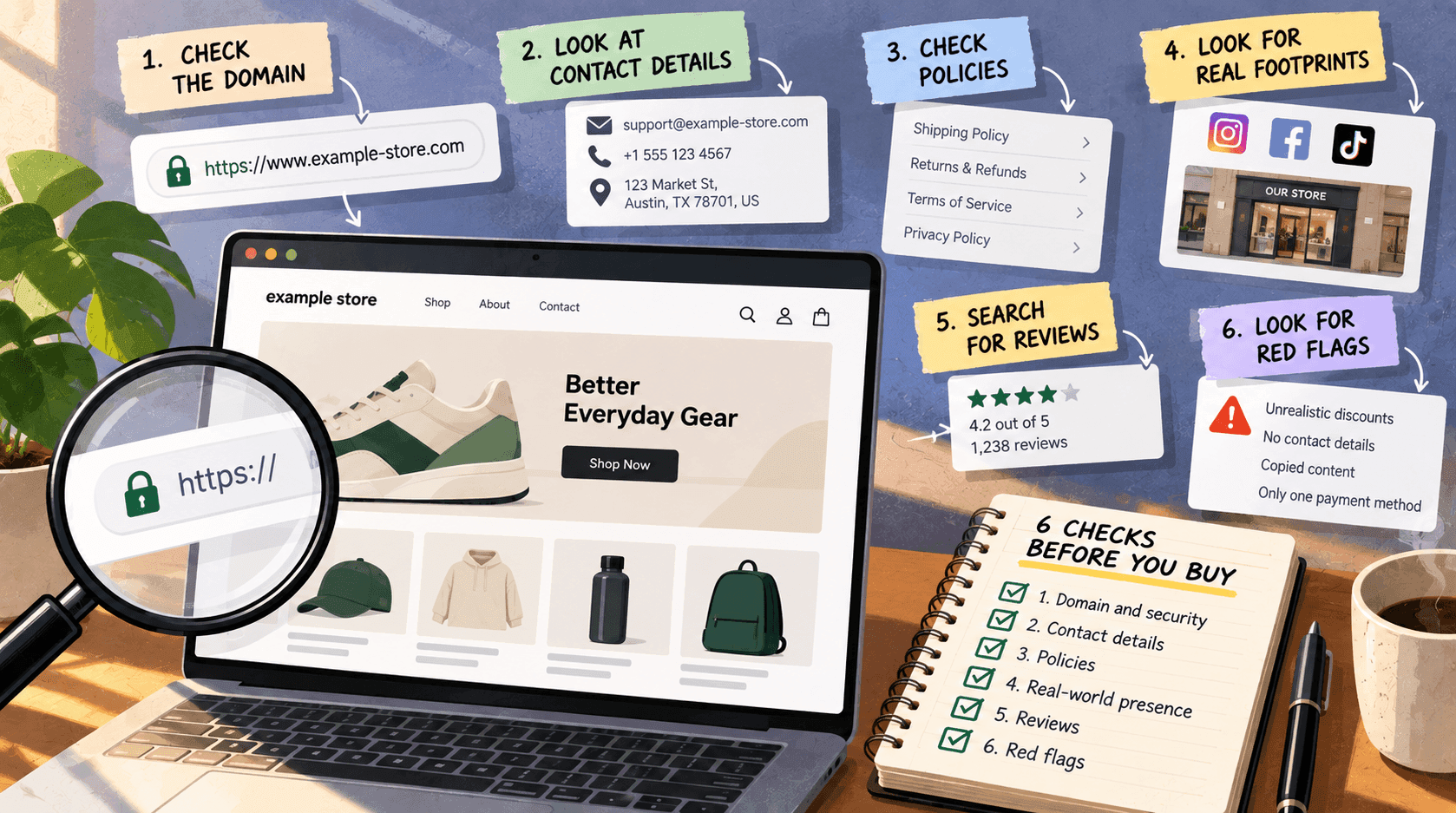
- How to check an unfamiliar online shop before you buy from it
Related readingLink to this section
- Shopify competitor analysis: a practical guide
- How to find out which apps a Shopify store is using
- How to estimate a Shopify store's revenue — and how wrong it can be
SourcesLink to this section
- Shopify Help Center, Finding and submitting your sitemap — https://help.shopify.com/en/manual/promoting-marketing/seo/find-site-map — read 2026-09-22
- Shopify.dev, Ajax API: cart reference (
GET /{locale}/cart.js) — https://shopify.dev/docs/api/ajax/reference/cart — read 2026-09-22 - Shopify Help Center, Domains (every store receives a
myshopify.comaddress; it can be changed once) — https://help.shopify.com/en/manual/domains — read 2026-09-22 - Our own checks against two unrelated public stores:
/products.json,/sitemap.xml, and the/cdn/shop/path in their picture addresses (withcdn.shopify.comappearing in neither) — carried out 2026-09-22. Plus our testing against a public list of store addresses, September 2026
Written by Pinto Arkad
I love shopify