Explainer
What a competitor's apps tell you about their strategy
A list of app names is not very interesting. What a shop chooses to pay for every month, read as a set, tells you where they think their growth comes from.
Published 7 min read
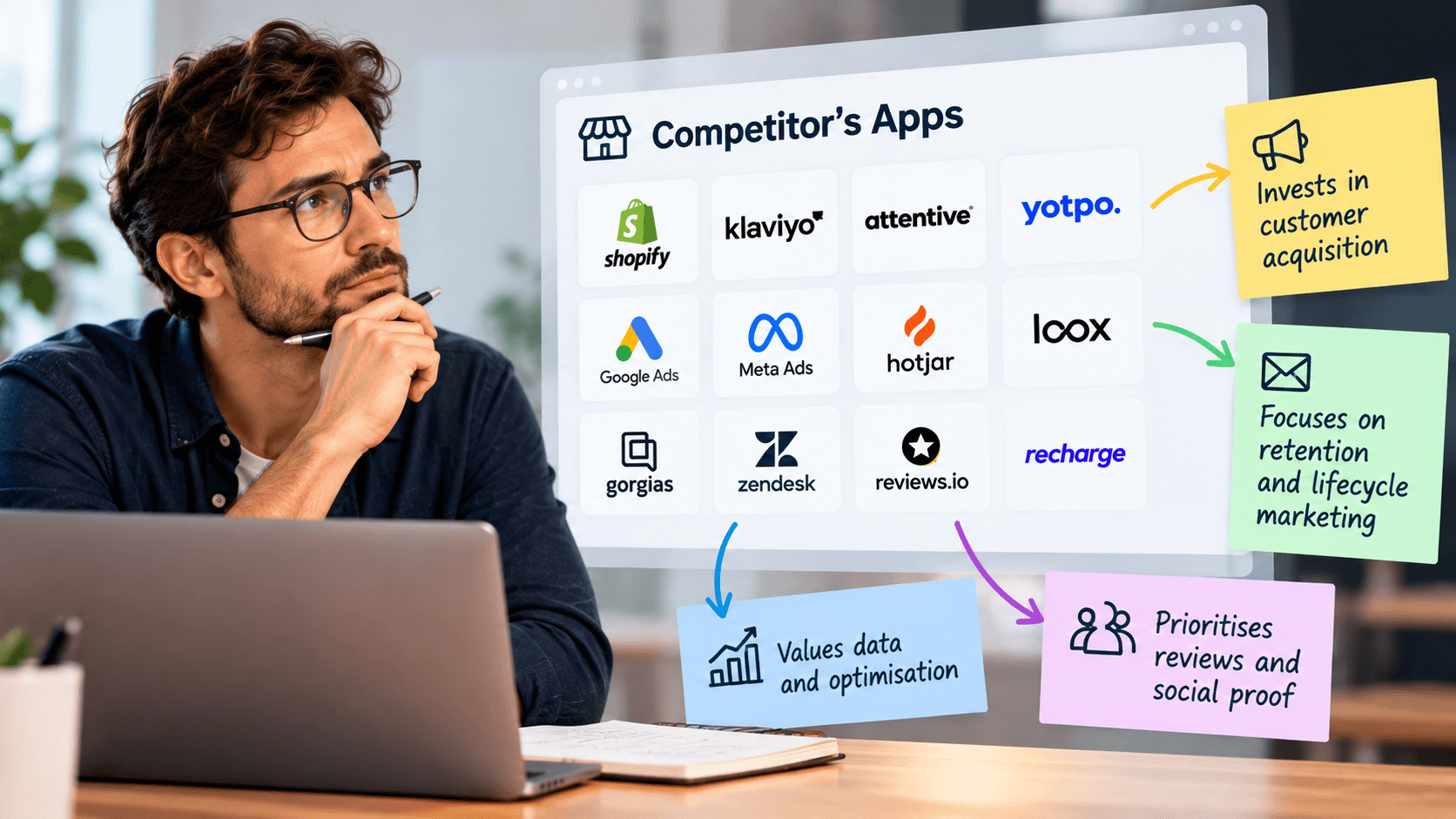
An app is a monthly bill a shop has chosen to keep paying. Read one at a time, an app list is trivia. Read as a set — what they pay for, what they do not, and where the money is concentrated — it shows you where a shop believes its growth comes from. That is genuinely useful, with one firm caveat: it tells you what they are trying, and nothing at all about whether it is working.
Sort them into three bucketsLink to this section
Forget the app store's categories. For competitor research there are three questions a shop can spend money on:
- Getting people to the shop — anything to do with advertising, affiliates, referrals, content, search.
- Turning visitors into buyers — reviews, bundles, upsells, urgency, size guides, live chat, quick checkout.
- Getting them to come back — subscriptions, loyalty, email and messaging, back-in-stock alerts, replenishment
reminders.
Put every app and every visible feature into one of the three. Then look at where the weight sits.
What each pattern usually meansLink to this section
Heavy on bucket two, light on three. A shop working hard to convert traffic it may be paying for, without much to bring people back. Often a sign of expensive acquisition and thin repeat business — a demanding model, and a fragile one if advertising costs rise.
Heavy on bucket three. A shop betting on repeat purchase: subscriptions, loyalty, email. Usually a category where people buy regularly, and usually a healthier position. It also means their customer is harder for you to take, because that customer has a reason to stay.
Spread evenly and thin. Often a shop that installs whatever is recommended without a clear plan. Occasionally a shop with everything so well-run they need little help.
Almost nothing. Two very different things. A small shop that has not got to it yet, or a shop with a custom build where everything is in the theme rather than in apps. The size and polish of the shop tells you which.
One heavyweight in bucket three with little else. A shop that has made one large bet — usually subscriptions — and organised around it.
The individual signals worth notingLink to this section
A subscription option changes the business model, not just the checkout. A shop with subscriptions is thinking in lifetime value, and it can afford to pay more for a customer than you can if you sell one-off. That directly affects what you can compete on.
A loyalty scheme says the same thing more cheaply, and says the shop expects repeat purchase.
Reviews used prominently says the shop believes trust is the blocker in its category. In a category full of lookalike products, that is usually right.
Bundles and upsells everywhere says order value is the lever they are pulling, which often means their traffic is expensive enough that one item does not pay for itself.
Consent and cookie tooling says they take European or UK traffic seriously enough to spend money on compliance.
Multiple currencies or languages says international is deliberate, not accidental.
Back-in-stock alerts says they run out of things — either through demand or through supply problems.
Nothing at all for repeat purchase, in a category where people repurchase, is the most interesting finding you can have. That is a gap, and gaps are more useful than anything a competitor is doing well.
Changes matter more than the listLink to this section
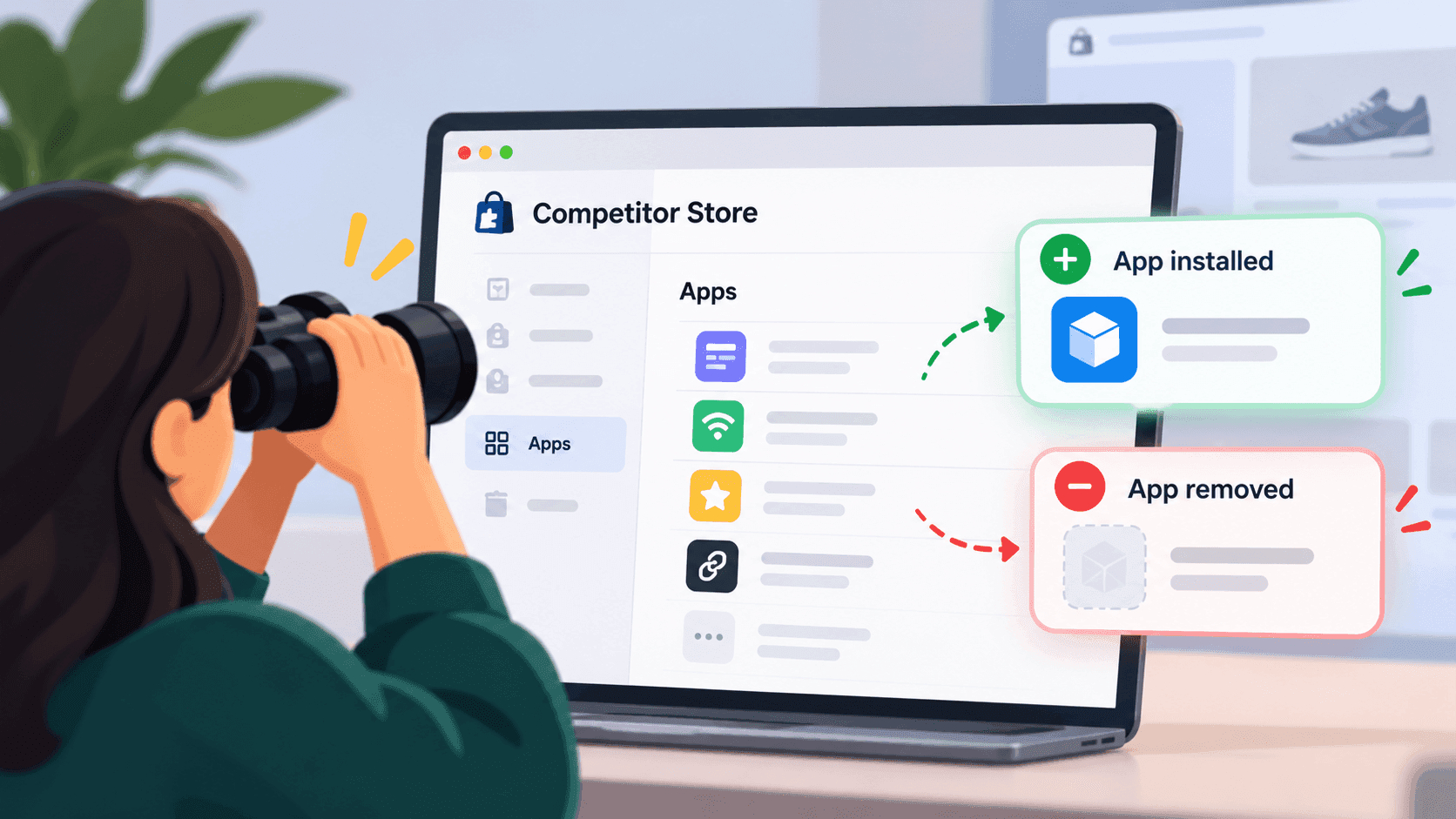
A shop's app list on any given day is a description. A shop's app list changing is news.
An app appearing tells you what a competitor has decided to invest in this month — and a shop adding subscriptions or loyalty is telling you what it plans to do next, months before a customer would notice.
An app disappearing is just as informative and much rarer to hear about. A shop dropping a tool has either stopped believing in that lever or cut costs.
Catching either means checking the same shop repeatedly and remembering what it looked like last time, which is why almost nobody does it by hand. Finding apps in the first place is a five-minute job; noticing the change is the hard part.
The limits, which are substantialLink to this section
The list is always incomplete. Shopify's own documentation states that app embed blocks are deactivated by default after an app is installed and that a merchant has to switch them on in the theme — so an installed, paid-for app can leave no public trace at all. Apps used only in the admin or at checkout are invisible by design. The full explanation is here, and it means every conclusion in this article should be held loosely.
It shows intent, never results. A shop can run six conversion apps and convert badly. Read the list as a statement of belief, not evidence of success.
It cannot tell you how well anything is configured. Two shops running the same review tool can use it to completely different effect. The name is the cheapest part.
It says nothing about spend. Most of these are modest monthly costs. A long app list is not evidence of a big budget, and a short one is not evidence of a small one.
Some of it is inherited. Shops keep paying for things nobody uses any more. An app installed two years ago by someone who has left is a fact about their history, not their strategy.
Reading absenceLink to this section
The gaps are usually more actionable than the additions, and almost nobody writes them down.
Go through your three buckets and note which one is empty. In a category where people buy repeatedly, a competitor with nothing at all for bringing customers back has left the most valuable part of the business unattended. That is a gap you can take, and it will not close quickly — adding subscriptions or a loyalty scheme is a decision with operational consequences, not a switch.
The same applies in reverse, and it is worth being honest with yourself about it: run the exercise on your own shop first, in the same three buckets, before you run it on anybody else's. The pattern you find is usually more surprising than anything you learn about a competitor.
What this tells you that prices do notLink to this section
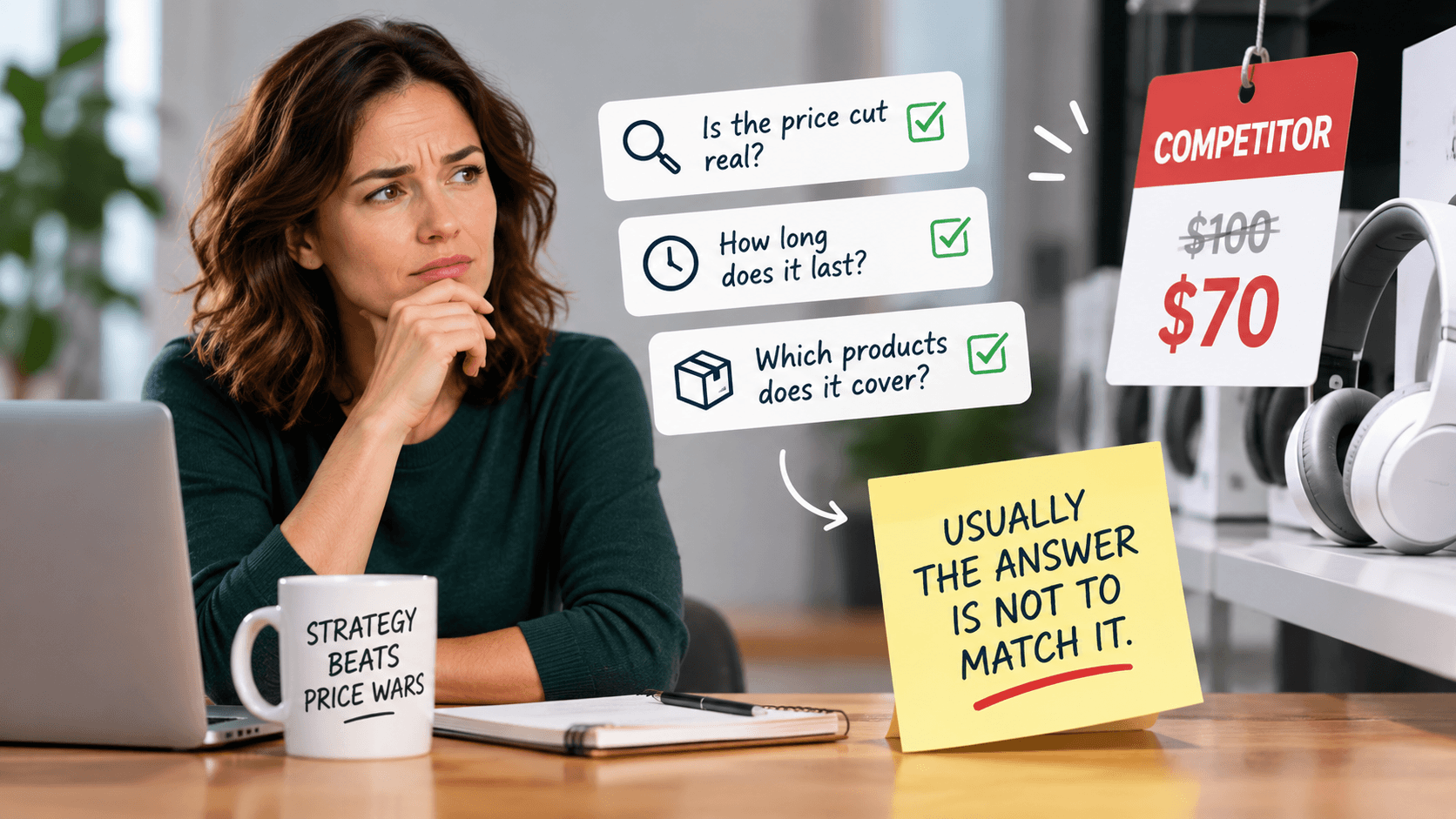
Pricing tells you where a shop sits in its market. The software tells you what it believes will grow. Those are different questions, and a shop can be clear about one and confused about the other.
The combination is where the insight sits: a shop with premium pricing and nothing supporting repeat purchase is fragile; a shop with low prices and heavy investment in loyalty is playing a long game and may be more dangerous than its margins suggest.
How to use it in practiceLink to this section
- Browse the shop and list the features you can see. That list is more complete than any detection.
- Add the app names you can find, kept separately.
- Sort everything into the three buckets and note where the weight is.
- Write one sentence: "This shop appears to be betting on _."
- Look again in a month, and note anything that changed.
Step five is where the value is. Everything before it is setup.
Related readingLink to this section
- How to find out which apps a Shopify store is using
- Why an app detector misses apps a store obviously uses
- Shopify competitor analysis: a practical guide
SourcesLink to this section
- Shopify.dev, Configure theme app extensions (app embed blocks are deactivated by default after an app is installed; app blocks cannot be rendered on checkout pages) — https://shopify.dev/docs/apps/build/online-store/theme-app-extensions/configuration — read 2026-09-22
- No app or vendor is named anywhere in this article
Written by Soneth Martins
shopify store manager