How to
Which review app is that Shopify store using, and what the choice tells you
How to identify the review software on any Shopify store in about a minute, why the choice is a strategic signal, and why the star rating matters more than the app.
Published 6 min read
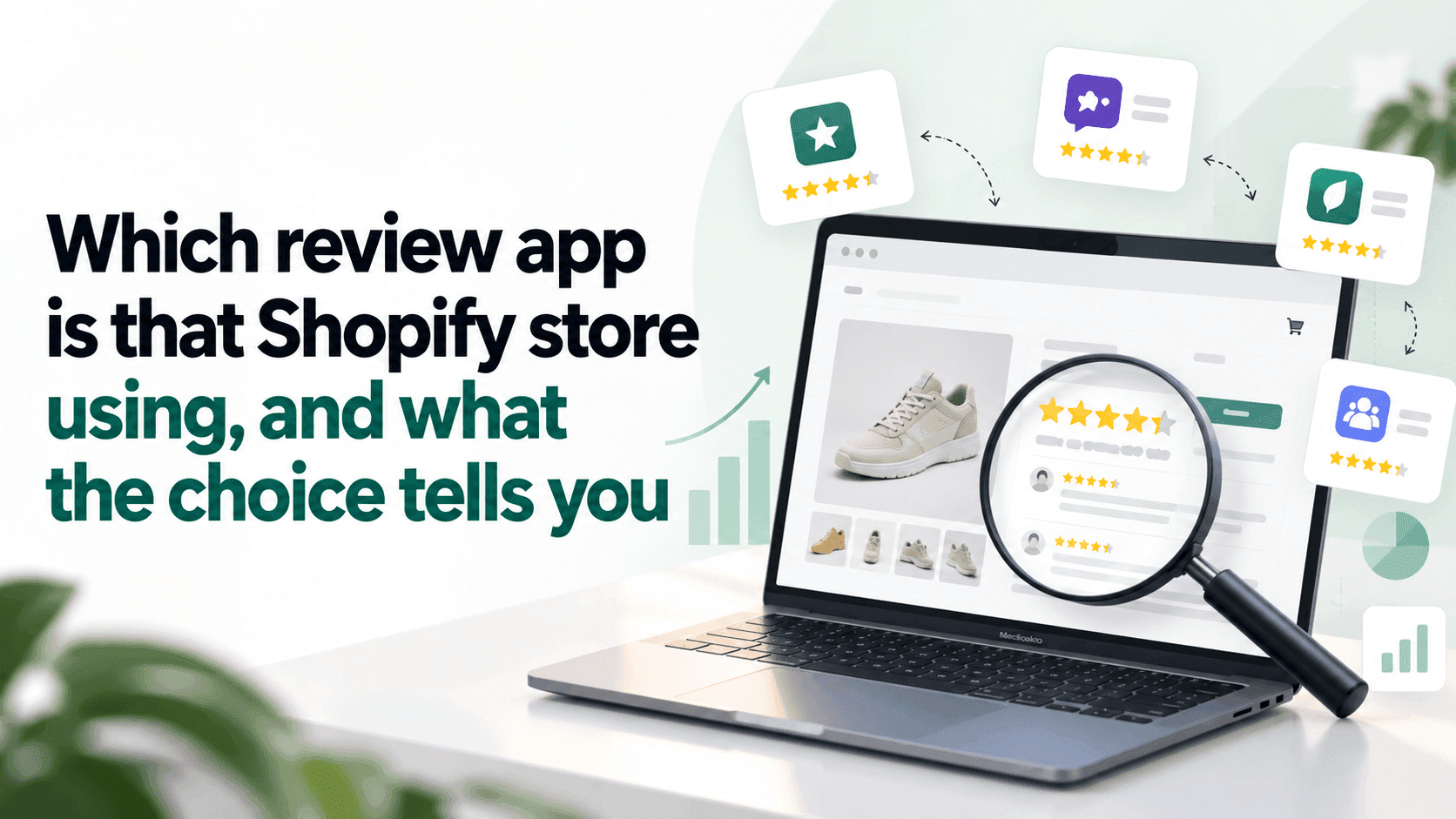
Open a product page with a star rating on it, view the page's underlying text (Ctrl+U on Windows, Cmd+Option+U on a Mac) and search it for the word review. The review app's name is almost always sitting there, because the widget drawing those stars has to load its files from somewhere. It takes about a minute, and the more interesting question is what a shop's choice tells you — which is less about the app and more about how seriously they take social proof.
Why review apps are the easiest software to identifyLink to this section
Most apps are invisible from outside. Review apps are the exception, and Shopify's own documentation explains why: an app that changes what a shopper sees adds a block to the theme, and Shopify renders those blocks into the page. A star rating is that visible output, so the app has to leave a footprint.
That makes reviews one of the few pieces of a competitor's software you can identify reliably. Most of the rest you cannot, which is worth remembering before you generalise from this one.
The methodLink to this section
- Find a product page with reviews on it. A bestseller usually has the most.
- View the page's underlying text —
Ctrl+UorCmd+Option+U. - Search it (
Ctrl+F) forreview. You will typically find a file address containing the app's name. - Search for
/apps/too. Many apps load from an address with that in it, and the name often follows.
If you find nothing, three possibilities, in order of likelihood:
- The reviews are built into the theme rather than an app. Some themes include a basic review feature.
- The app loads only after you scroll to the reviews. Scroll down, then look again.
- The shop writes the testimonials into the page by hand — which is itself a finding, and one worth noting, because
hand-written testimonials are not verified reviews.
What a shop's choice actually tells youLink to this section
This is where it gets useful, and none of it depends on knowing which app is popular.
That they have one at all is the main signal. A shop investing in a reviews app has decided trust is the blocker in its category — and in a category of lookalike products, that is usually the right diagnosis.
Where the reviews appear. On the product page only, or on the home page, in search results, in the menu? The further a shop pushes its ratings, the more it believes they close the sale.
Whether photographs are included. Customer photos are harder to collect and much more persuasive. A shop with them has done real work on its post-purchase emails.
Whether they answer reviews, especially the critical ones. A shop replying to a two-star review in public is telling you something about its customer service that no feature list will.
Whether the bad ones are there at all. A product with 400 reviews and no rating below four stars is either extraordinary or filtered. Read the lowest-rated reviews first; it is the fastest way to judge whether a shop's social proof is genuine.
The number that matters more than the appLink to this section
How many reviews they have, and how fast that number grows.
Review counts are public and countable, and they are a rough floor on how many people have bought. Only a fraction of buyers ever leave a review, and that fraction is unknowable — so this is a lower bound, never a total. But recorded monthly, the rate is one of the more honest demand signals available from outside.
A product gaining reviews steadily is selling steadily. A product with a large count and nothing new in six months sold well once.
Record the count with a date. As with everything else in competitor research, one reading is a fact about today and two readings are information.
What this does not tell youLink to this section
Which review apps are most popular. We have not surveyed a sample of shops, so we are not going to tell you that a particular app "powers X% of top stores". You will see that claim made; ask who counted, across how many shops, and when.
Whether the reviews are genuine. Nothing visible from outside distinguishes a well-run review programme from a carefully curated one.
What they pay. Most of these apps have several tiers.
What it is doing for them. A shop can have thousands of reviews and convert badly. The app is what they are trying, not evidence that it works — which applies to every app you can detect.
Anything about their other software. Reviews are unusually visible. Accounting, shipping, email and anything used only at checkout leave no public trace at all.
If you are choosing a review app yourselfLink to this section
Looking at competitors is a reasonable input and a poor decision process. What you can usefully take from this exercise:
- How reviews are displayed in your category, and what customers there appear to expect.
- Whether photo reviews are normal — if two or three competitors have them and you do not, that is a gap.
- How many reviews a product needs in your category before it looks established.
What you should not take is the app name itself. What suits a shop with ten thousand orders a month and a dedicated person is rarely what suits a shop with two hundred.
Doing it across several shopsLink to this section
For one shop, the method above is a minute. Across five competitors, monthly, with the counts recorded so you can see which products are gaining — that is the repetitive part that stops happening. The full method for finding a shop's apps covers the wider version of this.
StoreLenz is being built to watch the shops you name and tell you when something changes, including when apps appear or disappear. That tracking is being built rather than finished today; what it does now says which is which.
Related readingLink to this section
- How to see what apps a Shopify store uses
- Why an app detector misses apps a store obviously uses
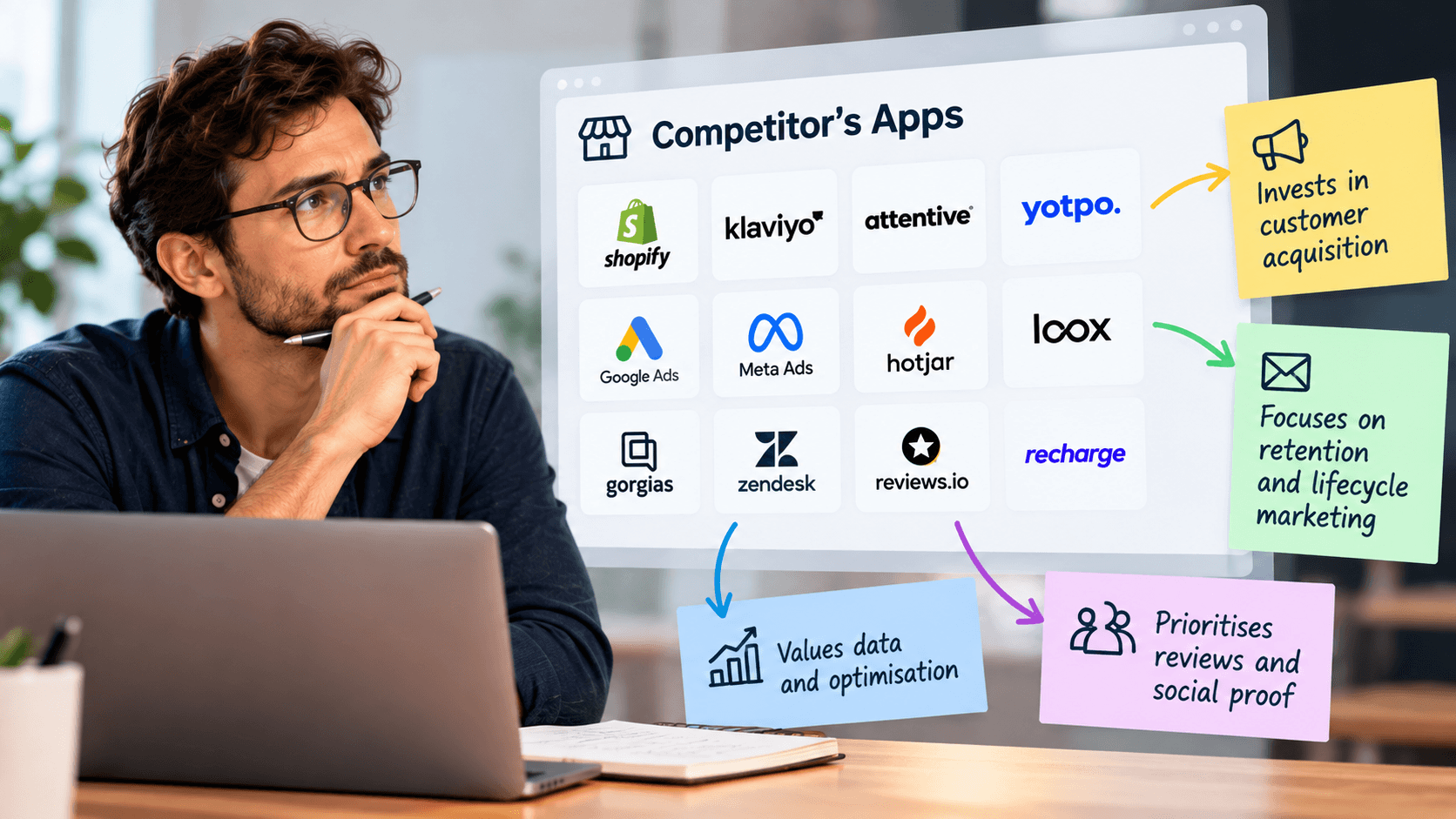
- What a competitor's apps tell you about their strategy
SourcesLink to this section
- Shopify.dev, Configure theme app extensions (Shopify renders app embed blocks into the page; blocks are deactivated by default after install and the merchant activates them in the theme editor) — https://shopify.dev/docs/apps/build/online-store/theme-app-extensions/configuration — read 2026-09-22
- Shopify Help Center, Extend your theme with apps — https://help.shopify.com/en/manual/online-store/themes/customizing-themes/apps — read 2026-09-22
- No review app is named in this article, and no claim is made about how many shops use any of them: we have not surveyed a sample and will not present a guess as a finding
Written by Pinto Arkad
I love shopify