How to
What theme is that Shopify store using? Two free ways to find out
A one-line check that names the theme a shop runs, how to tell a shop-bought theme from a custom one, and why the name you see is often not the theme's real name.
Published 6 min read
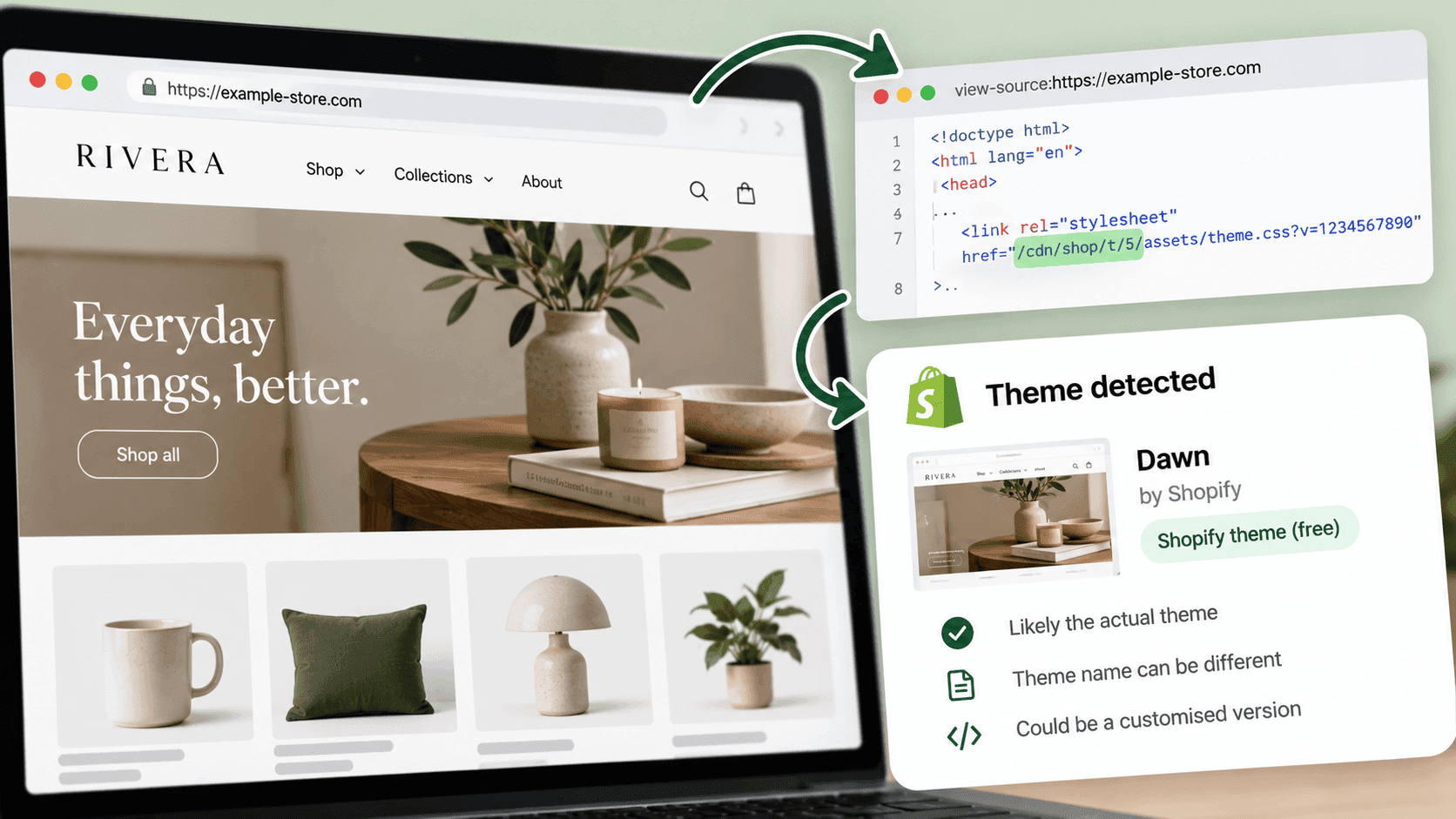
Open the shop's home page, open your browser's developer console, type Shopify.theme and press enter. You will get a short block naming the theme, the version of it, and whether it came from Shopify's theme store or was built for the shop. It takes about fifteen seconds. The catch — and it is a real one — is that a shop can rename its theme, so the name you read is often the shop's own label rather than the theme's actual name.
The check, step by stepLink to this section
- Open the shop's home page.
- Open the developer console. On Windows that is
F12, orCtrl+Shift+Jin Chrome. On a Mac it is
Cmd+Option+J. A panel opens; find the tab called Console.
- Type
Shopify.themeand press enter. - Read the answer.
If you get an error saying Shopify is not defined, the shop is either not on Shopify or is built in a way that hides it — how to check the platform properly covers that.
What the answer meansLink to this section
You get a handful of fields. Four of them matter.
| Field | What it tells you |
|---|---|
| schema_name | The theme's real name — the one it is sold or given away under |
| name | What this shop calls its copy. Often edited, sometimes wildly |
| schema_version | Which version of the theme the shop is running |
| theme_store_id | A number if the theme came from Shopify's theme store; empty if it did not |
theme_store_id is the most useful field and the one nobody talks about. If it holds a number, the shop is running a theme anyone can buy or download. If it is empty, the theme did not come from the theme store — it was built for them, or bought elsewhere, or is a modified copy that no longer identifies itself.
Two real examplesLink to this section
We ran this check on two unrelated public shops on 2026-09-23.
The first returned a theme named Dawn, version 12.0.0, with a theme store id of 887. Dawn is Shopify's own free default theme. So: a shop running a standard, current, free theme. Nothing exotic, and — usefully for a competitor — nothing you could not have yourself this afternoon.
The second returned a theme whose name was [DNAM Theme July 2026] and whose theme store id was empty. That name is not a theme anyone sells. It is the shop's own filing label, complete with square brackets and the month they installed it, which is what a careful team's theme list looks like from the inside. The honest reading is: a custom or heavily modified build, last installed around that date, and the name tells you about their housekeeping rather than about the theme.
That second case is the common one on larger shops, and it is why a confident "this shop uses X theme" from any tool deserves a second look. When we tested theme information across real shops in September 2026 we found the same thing: the theme name a shop reports is frequently its own renamed copy, which is why we show the underlying family rather than the shop's label wherever the two differ.
The simpler method, if you would rather not open a consoleLink to this section
The theme's files are served from an address containing /cdn/shop/t/ followed by a number. You can see it by viewing the page's underlying text — Ctrl+U on Windows, Cmd+Option+U on a Mac — and searching for /cdn/shop/t/. We confirmed that pattern on both shops above on 2026-09-23.
This will not name the theme. What the number tells you is how many themes the shop has had installed over its life: a low number means a shop that has rarely changed, a high one means a shop that has been through many. That is a weak signal on its own, and it is genuinely interesting alongside everything else.
What the theme actually tells you about a competitorLink to this section
Less than people hope, and something real.
A stock theme from the theme store suggests a shop spending its money elsewhere — on products, on advertising, on people. That is a strategic choice, not a shortcoming. Shopify's free themes are good.
A custom build suggests a shop that has spent meaningfully on its shopfront, which usually means either a design-led brand or one big enough that small conversion gains pay for a developer.
An old version of a current theme suggests a shop that set things up and moved on. Sometimes that is discipline. Sometimes it means nobody is looking after the site.
What the theme does not tell you is how the shop performs. A beautiful custom shopfront can convert worse than the free theme it replaced. Judge the shop, not the theme.
What this cannot tell youLink to this section
How much of it was customised. Two shops can report the same theme and share almost no code. The field names the starting point, not the finished thing.
Which theme they are testing. Shops can preview an unpublished theme. You see the live one only.
What the theme cost. A theme store id tells you it was bought from the store, not the price paid, and not what the shop then spent on developers.
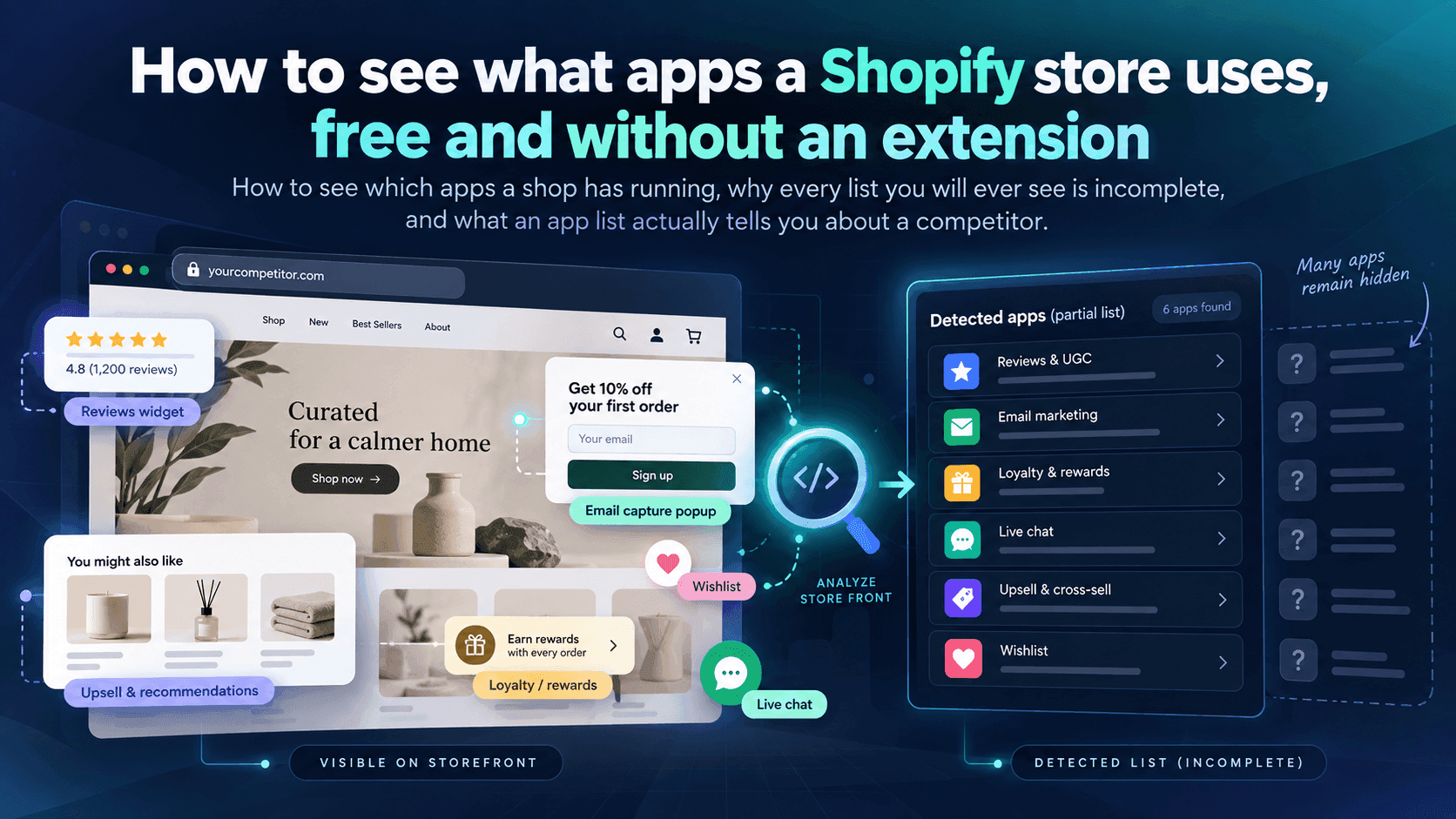
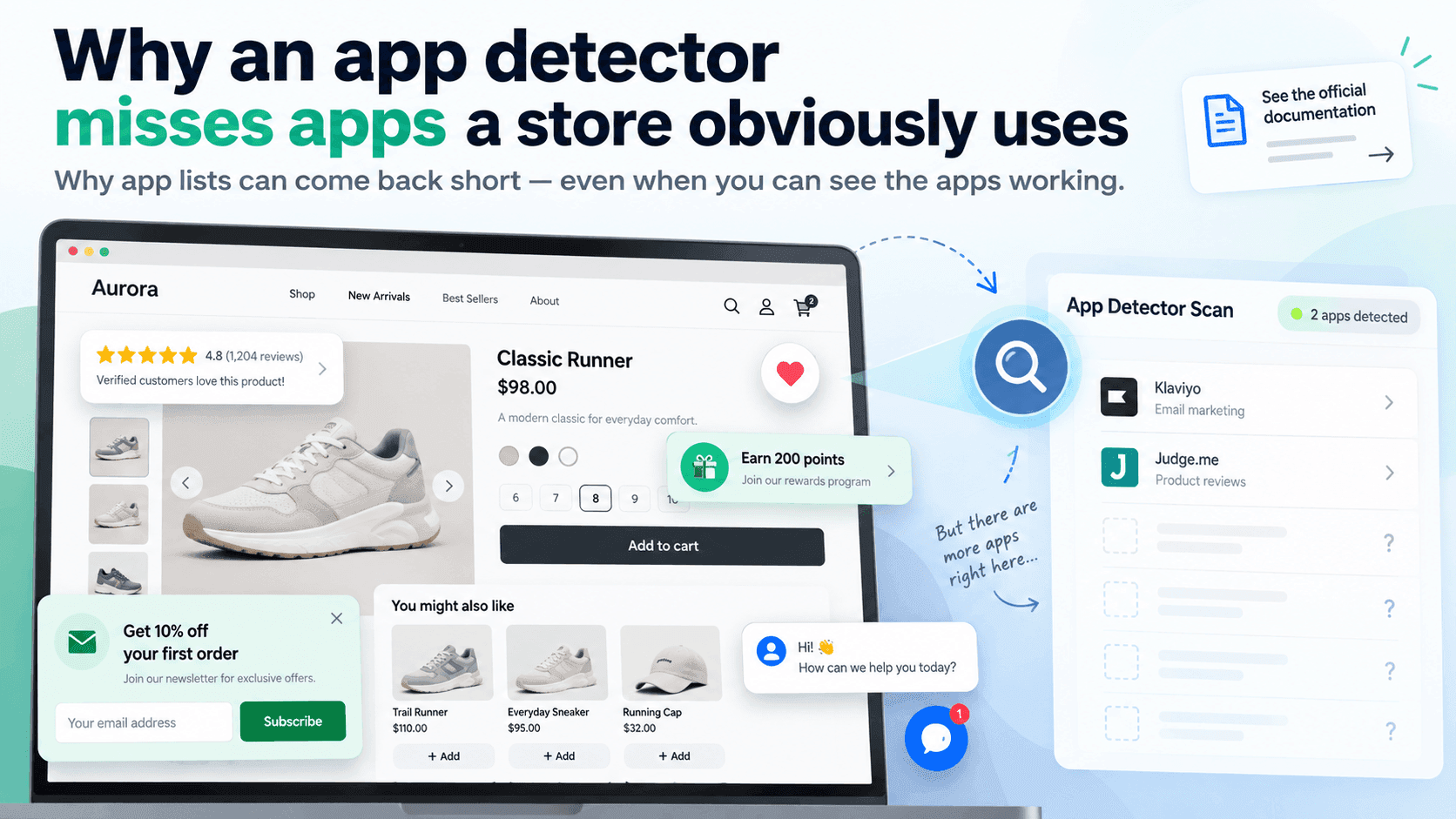
Anything about the apps. Theme and apps are separate questions — finding a shop's apps is its own job, and Shopify's own documentation explains why that list is always incomplete.
When checking by hand stops workingLink to this section
For one shop, this is a fifteen-second job and you do not need a tool. What is hard is noticing that a competitor changed theme — a redesign is one of the loudest signals a shop ever sends, and nothing announces it. Catching it means running the check on every competitor regularly and remembering what each one said last time.
StoreLenz is being built to watch that kind of change for you: you name the shops, and it tells you when something about them moves. Technology tracking is part of what is being built rather than something finished today; what it does now says which is which.
Related readingLink to this section
- How to tell if a website is built on Shopify
- How to find out which apps a Shopify store is using
- Shopify competitor analysis: a practical guide
SourcesLink to this section
- Our own checks on two unrelated public shops, 2026-09-23: one reported the theme
Dawn, version12.0.0, theme store id887; the other reported a theme named[DNAM Theme July 2026]with no theme store id. Both served theme files from an address containing/cdn/shop/t/ - Our own testing of theme information across a set of real public shops, September 2026
- Shopify.dev, Configure theme app extensions (how apps extend a theme, and why their blocks cannot appear at checkout) — https://shopify.dev/docs/apps/build/online-store/theme-app-extensions/configuration — read 2026-09-22
Written by Soneth Martins
shopify store manager