Explainer
Why an app detector misses apps a store obviously uses
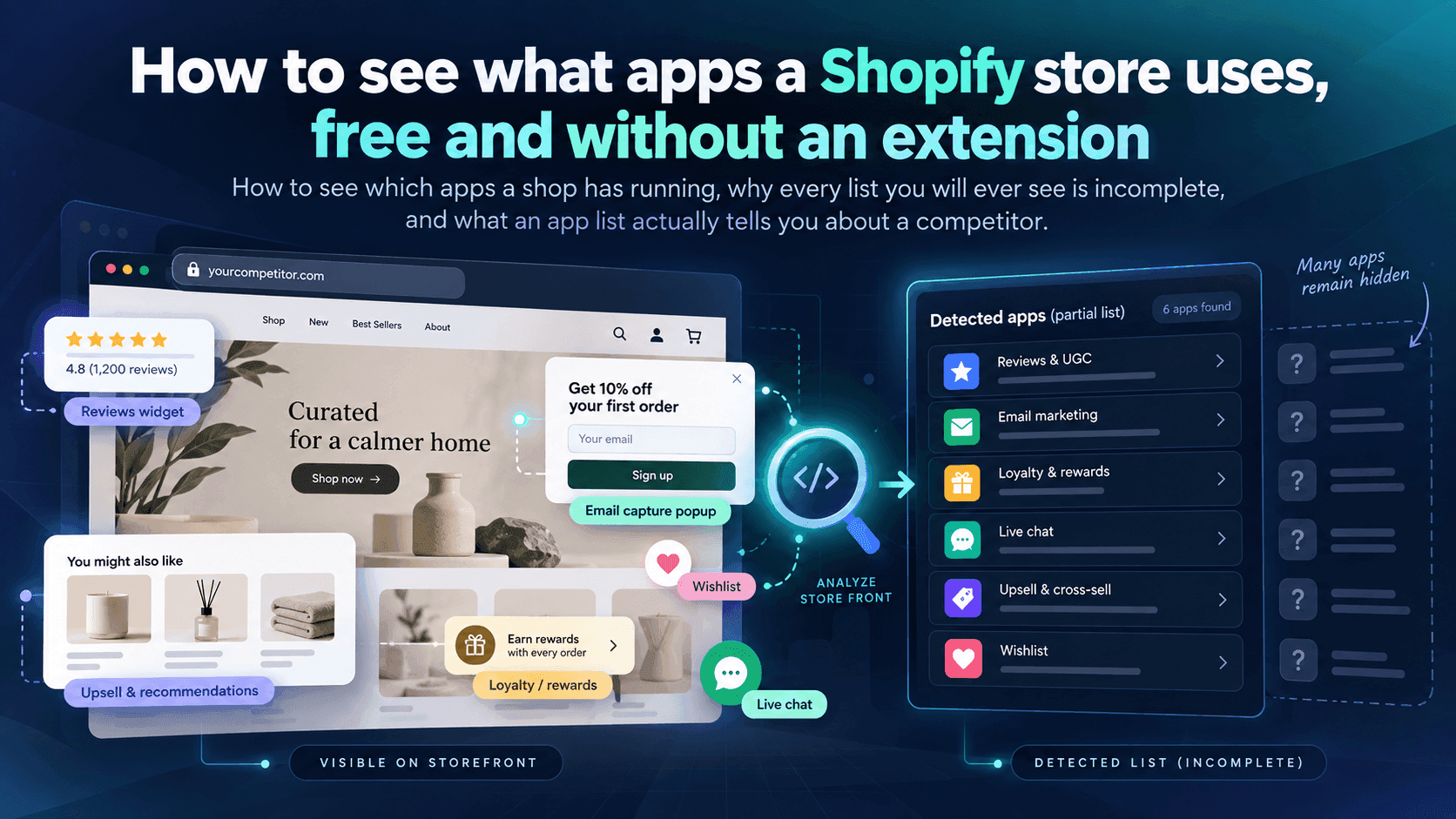
You checked a shop and the app list came back short, or empty, even though you can see the apps working. Here is why, straight from Shopify's own documentation.
Published 6 min read
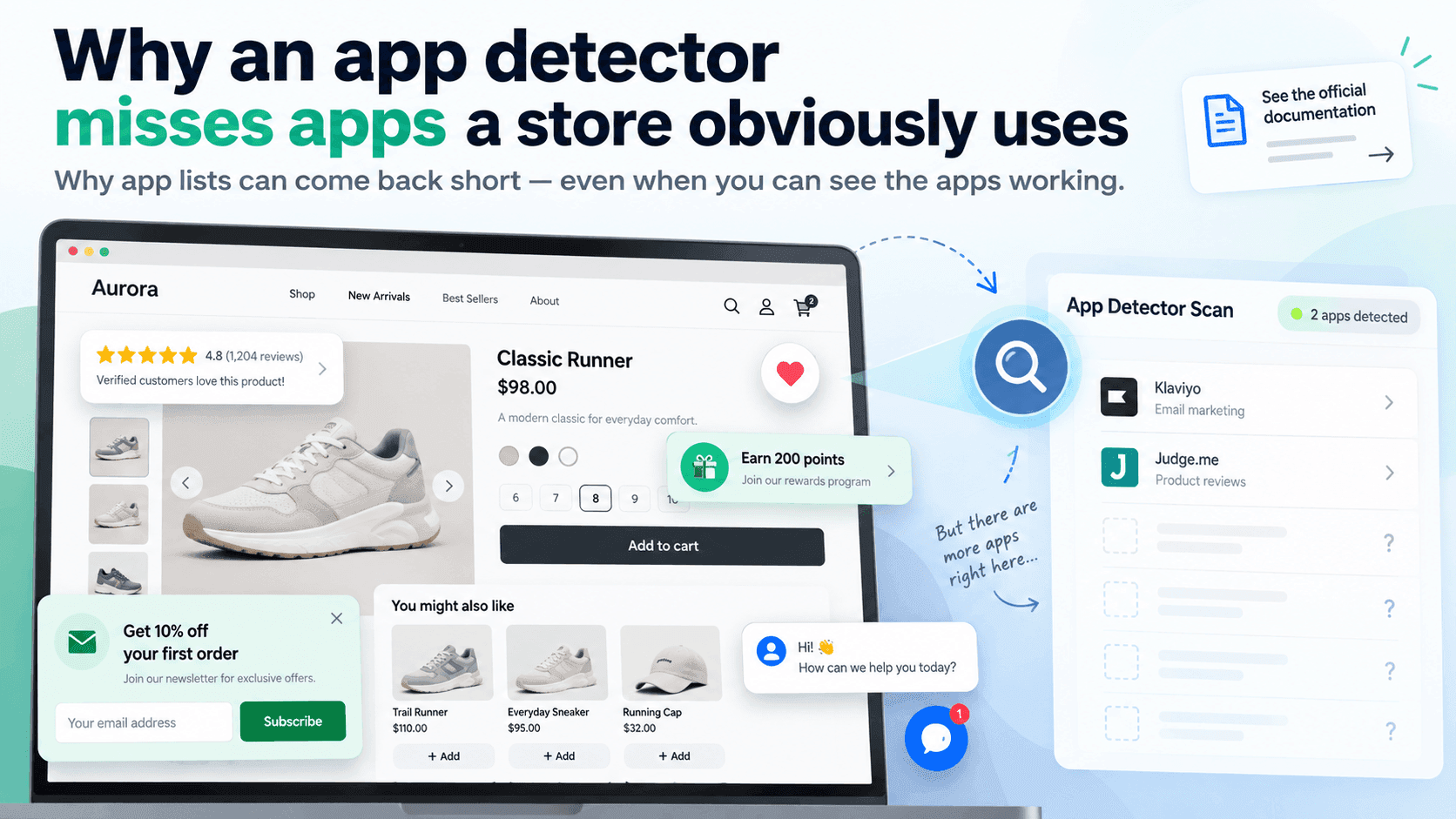
Because an installed app does not have to leave a trace on a shop's public pages, and many do not. Shopify's own developer documentation states that app embed blocks are deactivated by default after an app is installed, and that a merchant has to switch them on in the theme editor. On top of that, whole categories of app never touch the shopfront at all. A short or empty list is the normal result, not a broken tool.
The four reasons, in order of how much they matterLink to this section
1. Apps are switched off in the theme until someone switches them onLink to this section
This is the big one, and it is not a quirk of any particular detector.
Shopify's documentation for theme app extensions says plainly that app embed blocks are deactivated after an app is installed and that merchants need to activate them in the theme editor. So a shop can install an app, pay for it every month, and have it doing work — while the part that would put something into the public page is simply off.
Nothing outside the shop can see the difference between "not installed" and "installed but not switched on in the theme".
2. Most apps never touch the shopfrontLink to this section
Think about what a shop actually runs: accounting, shipping labels, inventory, supplier ordering, returns, customer service, email marketing, analytics, staff scheduling. A shop can be running a dozen apps that a shopper would never see, because their work happens in the shop's admin.
Detection can only ever find apps that put something in front of a visitor. That is a minority of a typical shop's software.
3. Checkout is closedLink to this section
Shopify's documentation notes that theme app extension blocks cannot be rendered on checkout pages. Anything a shop uses only during checkout — and that includes some of the most interesting tools — is invisible from outside by design.
4. Names do not matchLink to this section
Even when an app does leave a trace, what it leaves may not be its name. Apps get rebranded and keep their old internal name in the files. Developers name things for themselves rather than for the app store listing. A trace reading bx-widget-v2 tells you something is there and nothing about what.
When we tested app detection against real shops in September 2026, the lists that came back were short — sometimes only a handful of names, sometimes none — including for shops visibly running several apps a shopper could point at. That is the shape of the problem rather than a failure of one tool.
So what is an app list actually good for?Link to this section
It is a sample, and a useful one, as long as you treat it that way.
- A name you find is real. Detection produces very few false positives: if an app's trace is in the page, the shop is running it.
- A name you do not find proves nothing. This is the asymmetry that matters. Present in the list means yes; absent from the list means unknown.
- Changes are more informative than the list. A name appearing that was not there last month is a genuine signal about what a competitor is doing right now.
The method that works betterLink to this section
Stop leading with the technical check and start with your eyes.
- Browse the shop as a customer and write down every feature that is not part of a plain shop: reviews, subscriptions, bundles, upsells, loyalty, pop-ups, back-in-stock alerts, size guides, chat, multiple currencies. Go through a full journey, including adding something to the basket.
- Then run the detection and use it to put names to what you found, and to catch anything invisible you missed.
- Record both lists separately — "features seen" and "apps named". They answer different questions, and collapsing them into one list is how people end up reporting a shop has three apps when it visibly has ten.
For competitor research, the features list is usually the one you actually wanted. The full method for finding a shop's apps covers both halves.
One more limit, specific to categoriesLink to this section
Even where app names are available, they usually arrive with no category attached. Sorting apps into "reviews", "shipping" and so on has to be done by matching names against a list someone maintains by hand — so an app nobody has catalogued yet shows up simply as an app, uncategorised. We would rather show it that way than guess a category and be confidently wrong.
When you genuinely need to knowLink to this section
Sometimes "probably" is not enough — you are choosing a supplier, or advising a client on what a competitor has built. Three honest routes, none of which involve a better detector:
Ask the app's own marketing. App makers publish customer lists, case studies and logo walls. If a shop is a notable customer of a review or subscription app, the app frequently says so on its own site. This is the single most reliable public source, and it comes straight from the party with the strongest incentive to be accurate about it.
Look at who they are hiring. A shop's job adverts routinely name the tools the role will use. A listing asking for experience with a specific email or loyalty platform is a clearer answer than any page inspection.
Ask them. For agency work especially, this is underrated. Shop owners talk to each other at trade events and in communities, and many are happy to say what they run. It is not competitive intelligence at that point; it is a conversation.
What not to do: none of this justifies trying to get at anything the shop has not published. Everything in this article is reading a public page or a public statement. A shop's admin, its orders and its accounts are not yours to look at, and no research question makes them so.
What to write in a reportLink to this section
"Apps detected: three (named below). This is a partial list: Shopify only shows an app on the storefront when the merchant has activated it in the theme, and apps used in the admin or at checkout leave no public trace. Features observed while browsing: reviews, subscriptions, a bundle offer, a back-in-stock alert and live chat."
Two sentences of context turn a number that looks wrong into a finding someone can trust.
Related readingLink to this section
- How to find out which apps a Shopify store is using
- What you can and cannot learn about a store from outside
- Shopify competitor analysis: a practical guide
SourcesLink to this section
- Shopify.dev, Configure theme app extensions ("By default, app embed blocks are deactivated after an app is installed. Merchants need to activate app embed blocks in the theme editor."; app blocks "can't be rendered on checkout pages") — https://shopify.dev/docs/apps/build/online-store/theme-app-extensions/configuration — read 2026-09-22
- Shopify Help Center, Extend your theme with apps — https://help.shopify.com/en/manual/online-store/themes/customizing-themes/apps — read 2026-09-22
- Our own testing of app detection against a set of real public shops, September 2026
Written by Cristiano Pinto
shopify store expert