Explainer
Why did your competitor change their Shopify theme? What it usually means
A theme change is one of the loudest signals a shop sends and nothing announces it. How to notice, what the four usual reasons look like, and what to do.
Published 6 min read
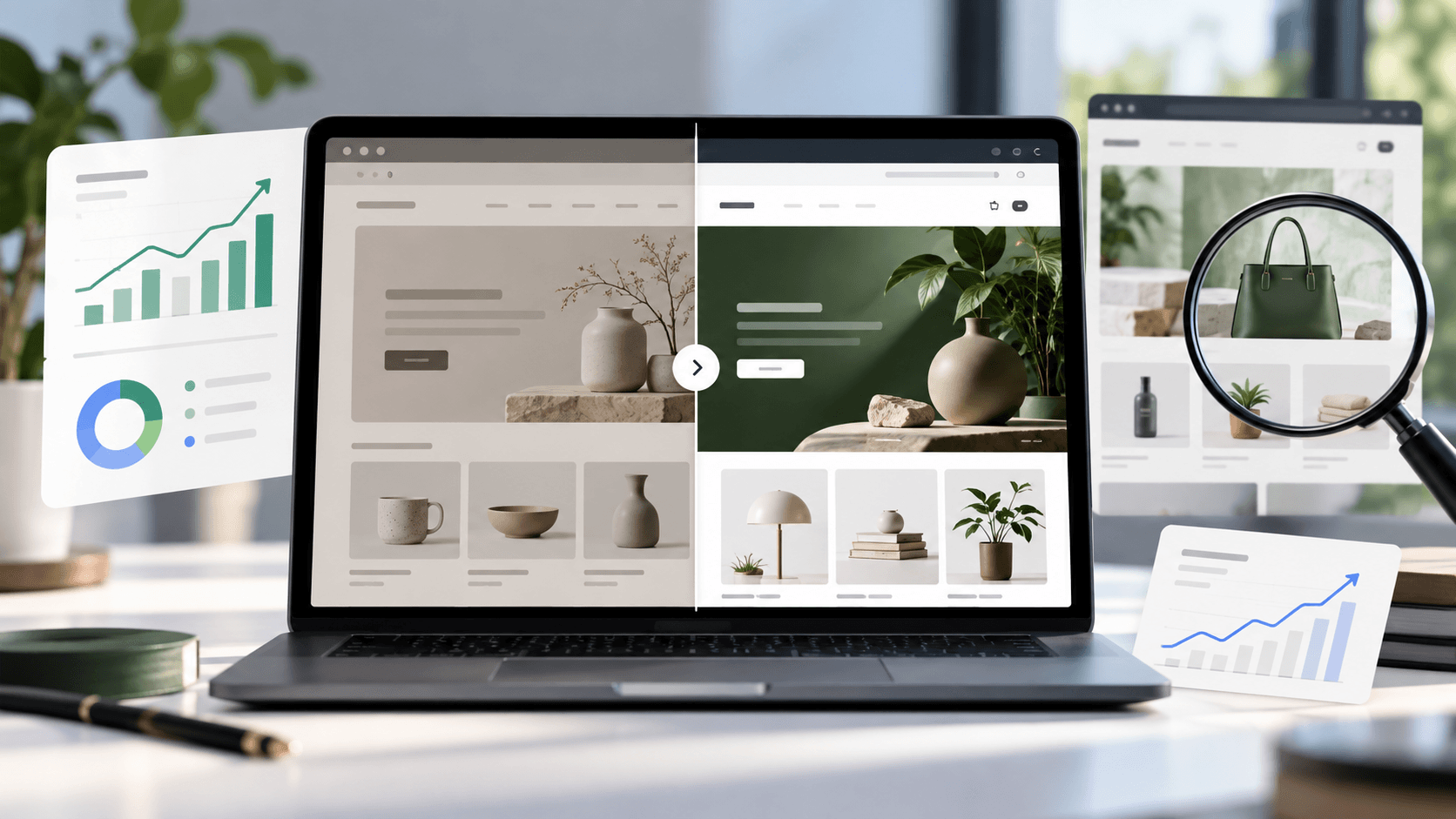
A shop rebuilding its storefront has usually spent real money and made a decision about what was holding it back. It is one of the loudest signals a competitor sends — and nothing announces it, so you only notice if you were recording what their shop looked like before. Here is how to catch it, what the four usual reasons look like from outside, and how much you can honestly read into it.
How to notice at allLink to this section
A theme change is invisible unless you have a "before". Two ways to have one.
The one-line check. Open the shop's home page, open your browser's developer console (F12 on Windows, Cmd+Option+J on a Mac), type Shopify.theme and press enter. You get the theme's real name, its version, and whether it came from Shopify's theme store. The full method, and what each field means.
Record that answer once a month per competitor. It takes seconds and it is the only reliable way to date a change.
The thing you will actually notice first. The shop simply looks different. Menus move, the product page is laid out differently, the typography changes. Trust that — then run the check to find out what it changed to.
What the answer tells youLink to this section
Two real examples, from checks on two unrelated public shops on 2026-09-23.
One reported the theme Dawn, version 12.0.0, with a theme store id of 887 — a standard, free, current theme that anyone can install. The other reported a theme named [DNAM Theme July 2026] with no theme store id at all: not a theme anyone sells, but a custom or heavily modified build, filed by the shop under the month they installed it.
That second pattern is the useful one. A theme name with a date in it is a shop's own housekeeping label, and it tells you roughly when that build went in.
The four usual reasons, and how each looksLink to this section
You cannot see the reason. You can often see the shape, and the shape narrows it down.
1. They outgrew the free themeLink to this section
Looks like: a move from a stock theme (a theme store id, a familiar name) to a custom build (no theme store id).
Usually means: the shop is big enough that small conversion gains pay for a developer. This is a growth signal and the one worth taking most seriously — it is a competitor deciding their shopfront is now worth investing in.
2. A refresh of the same thingLink to this section
Looks like: the same theme family, a higher version number. The shop looks tidier rather than different.
Usually means: maintenance. Someone updated the theme, possibly because an app needed it or the old version stopped being supported. Low signal.
3. A rebrand or a repositioningLink to this section
Looks like: a new theme and new photography, new colours, changed menus, sometimes a changed price range.
Usually means: a deliberate move — new audience, higher prices, a different category. This is the case where the theme change is the least interesting part; watch what happened to their prices and their range in the same weeks. The combination is a strategy you can read.
4. They moved back to something simplerLink to this section
Looks like: a custom build replaced by a stock theme.
Usually means: cost. A custom storefront needs someone to maintain it, and a shop that no longer has that person — or no longer wants that bill — goes back to a supported theme. Read it alongside whether they are still launching products.
What a theme change does not tell youLink to this section
Whether it worked. A redesign can convert worse than what it replaced, and often does at first. Nothing outside tells you which.
How much it cost. A theme store id says the theme was bought from the store, not what they paid a developer on top.
Who did it. Unless an agency left a credit in the footer, which some do.
Whether it is finished. Shops publish a theme and keep working on it for months.
What they were fixing. The decision behind it — a slow site, a bad mobile experience, a new product line — is not public, and guessing it in writing is how research turns into fiction.
What to do about itLink to this section
Look at what else changed in the same weeks. A theme change alone is a fact. A theme change plus new products, plus a price shift, plus a new subscription option is a strategy, and only the combination is worth acting on. The weekly monitoring routine is what gives you the other columns.
Check what the new storefront does that yours does not. This is the practical value. A competitor who has just rebuilt has made deliberate choices about their product page, their basket and their navigation — free research into what someone with a budget thought was worth doing.
Do not copy the design. Copy the decision if it makes sense for you. Their new layout was built for their products and their customer.
Note the date. In six months, "they rebuilt in September" is a useful fact about their investment cycle.
The related signal: apps appearing at the same timeLink to this section
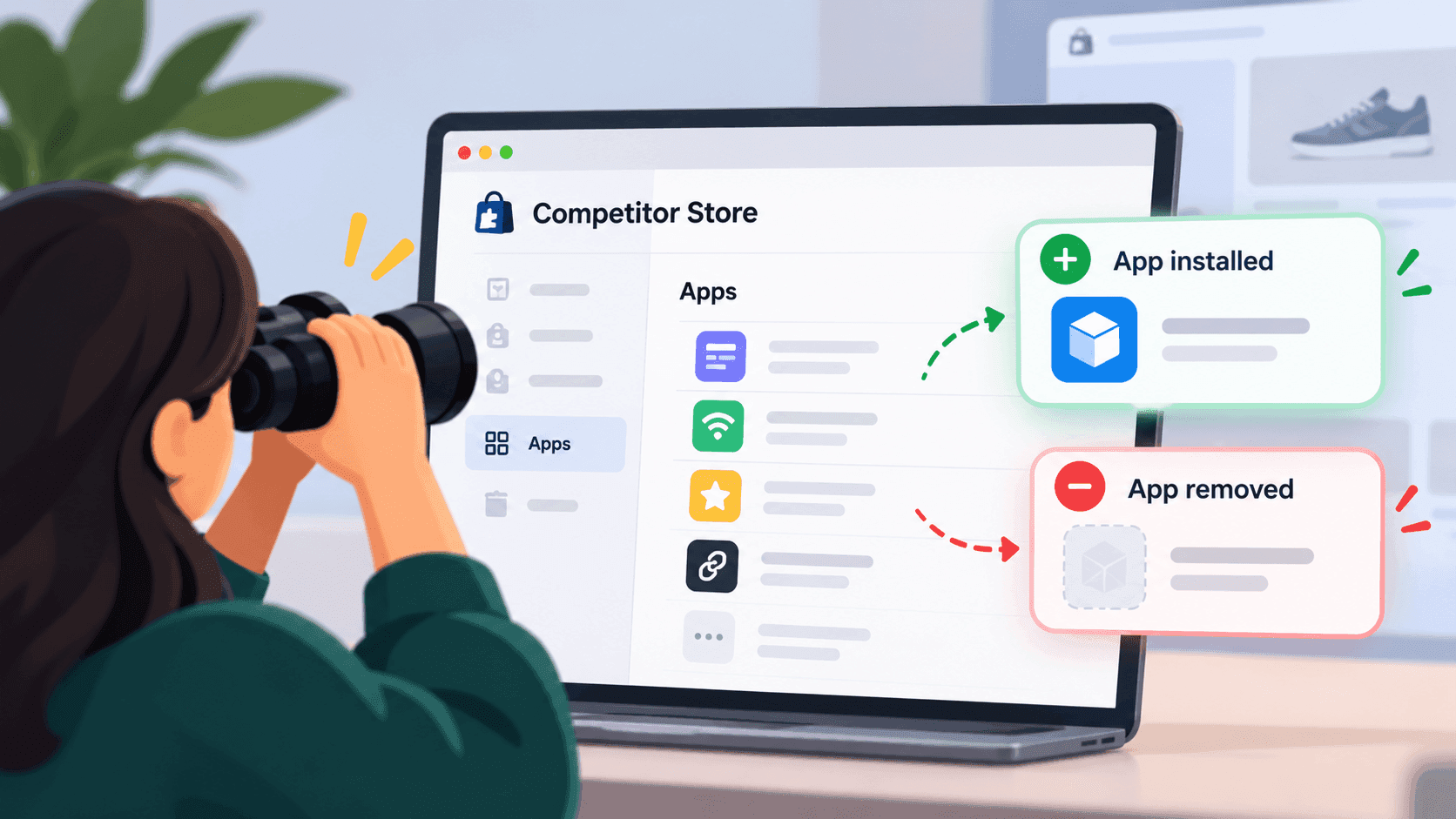
A redesign is often when a shop swaps its software too, because both jobs land in the same project. Watching for apps appearing and disappearing is its own method, and Shopify's own documentation notes that an app only shows on the storefront once the merchant switches it on in the theme — so a theme rebuild is exactly the moment a previously invisible app can become visible, and vice versa.
Be careful with that second half. After a redesign, an app that "disappeared" may simply not have been switched back on yet. Wait a few weeks before concluding a competitor dropped a tool.
When watching by hand stops workingLink to this section
Nothing announces a redesign, so catching it means checking every competitor regularly and remembering what each one said last time. That is the part people drop — and a redesign noticed three months late is trivia rather than intelligence.
StoreLenz is being built to watch for exactly this kind of change and tell you when something moves. Technology tracking is being built rather than finished today; what it does now says which is which.
Related readingLink to this section
- What theme is that Shopify store using?
- How to spot when a competitor installs or removes an app
- Shopify competitor monitoring: the 6 changes worth watching every week
SourcesLink to this section
- Our own checks on two unrelated public shops, 2026-09-23: one reported the theme
Dawn, version12.0.0, theme store id887; the other a theme named[DNAM Theme July 2026]with no theme store id - Shopify.dev, Configure theme app extensions (app embed blocks are deactivated by default after install; the merchant activates them in the theme editor) — https://shopify.dev/docs/apps/build/online-store/theme-app-extensions/configuration — read 2026-09-22
Written by Pinto Arkad
I love shopify