How to
Which platform is this online store built on?
How to tell Shopify, WooCommerce, BigCommerce, Squarespace and a custom build apart from the outside, using checks that take under a minute each.
Published 6 min read
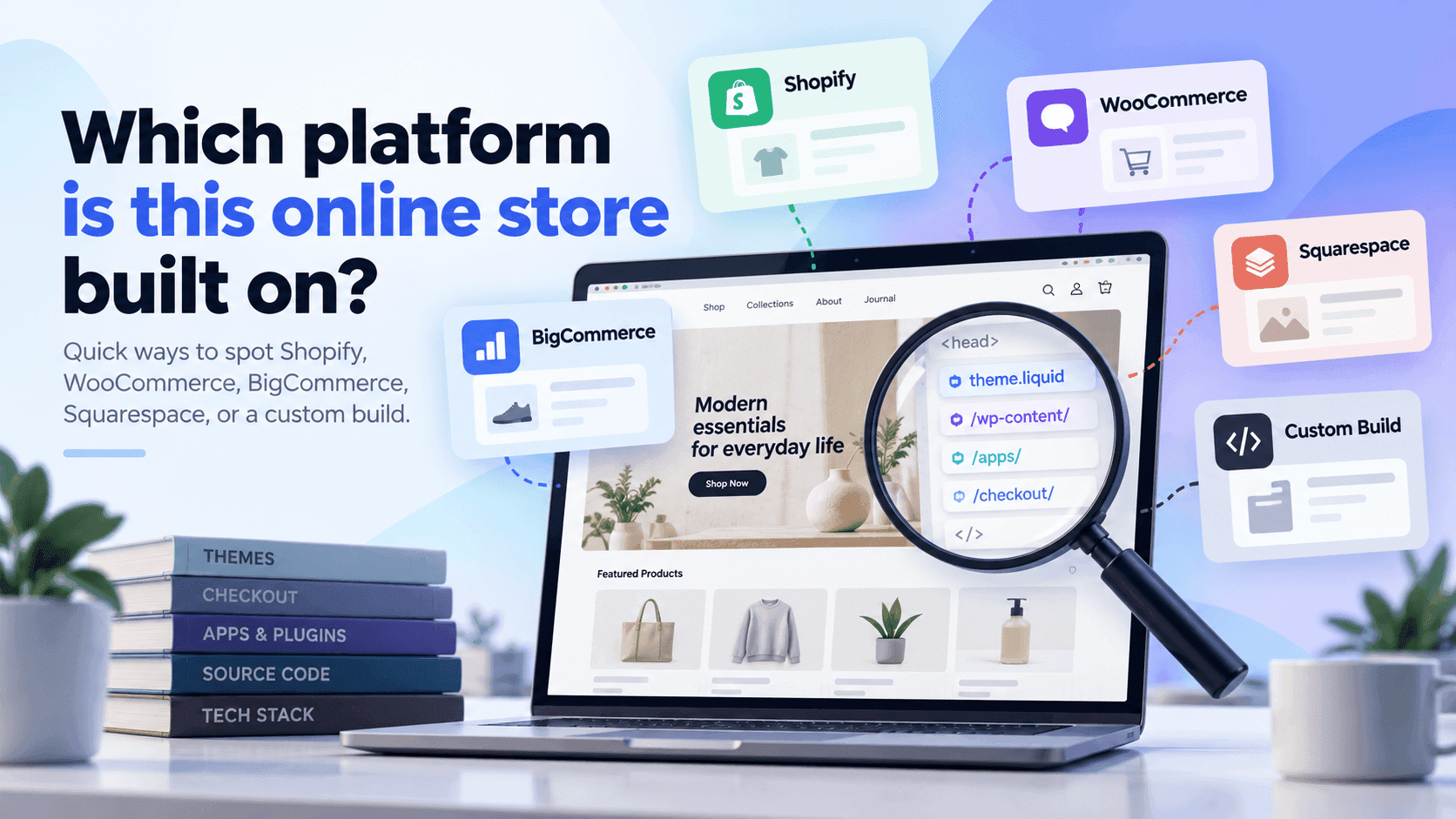
Every shopping platform leaves fingerprints in the addresses it uses and the files it serves, and you can read them from outside in about a minute. The quickest single check is to look at where a shop's pictures come from and what its sitemap is called. Below is one method per platform, what each result actually proves, and the situation where none of them work.
Why the answer is usefulLink to this section
The platform tells you the shape of a competitor's constraints. It decides what their checkout can do, which apps are available to them, how quickly they can change things, and roughly what their setup cost. It also tells you which research methods will work on them: a Shopify store publishes a lot about itself in a standard form, and other platforms publish different things.
It is also the first step in a fair comparison. Two shops on different platforms are running different businesses underneath, whatever their shop windows look like.
ShopifyLink to this section
The fullest set of checks is in how to tell if a website is built on Shopify. The short version, all verified first-hand on real shops in September 2026:
- Adding
/products.jsonto the address returns a list of products. - The sitemap at
/sitemap.xmlpoints to files namedsitemap_products_1.xml,sitemap_collections_1.xml,sitemap_pages_1.xmlandsitemap_blogs_1.xml. - Pictures are served from an address containing
/cdn/shop/— usually on the shop's own domain, so searching forcdn.shopify.comwill often mislead you. /cart.jsreturns the basket as plain text. Shopify documents this address itself.- Typing
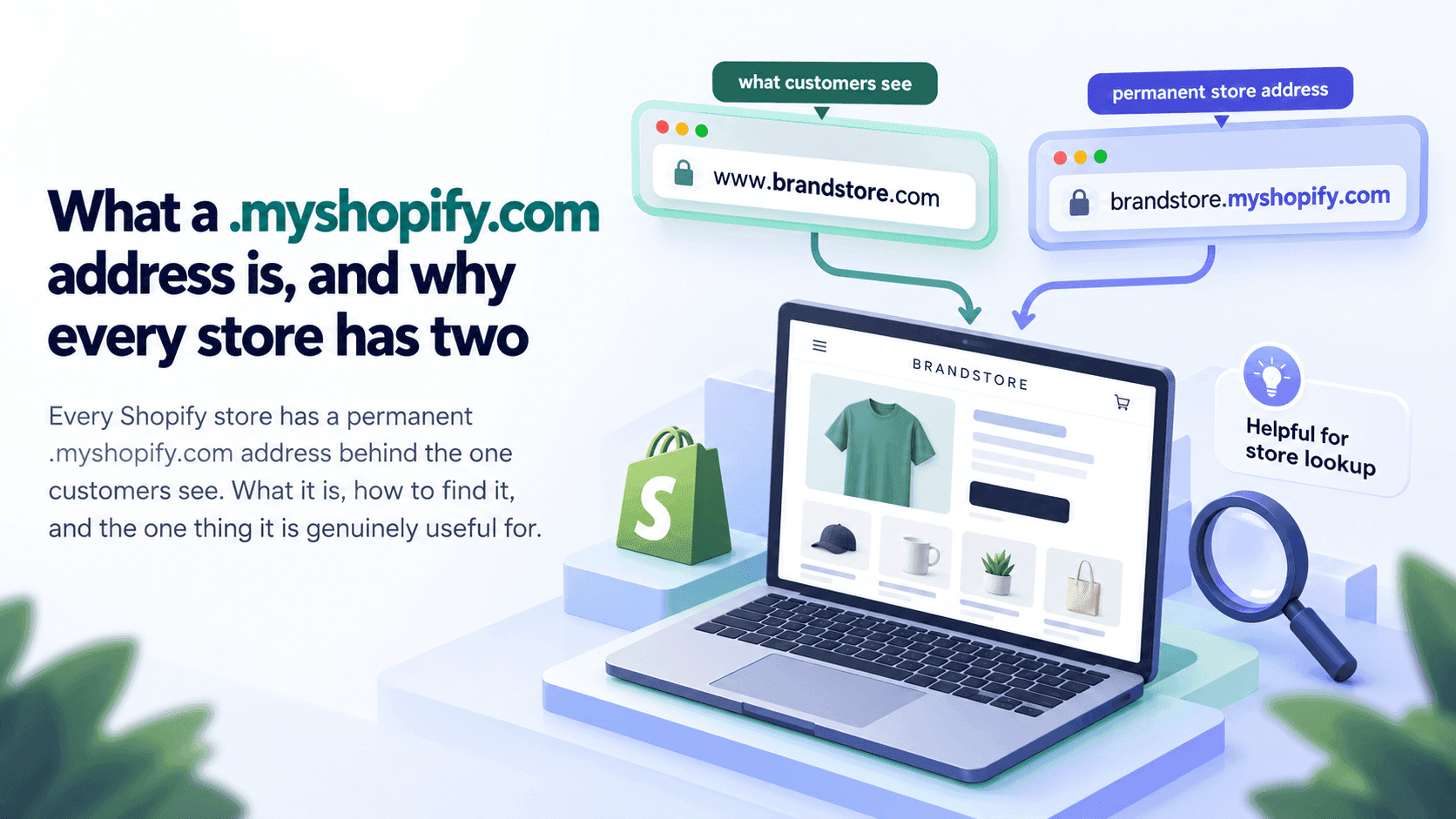
Shopify.shopinto the browser console returns the shop's permanent.myshopify.comaddress.
The word to look for is "collections". That is Shopify's term for a group of products. Most other platforms call them categories.
WooCommerceLink to this section
WooCommerce is a shopping add-on for WordPress, so you are really looking for WordPress first.
- Addresses often contain
/product/and/product-category/. - Files are commonly served from a path containing
/wp-content/, which is WordPress's own folder. - The page's underlying text frequently mentions
woocommercein the names of its stylesheets or scripts.
These are widely documented conventions rather than things we re-checked on a sample of shops. They are reliable enough to form a strong opinion and worth confirming with a second sign before you write it down.
What it tells you: a shop running on WordPress is usually more customisable and more self-managed than a Shopify one, often with a developer or agency involved. It also means much less of the shop is published in a standard, readable form, so competitor research on a WooCommerce shop is genuinely harder.
BigCommerceLink to this section
- Addresses and files often reference
bigcommerceor acdn11.bigcommerce.com-style address. - Product addresses are frequently plain, without a
/products/prefix.
What it tells you: BigCommerce tends to appear on larger catalogue businesses, often ones that moved from an older system.
Squarespace, Wix and the website-builder shopsLink to this section
- Squarespace commonly serves files from an address containing
squarespace-cdn. - Wix commonly uses addresses containing
wixstatic.
What it tells you: a shop on a website builder is usually design-led and small, with the shop bolted onto a site that exists for other reasons. Often a good sign that ecommerce is not the whole business.
Custom and headless shopsLink to this section
This is the case worth understanding, because it is the one that defeats everything above.
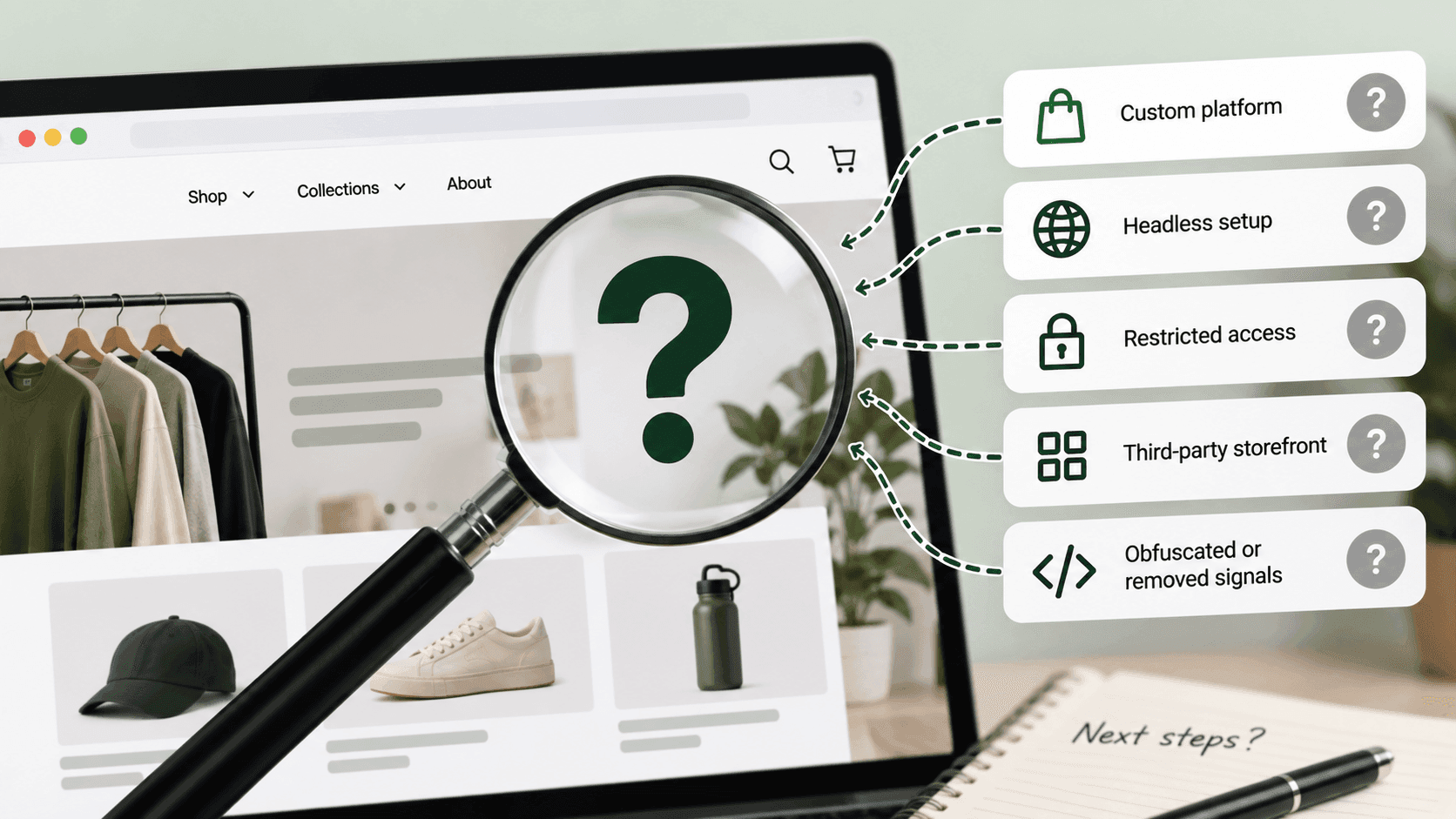
A shop can run its checkout and its products on one platform while serving the pages a visitor sees from something built entirely separately. When that happens, the front of the shop has none of the usual fingerprints: no recognisable sitemap names, no standard product address, no familiar picture paths.
Signs you are looking at one:
- The shop looks unusually fast and unusually distinctive.
- None of the checks above give a clear answer, but the shop obviously works.
- The checkout jumps to a different address from the rest of the site.
That last one is often the answer. A shop can hide what it is built on all the way up to the point where someone pays, and the checkout address regularly gives the platform away.
The order to do this inLink to this section
- Try the Shopify checks first. They are the quickest and the most conclusive, and Shopify is the most common answer.
- Look at where pictures are served from.
- Look at the shape of the product addresses.
- Add something to the basket and see where the checkout goes.
- If you still have no answer, write "custom or headless" and move on — that is itself a finding.
What none of this tells youLink to this section
Which plan the shop is on, or what it pays. Every platform has several tiers and no reliable way to tell them apart from outside. A tool that names a tier confidently is guessing.
Who built it, or what it cost. Unless the agency left a credit in the footer, which some do.
Whether it is any good. Platform is not performance. A well-run shop on a basic platform beats a badly-run one on an expensive platform every time, and you cannot see which is which from the technology.
Whether they are about to move. Replatforming is a months-long project with no public trace until the day it lands.
What none of this tells youLink to this section
Which plan the shop is on, or what it pays. Every platform has several tiers with no reliable outside signal separating them. A tool that names a tier confidently is guessing, and the guess is frequently wrong.
Who built it, or what it cost. Unless an agency left a credit in the footer, which some do and most do not.
Whether it is any good. Platform is not performance. A well-run shop on a basic platform beats a badly-run one on an expensive platform every time, and nothing in the technology tells you which you are looking at.
Whether they are about to move. Replatforming is a months-long project with no public trace until the day it lands — and the day it lands, every check in this article gives a different answer than it did the week before.
How much is custom. Two shops reporting the same platform can share almost no code above it.
A word on how much this mattersLink to this section
Less than people think. Knowing the platform is a useful opening fact and a poor conclusion. What a competitor sells, at what prices, and what they have changed recently will tell you far more about their business than the software underneath it. Start here, and then go and look at the things that actually move.
Related readingLink to this section
SourcesLink to this section
- Shopify Help Center, Finding and submitting your sitemap — https://help.shopify.com/en/manual/promoting-marketing/seo/find-site-map — read 2026-09-22
- Shopify.dev, Ajax API: cart reference — https://shopify.dev/docs/api/ajax/reference/cart — read 2026-09-22
- Our own checks against real public shops, 2026-09-22 and 2026-09-23, covering
/products.json,/sitemap.xml, the/cdn/shop/picture path andShopify.shop. The signs listed for platforms other than Shopify are widely documented conventions that we did not re-test on a sample, and are described as such above
Written by Soneth Martins
shopify store manager