Explainer
Why some stores are hard to identify, and what to do about it
Your checks came back blank on a shop that obviously sells things. The five reasons that happens, how to tell them apart, and when to stop trying.
Published 7 min read
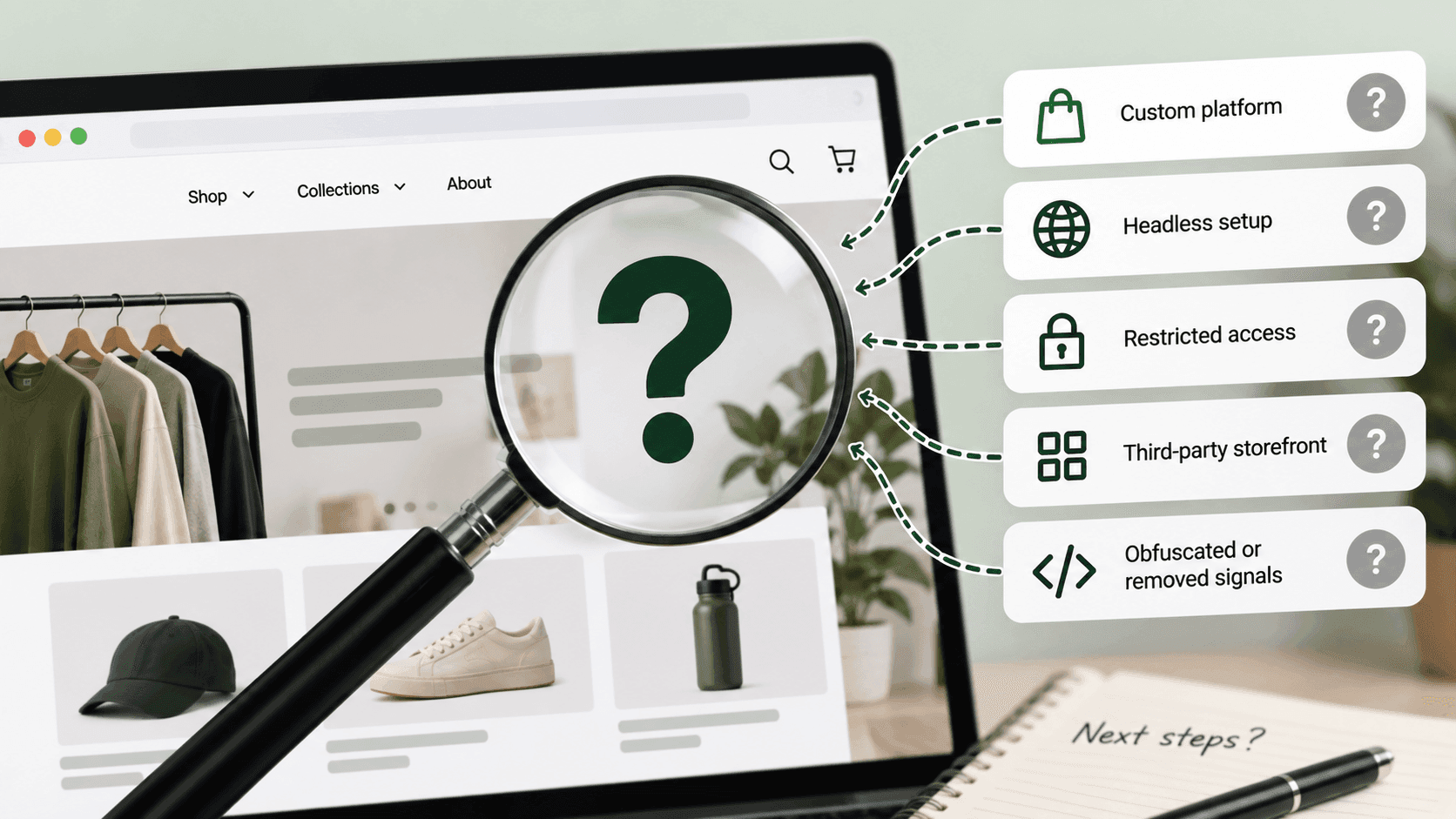
A blank result usually means one of five things, and only one of them is "this is not a Shopify store". The others are a shop that has been rebuilt with its own front end, a shop sitting behind bot protection, a shop that has moved platform since someone last looked, and a check that has not finished yet. Telling them apart takes a couple of minutes and saves you from writing down a confident wrong answer.
1. The shop has its own front endLink to this section
The most common reason a real Shopify store fails every check.
A shop can keep its products, basket and checkout on Shopify while building the pages a visitor sees entirely separately. When that happens the usual signs are absent: the standard addresses may not answer, the sitemap may be generated by something else, the pictures may come from somewhere new.
How to tell: add something to the basket and watch where the checkout goes. A shop can disguise everything up to the payment step, and the checkout address regularly settles the question. If the shop looks unusually fast and unusually distinctive, that is a hint too.
What to write down: "Shopify, custom front end" or "unknown, custom front end". Both are honest. "Not Shopify" is not.
2. Something is blocking the checkLink to this section
Shops sit behind protection that decides whether a visitor is a person. That protection cannot tell the difference between someone doing legitimate research and something it does not like, so it blocks both.
How to tell: you get a page asking you to confirm you are human, or a refusal, rather than an error. The shop itself loads perfectly in a normal browser window.
What to do: use the checks that rely on ordinary browsing instead — look at the page in your browser, look at where pictures come from, look at the checkout. A block is not a finding about the shop's technology. It is a finding about its security settings.
3. It is taking longer than you thinkLink to this section
This one catches people out because it looks like a negative answer.
When we measured store lookups in September 2026, a site that is not a Shopify store frequently took several seconds to come back — much longer than the near-instant answer a real Shopify store gives. Some took long enough that an impatient tool would give up first.
So a slow, spinning check is not a "no". Wait for it. And if a tool returns "not found" suspiciously quickly on a site that loads fine, suspect the tool's patience rather than the shop.
4. The shop has moved, and your source has not noticedLink to this section
Directory lists of "Shopify stores" go stale quietly. Shops close, get sold, move platform, or turn into an entirely different business, and nothing updates the list.
When we tested a public directory of shop addresses in September 2026, a noticeable share of the addresses were no longer running the kind of shop they were listed as — in one case a shop selling one thing had become a business in a completely different trade.
How to tell: open the address in a browser. If what you find does not match what the list says, the list is wrong, not the check.
What to do: treat any list of shops older than a few months as leads to verify rather than facts to use. If you are building a research list, re-check it quarterly.
5. It genuinely is not a Shopify storeLink to this section
Sometimes the simple answer is the right one. Run through the checks for the other platforms before concluding anything, and remember that plenty of excellent shops run on something else entirely.
How to tell the five apart, quicklyLink to this section
| What you see | Most likely |
|---|---|
| Checks fail, checkout jumps to a different address | Custom front end over a platform |
| A "confirm you are human" page | Bot protection |
| The check spins for several seconds, then fails | Not a Shopify store, or a slow answer — wait |
| The site is a different business from the one you expected | A stale list |
| Checks fail, another platform's signs appear | It is that other platform |
| Checks fail, nothing else appears either | Unknown — and that is allowed |
The mistake that causes most wrong answersLink to this section
Almost every confidently wrong platform identification comes from the same habit: running one check, getting a blank, and treating the blank as a negative result.
A blank is not an answer. It is the absence of one, and the five causes above are not equally likely for every shop — a large, polished, fast shop that fails every check is far more likely to have a custom front end than to be running on something obscure. Weigh the blank against what you can see with your own eyes.
The second most common mistake is checking once. Shops change, protection comes and goes, and a check that fails this morning can succeed this afternoon. If an answer matters, try again later before writing it down.
A note on tools, including oursLink to this section
Any tool that answers this question is running versions of the checks in this article, so it inherits every one of these failure modes. What separates a good one is not a better check — it is whether it distinguishes "we could not identify this" from "this is not a Shopify store", and whether it tells you which situation it thinks it is in.
When you evaluate a tool for this, give it a shop you know has a custom front end and see what it says. A tool that returns a flat negative has told you something important about itself.
The permanent address is the tie-breakerLink to this section
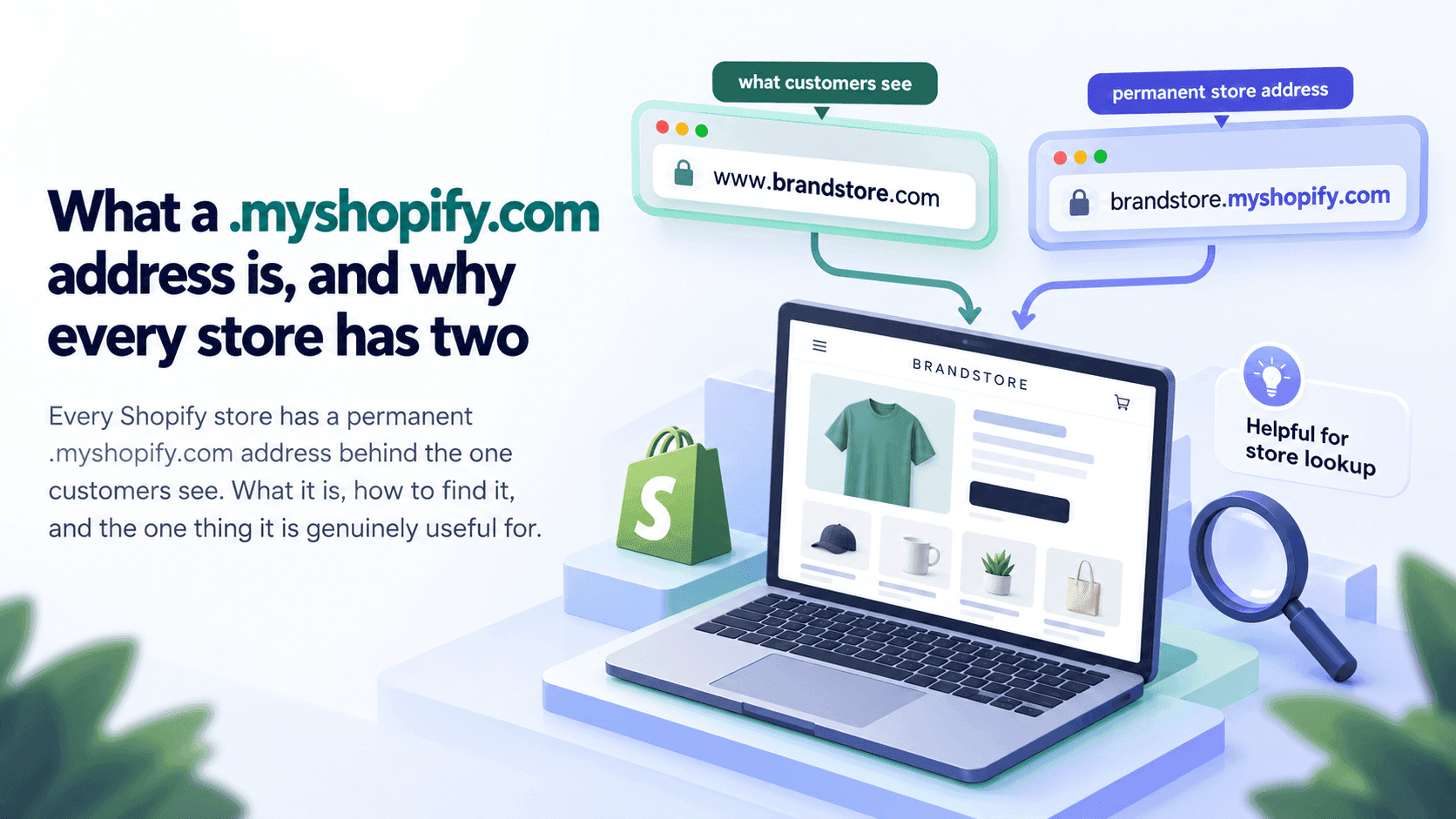
If you can find a shop's .myshopify.com address, the question is settled: that address only exists for Shopify stores, and Shopify's help pages describe it as the default every store receives. Look for it by opening the page's underlying text and searching for myshopify, or by typing Shopify.shop into your browser's console.
Not finding it proves nothing — plenty of shops never mention it. Finding it proves everything.
When to stop tryingLink to this section
After four or five minutes. Really.
The platform is an opening fact, not the research. If two independent checks disagree or everything comes back blank, write "unknown" and move on to the things that actually matter: what the shop sells, at what prices, and what has changed recently. A competitor analysis is not improved by another twenty minutes spent identifying a content management system.
And be wary of your own reluctance to write "unknown". The pull towards a confident answer is exactly what produces the wrong ones — most of what matters about a shop is not visible from outside anyway, so one more unknown is not the problem it feels like.
What we do about thisLink to this section
When a lookup cannot identify a shop, the honest thing is to say which of the situations above it looks like, rather than reporting a flat "not a Shopify store" that a reader will take as fact. A site that is up but not recognisable and a site that cannot be reached at all are different answers and deserve different words. What the product does today is written out plainly, including the parts still being built.
Related readingLink to this section
- How to tell if a website is built on Shopify
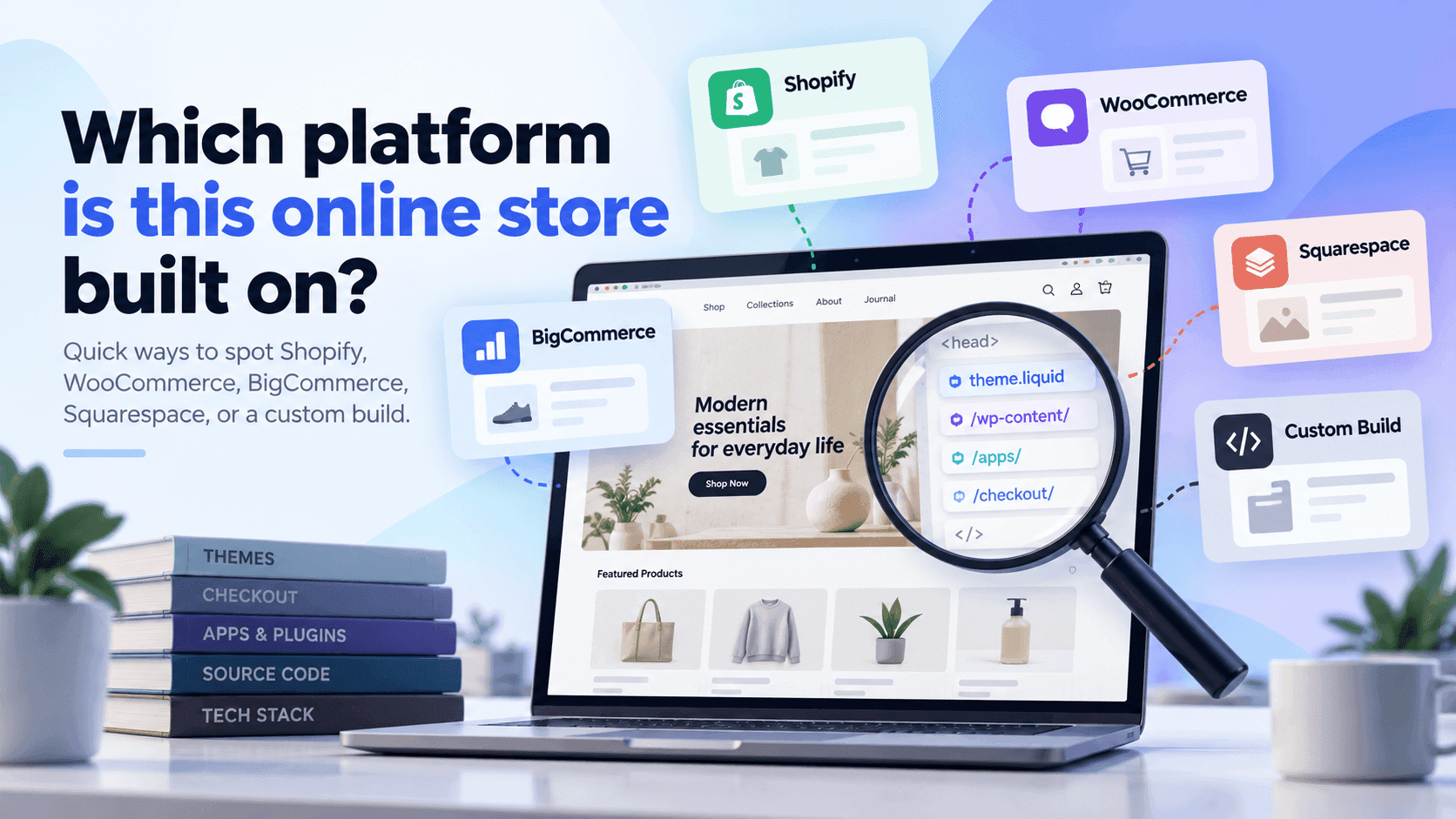
- Which platform is this online store built on?
- What you can and cannot learn about a store from outside
SourcesLink to this section
- Shopify Help Center, Domains (every store receives a default
myshopify.comaddress) — https://help.shopify.com/en/manual/domains — read 2026-09-22 - Our own measurements of store lookups in September 2026: sites that are not Shopify stores frequently took several seconds to answer, far longer than a real Shopify store; and a number of addresses in a public directory were no longer running the kind of shop they were listed as
Written by Soneth Martins
shopify store manager