How to
How to know when a competitor adds new products to their Shopify store
Three free ways to find a shop's newest products, the one that actually works week after week, and why a product that looks new sometimes isn't.
Published 7 min read
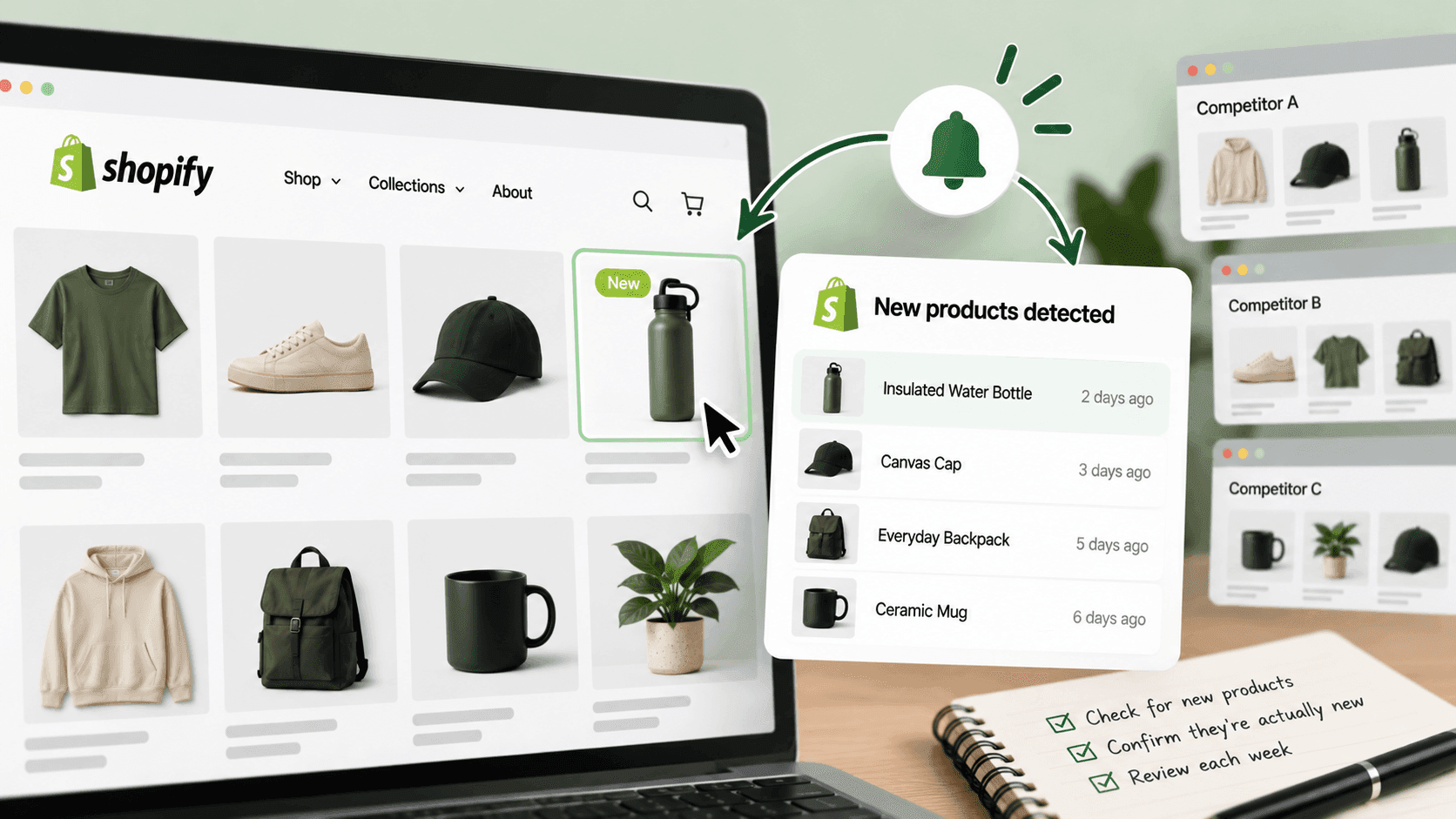
The reliable way is to take the shop's own product list, sort it by the date each product was published, and look at the top. Every product a Shopify store publishes carries the date it was created and the date it went live, so this takes a couple of minutes and needs nothing installed. Two quicker methods work most of the time, and there are three good reasons a product that looks new to you is not actually new — which is the part worth reading.
The quick methods firstLink to this section
Look for a "new" collection. Most shops group their latest products somewhere: "New in", "Just landed", "New arrivals". It is usually in the main menu. This is the fastest check and costs nothing.
Its weakness is that it is a marketing decision, not a record. A shop chooses what goes in that collection and when it comes out, so a quiet launch the shop is testing may never appear there at all.
Read their announcements. A shop's email list, its social accounts and its own blog will tell you about the launches it wants known. Sign up as a customer — it is a public mailing list, and it is the single best source for what a competitor is promoting, as opposed to what they are selling.
Again: what they announce is a subset of what they add.
The method that actually worksLink to this section
Take the whole product list and sort it by date yourself.
- Check the shop runs on Shopify — ten seconds.
- Add
/products.jsonto the end of the shop's address. - You will get a long block of text listing products. Each one carries
created_at(when it was made in the
shop's admin), published_at (when it became visible to shoppers) and updated_at (when it last changed). We confirmed all three on a real public store on 2026-09-22.
- Import that into a spreadsheet and sort by
published_at, newest first.
The top of that list is what the shop has genuinely put on sale most recently, whether or not they told anyone.
If the list is long, the address takes a page size and a page number — ?limit=250&page=2 and so on — so a large shop comes down in a few goes. Save each page with the date in the file name.
A note on the "all products" page: plenty of guides tell you to visit /collections/all and sort it. It is worth a try, but it does not always exist — we tried it on a well-known real shop on 2026-09-22 and got a "page doesn't exist" message. It is a page a shop can remove. Do not build a routine on it.
Turning it into something you noticeLink to this section
One list tells you what exists. Two lists a week apart tell you what changed, and only the second thing is useful.
- Save a dated copy of the list each week — the whole thing, not just the top.
- The following week, compare the two on the product's own name or web address, not on its title. Titles get edited; the address usually does not.
- Anything in this week's list that is not in last week's is new. Anything missing has been removed or hidden.
That second half matters and most people miss it. A competitor quietly withdrawing a product line is at least as informative as launching one, and it will never show up in a "new arrivals" collection.
Why a "new" product sometimes isn't newLink to this section
Three things fool people here, and all three are ordinary shop housekeeping rather than anything sneaky.
A product can be created long before it is published. A shop can build a product in its admin in March and put it on sale in September. If you sort by created_at you get the March date, which tells you when someone typed it in, not when shoppers could buy it. Sort by published_at.
An old product can be re-published. Take something off sale for a season, put it back, and its published date can move. A returning winter line looks exactly like a launch.
A product can be edited without being new. updated_at moves when anything changes — a price, a photograph, a spelling fix in the description. A shop tidying its descriptions can make its whole catalogue look busy for a day.
When we tested reading products in date order across real shops in September 2026, we also found the ordering is only mostly reliable: a few products sit in the list carrying a much older change date than their position suggests. For a person scanning a spreadsheet this does not matter much. It does mean that "the newest thing is at the very top" is a good rule and not a law, so read the top ten rather than the top one.
What this cannot tell youLink to this section
You cannot see products that are not published. Anything a shop is preparing but has not put on sale is invisible, which is exactly the launch you would most like to know about.
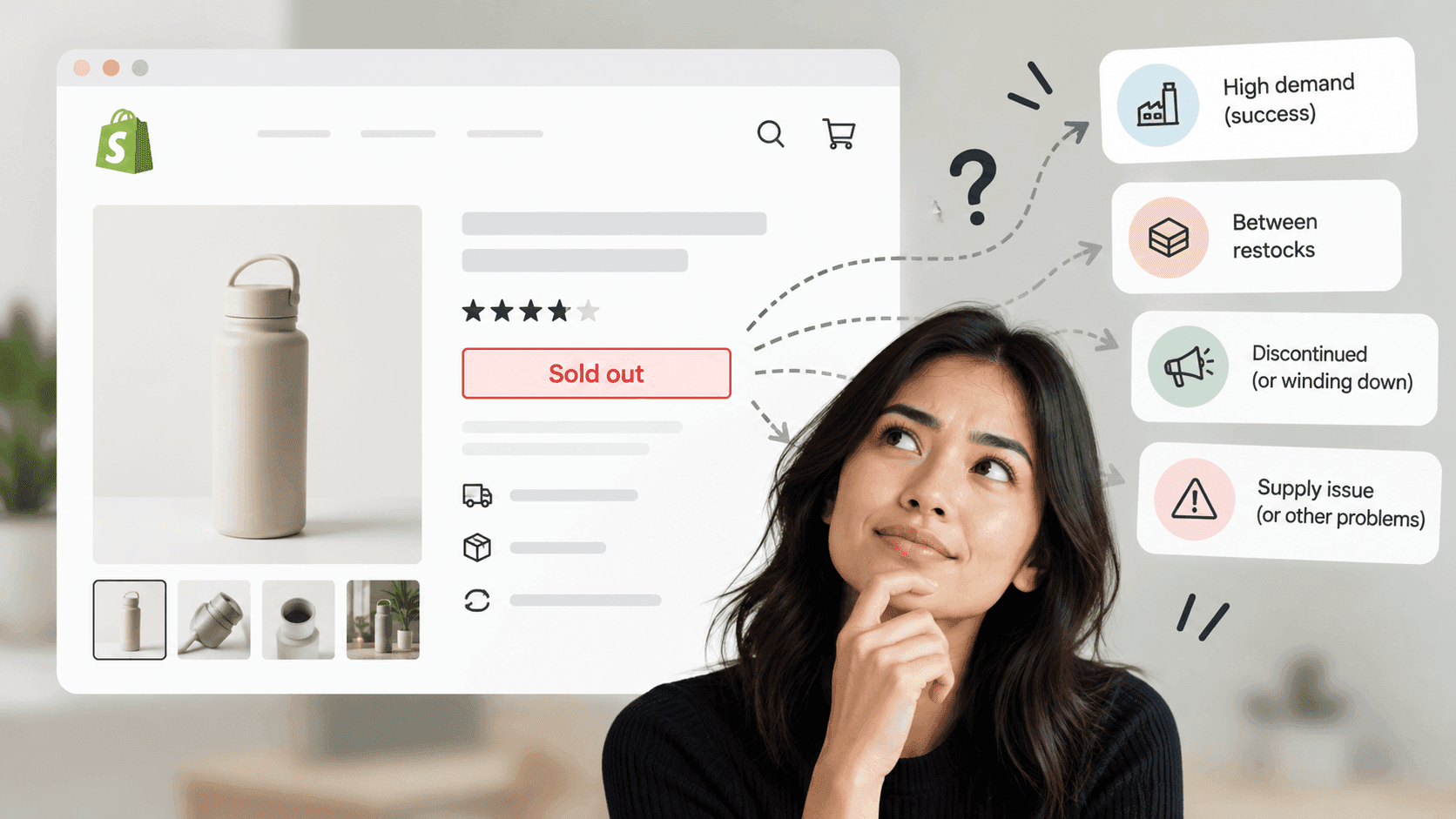
You cannot see how well anything is selling. A product appearing tells you what a shop is betting on. Nothing in the public information tells you whether the bet paid off. Beware the temptation to read a sold-out badge as success: you can see that something is unavailable, never how many were made or sold.
You cannot see stock counts. Each variant does say whether it is currently available to buy — we confirmed that field on a real shop — but the number behind it is private.
Removed products leave no trace. Nothing announces a withdrawal. You only find it by comparing your own saved lists, which is why the dated copies matter more than any clever sorting.
When doing this by hand stops workingLink to this section
Everything above is free and takes a few minutes per shop. The problem is not any single step — it is that the method only works if someone does it every week, for every competitor, and compares this week's list to last week's. That is the part that gets dropped, and it is the part the whole thing depends on.
StoreLenz is being built to do exactly that: you name the shops, it reads their product lists on a schedule, and it tells you what appeared, what disappeared and what changed price. Product and catalogue tracking are being built rather than finished today; what it does now says which is which.
The rest of this series: Products and catalogueLink to this section
This article is the starting point. Each of these goes deeper into one part of it:
- How to see a Shopify store's whole product catalogue
- How to tell when a competitor's product is out of stock, and what it means
- What a shop's collections and menus tell you about its customers
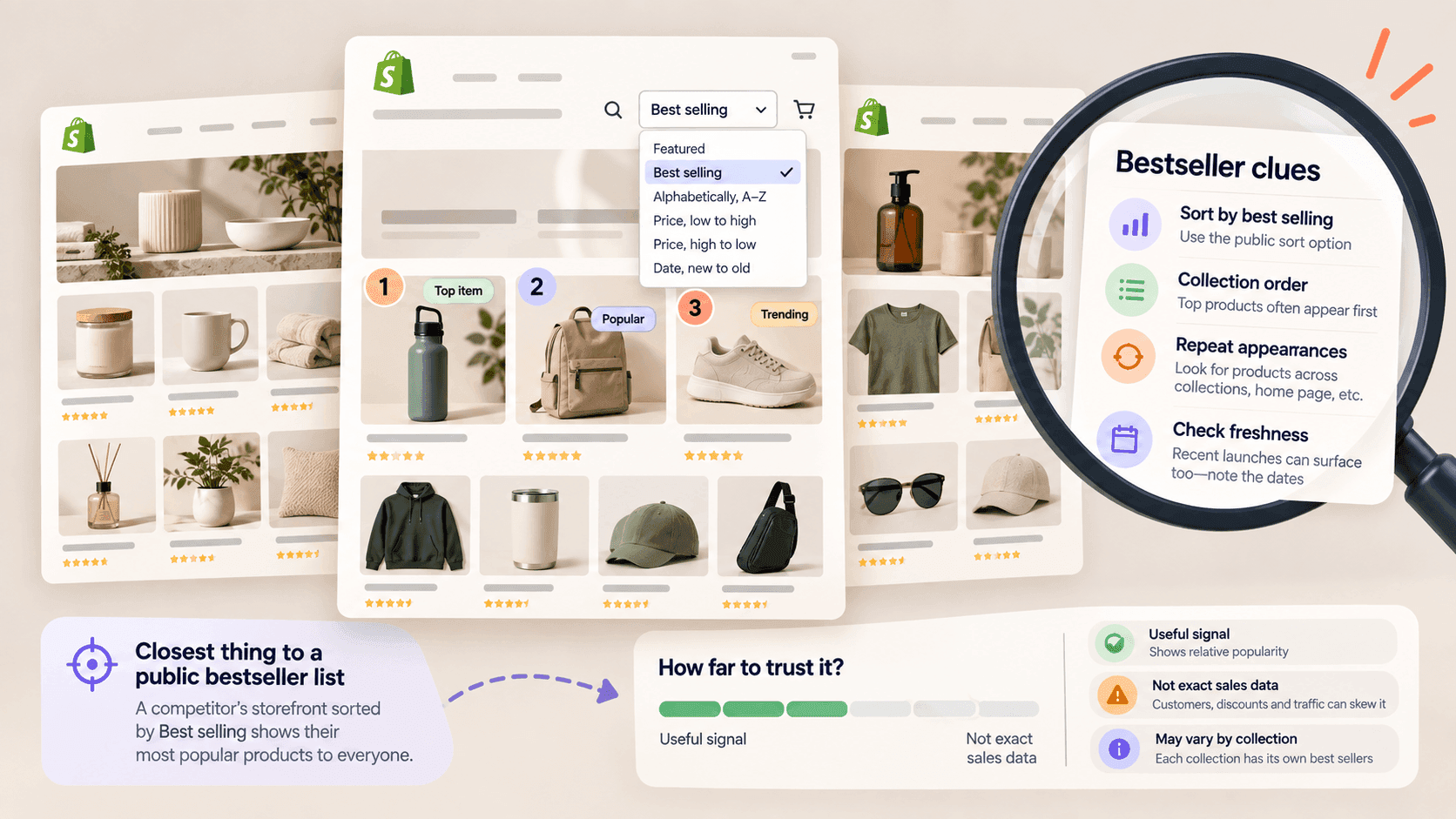
- How to find a competitor's best-selling products on Shopify
Related readingLink to this section
- Shopify competitor analysis: a practical guide
- How to track a competitor's price changes
- How to tell if a website is built on Shopify
SourcesLink to this section
- Shopify Help Center, Finding and submitting your sitemap — https://help.shopify.com/en/manual/promoting-marketing/seo/find-site-map — read 2026-09-22
- Our own checks against a public store on 2026-09-22: every product in
/products.jsoncarriescreated_at,published_atandupdated_at, and every variant carries anavailablefield; a request for/collections/allon another well-known public store returned a "page doesn't exist" message - Our own testing of product listings in date order across a set of real public shops, September 2026
Written by Pinto Arkad
I love shopify