How to
How to tell whether a store is really running a sale
How to check whether a discount is real, spot a permanent fake markdown, and understand why a shop can be running a big promotion with no visible price change at all.
Published 6 min read
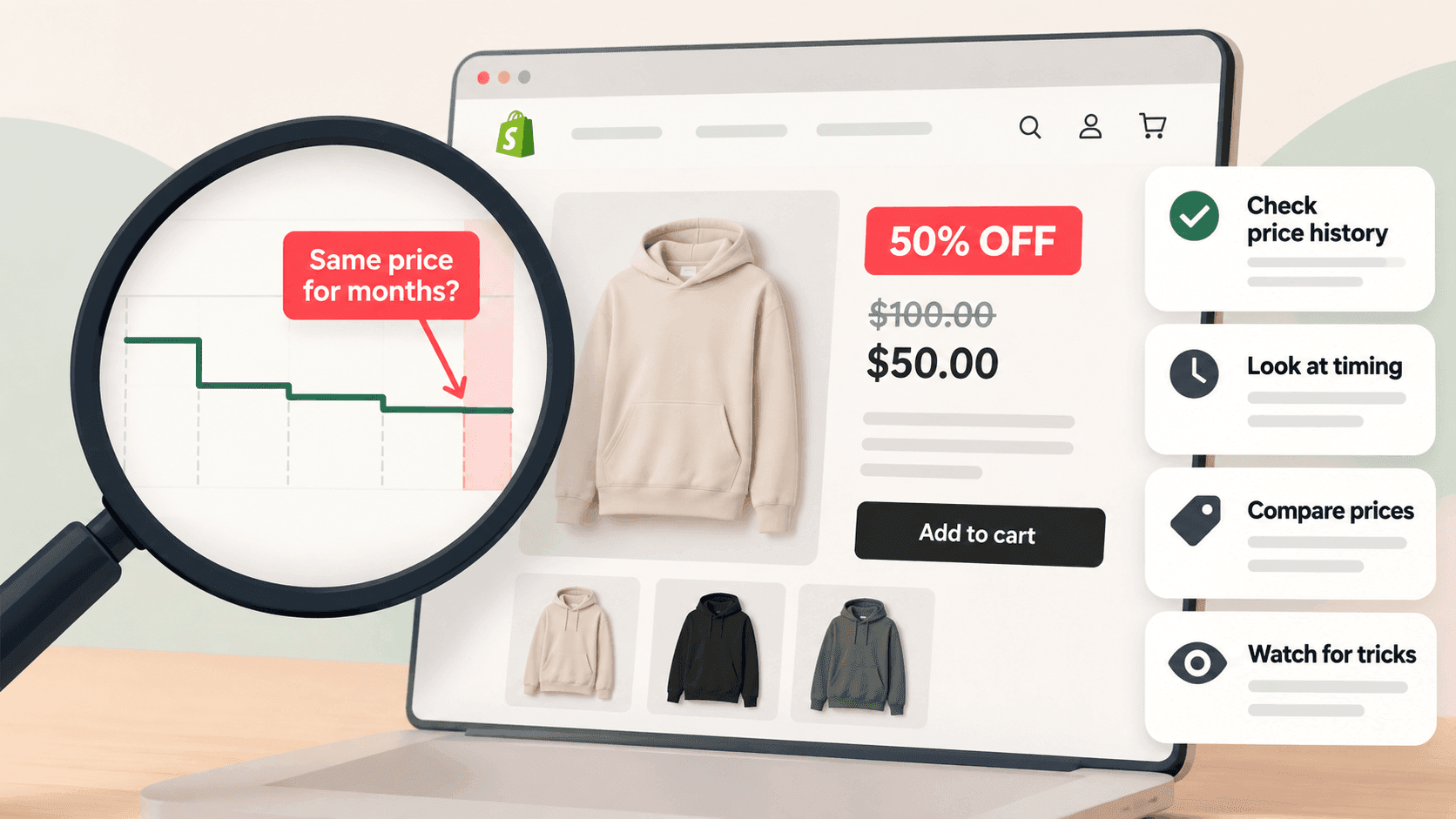
Look at whether the higher price actually changed. A Shopify store shows a sale by keeping the original price on the product as a second number, so a genuine markdown looks like a lower price with a crossed-out one above it. The catch is that the crossed-out number is simply a figure the shop typed in — nobody audits it — so the real test is whether the price moved compared with what you recorded last week. And the largest promotions often leave the listed prices completely untouched.
How a sale shows up at allLink to this section
When a shop puts something on sale, it sets a compare-at price: the original figure stays on the product alongside the new one. Shopify's own help pages describe this — the original goes in the compare-at field, the new price in the price field, and the shop's design then displays both, usually with a sale badge.
So from outside, a discounted product has two prices and an undiscounted one has a single price. That is the whole mechanism, and it is why sales are visible at all.
The check, in three stepsLink to this section
- Look at the product page. Is there a crossed-out price? Note both figures and the date.
- Check the rest of the range. Open the shop's own product list by adding
/products.jsonto its address, or
pull the whole catalogue into a spreadsheet. Count how many products have a compare-at price higher than their price. One or two is routine clearance. A quarter of the range is a sale.
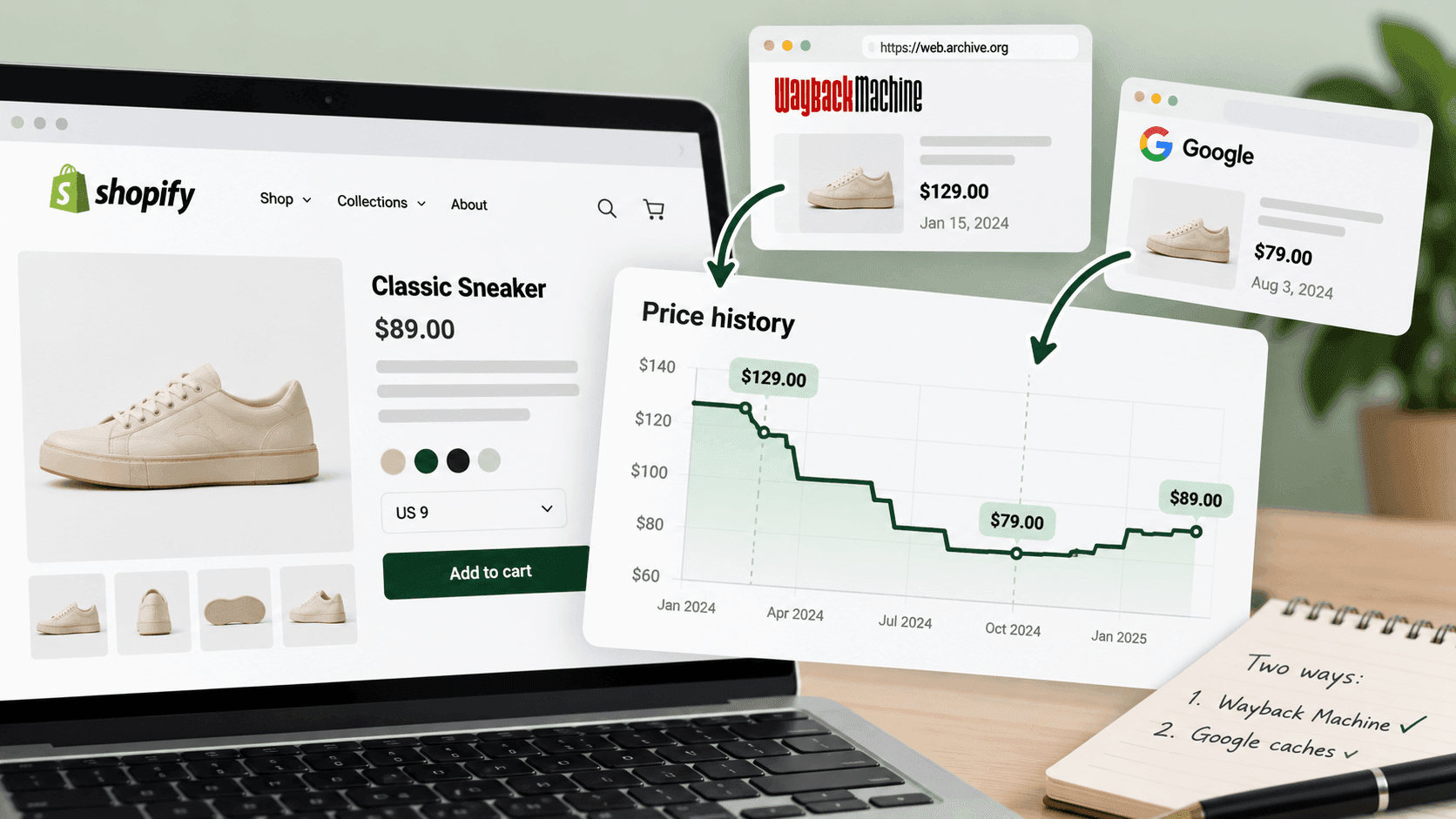
- Compare with last time. This is the only step that proves anything. If you recorded the prices a week ago,
you can see whether the numbers moved. Without that, you are looking at a badge and taking its word.
The two ways a "sale" is not a saleLink to this section
The permanent markdown. Nothing stops a shop leaving a compare-at price in place indefinitely, so a product shows a discount every day of the year. It is a pricing style rather than a promotion, and from a single visit it looks identical to a genuine one.
You can check this yourself in about a minute: note the two prices today and look again in three or four weeks. If both numbers are unchanged, the "sale" is the shop's normal state. There is no way to tell from one visit, which is exactly why a single snapshot is weak evidence.
The compare-at price that was never a real price. The crossed-out figure is not audited by anyone outside the shop. It is meant to be the product's regular price, and in most shops it is. But it is typed in by hand, so a large apparent discount is a claim rather than a fact. Judge the price you would pay, not the size of the reduction.
The bigger problem: real promotions you cannot seeLink to this section
This is the part that catches out people watching a competitor's prices, and it works the opposite way round. A shop can be running its biggest promotion of the year with no listed price changing at all:
- A discount code sent to the mailing list or posted on social media. Prices on the site never move.
- A basket-level offer — three for two, free delivery over a threshold, a percentage off a first order. These
are applied at the basket or the checkout, not on the product.
- A price set for one country. Shopify's help pages describe a catalog as a set of products with optional custom
pricing assigned to a market, so shoppers in another country can see quite different prices from the ones you see.
- A quiet price cut with no compare-at price set. The product is genuinely cheaper and nothing flags it. You
would only notice by having last week's number.
That last one is the argument for recording prices rather than watching badges. A badge is the shop's announcement. Your own dated record is evidence.
What a real sale looks like when you have historyLink to this section
With two or three weeks of saved prices, a genuine promotion is unmistakable:
- a group of products move down together, on the same day;
- the compare-at prices appear at the same moment as the lower prices;
- the shop's home page and menus change to match;
- and a few weeks later, the prices go back up.
That last point is the confirmation. A discount that never ends was never a discount.
What you still cannot knowLink to this section
- Whether the sale is working. You can see what a shop is charging, never how much of it is selling.
- Why they are discounting. Clearing old stock, matching a rival, funding a cash-flow gap, testing a price —
these look identical from outside.
- What they are giving away privately. Trade accounts, loyalty tiers and one-off customer service discounts are
invisible.
- How deep the real discount is once codes and basket offers are applied, which is usually deeper than the
listed price suggests.
Writing it down honestlyLink to this section
If you are reporting on a competitor's promotion, say what you observed and when. Written out, with example figures, it looks like this:
"On 23 September 2026, 31 of their 140 listed products carried a reduced price, discounts between 10% and 40%. Their listed prices had not changed on 16 September. This does not account for discount codes or basket offers, which are not visible from outside."
That is defensible. "They're running a 40% off sale" is not, and someone will eventually check.
When watching by hand stops workingLink to this section
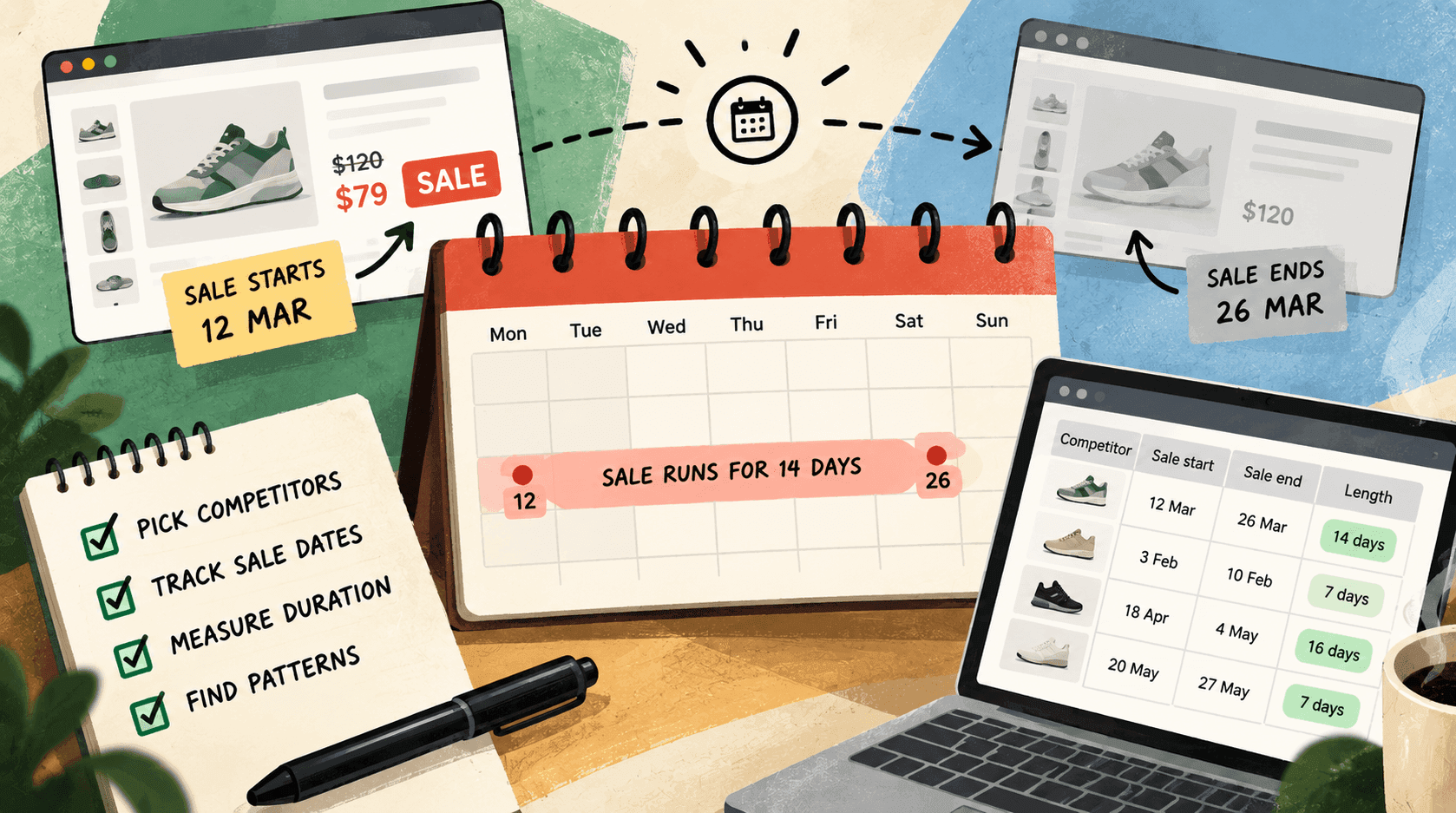
Spotting a sale as it starts means having yesterday's prices, which means recording them every day. Nobody sustains that by hand across several competitors — and a sale you notice a fortnight late is a fact, not an opportunity.
StoreLenz is being built to watch listed prices on a schedule and tell you when they move, including when a sale starts and ends. Price tracking and alerts are being built rather than finished today; what it does now says which is which.
Related readingLink to this section
- How to track a competitor's price changes
- How to see a Shopify store's whole product catalogue
- Shopify competitor analysis: a practical guide
SourcesLink to this section
- Shopify Help Center, Setting sale prices for products (set a compare-at price and the theme shows both prices with a sale badge) — https://help.shopify.com/en/manual/products/details/product-pricing/sale-pricing — read 2026-09-22
- Shopify Help Center, Creating catalogs for markets ("A catalog is a set of products with optional custom pricing that you assign to a market") — https://help.shopify.com/en/manual/markets/customizations/catalogs — read 2026-09-22
- Our own check of a public store's product list on 2026-09-22, confirming
priceandcompare_at_priceon every variant
Written by Soneth Martins
shopify store manager