How to
How to see a Shopify product's price history
Shopify publishes no price history, so there is nothing to look up. Here are the two ways to get some anyway, and what each one can and cannot recover.
Published 7 min read
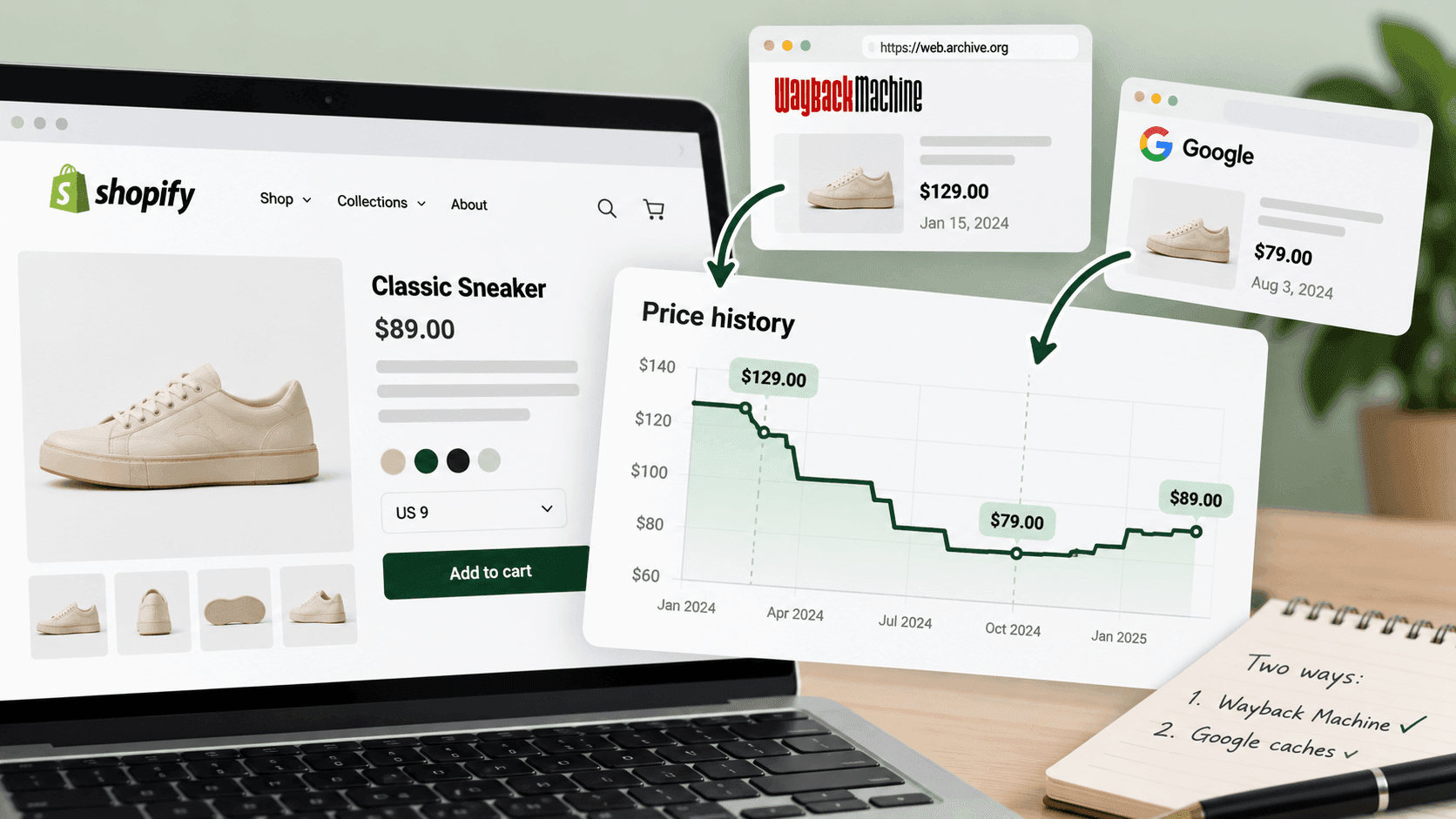
There is no price history to look up. Shopify stores publish what a product costs today and nothing about what it cost before, so no address, no setting and no free tool can hand you a past price that nobody recorded. What you can do is recover fragments from an internet archive, and start recording properly from today. The second is reliable and boring; the first is free and patchy, and worth ten minutes when you need a specific answer.
Why there is nothing to look upLink to this section
When a shop changes a price, the old number is simply replaced. The only trace is the compare-at price — the crossed-out figure a shop sets when it marks something down, which Shopify's help pages describe as the original price shown alongside the new one.
That gives you one historic number, sometimes: what the shop says the product usually costs. It is not a history, it is not dated, and it is typed in by hand — a permanently "discounted" product with a compare-at price that never moves is a pricing style rather than a record. How to tell a real sale from a permanent one covers that.
Method one: an internet archiveLink to this section
Public web archives keep copies of pages as they looked on the day they were crawled. If a product page was captured, the price on that page was captured with it.
- Go to an internet archive — the Wayback Machine at
web.archive.orgis the best-known and free. - Paste the product page address, not the shop's home page.
- Pick a date from the calendar it shows you and open the snapshot.
- Read the price off the archived page, and write down the snapshot date, not today's date.
What we found when we checked this on 2026-09-28. For one well-known shop, the archive had its home page and a specific product page (a snapshot from June 2025). It had nothing at all for that shop's /products.json — the address that lists every product with its price.
That asymmetry is the practical lesson: archives capture pages people visit, not the data file behind them. So you may be able to recover the price of one popular product on a few scattered dates, and you will not be able to recover the shop's whole catalogue on any date.
What the archive method can and cannot give youLink to this section
Can: a real price, on a real date, for a page that happened to be captured. Useful for settling a specific question — "was this cheaper last summer?"
Cannot:
- Even coverage. Popular shops and popular products are captured often; a small shop may have nothing.
- Regular intervals. Snapshots land whenever the crawler visited, so gaps of months are normal.
- The whole catalogue. One page at a time.
- Reliability about what shoppers saw. An archived page may have rendered oddly, and prices shown for another
country are a real possibility.
- Anything about discounts. Codes and basket offers never appeared on the page in the first place.
Treat an archived price as a genuine data point with a date attached, and never as a series.
Method two: start recording todayLink to this section
Unglamorous, and it is the answer.
Save the shop's product list with today's date, and do it again every week. The full method is here — about fifteen minutes. Each file carries every product, its price and its compare-at price on a known day.
In four weeks you have something the archive can never give you: a complete, evenly spaced, whole-catalogue price history for exactly the shops you care about.
The hard part is not the method. It is that the value is entirely in the future, so there is no reward for the first three weeks — which is precisely why most people never build one and end up hunting through archives instead.
The third source people forget: your own inboxLink to this section
If you have been on a shop's mailing list, you already have a partial price history and have never read it that way.
Promotional emails carry dated prices. "20% off everything this weekend", sent on a date, is a record that a promotion ran then — and it captures exactly the discounts that never touched a listed price, which is the half both other methods miss entirely.
Search your inbox for the shop's name and sort by date. For a competitor you have followed for a year, that is a year of dated promotional history, free, already collected. It will not tell you what an individual product cost, and it will tell you when this shop discounts and how hard, which is usually the question underneath.
Start a folder or a filter today for the shops you care about. It costs nothing and in six months it is the cheapest record you own.
What a price history is actually forLink to this section
Worth knowing before you spend effort on it, because two of these are much more valuable than the rest.
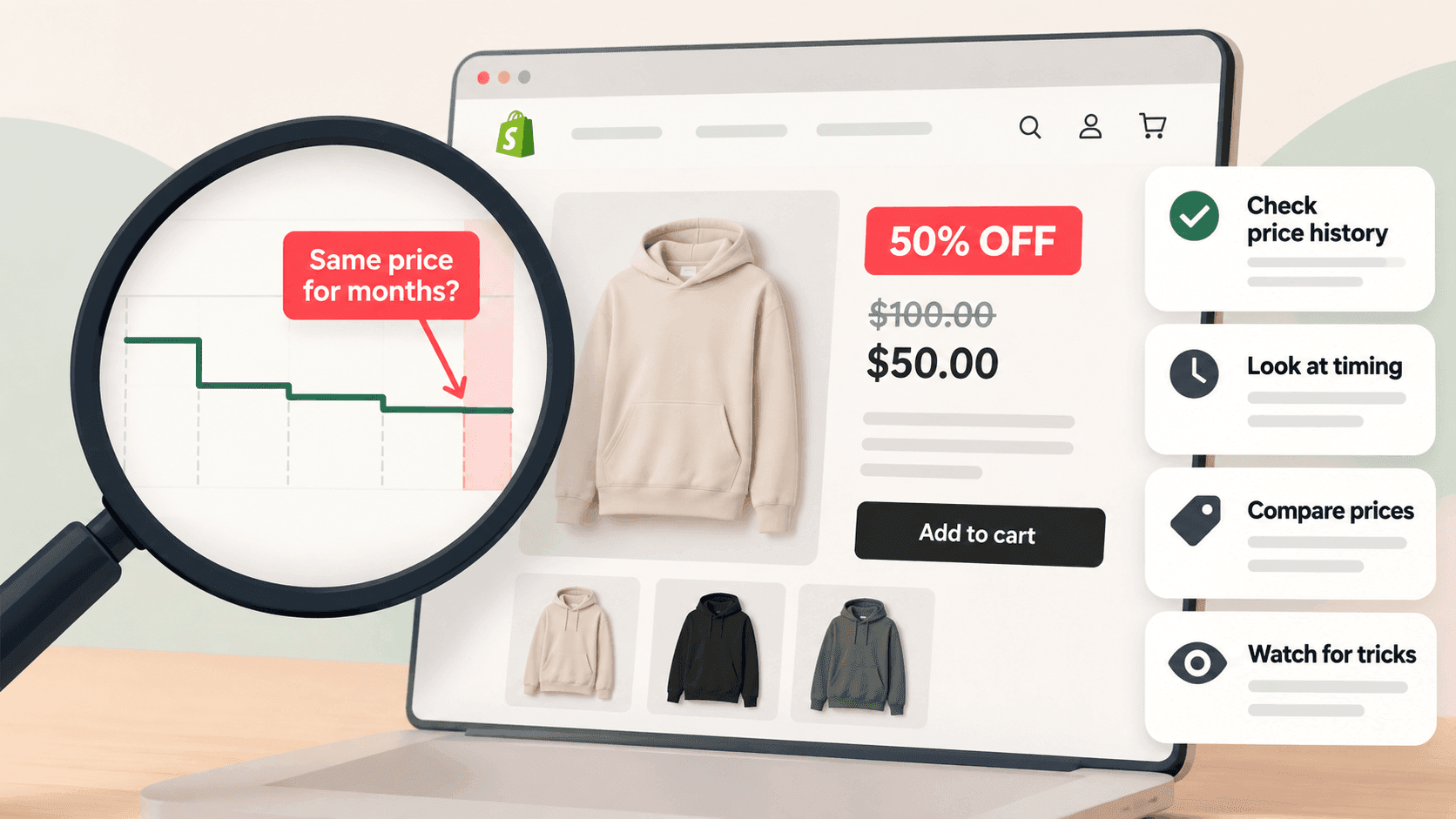
Telling a real sale from a permanent markdown. The single most useful thing. Without history, a crossed-out price is a claim; with it, you can see whether the price genuinely moved.
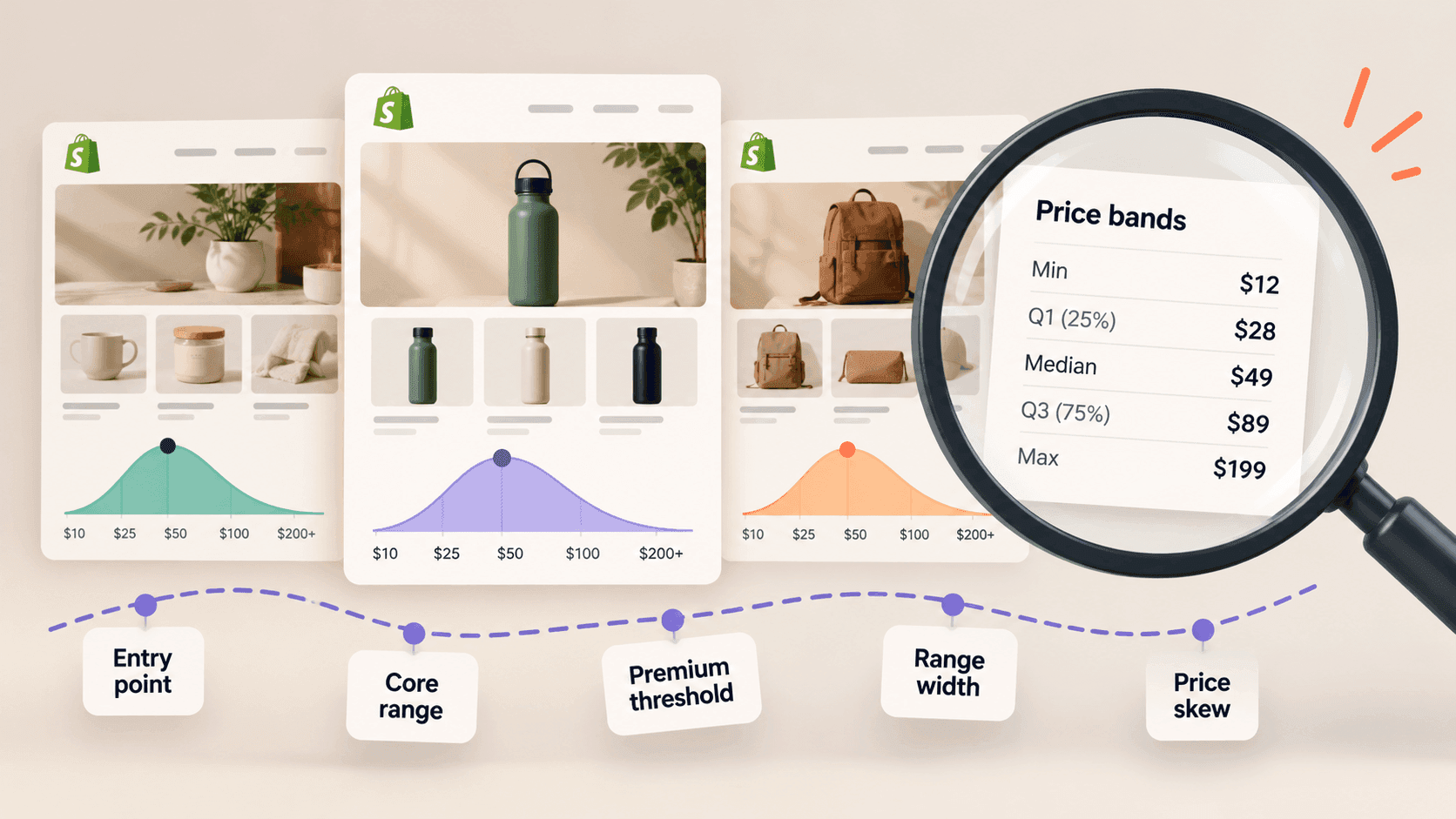
Seeing a repositioning. A shop's middle price drifting upward over months is a strategic move, and it is invisible in any single snapshot. Reading price bands is how to watch it cheaply.
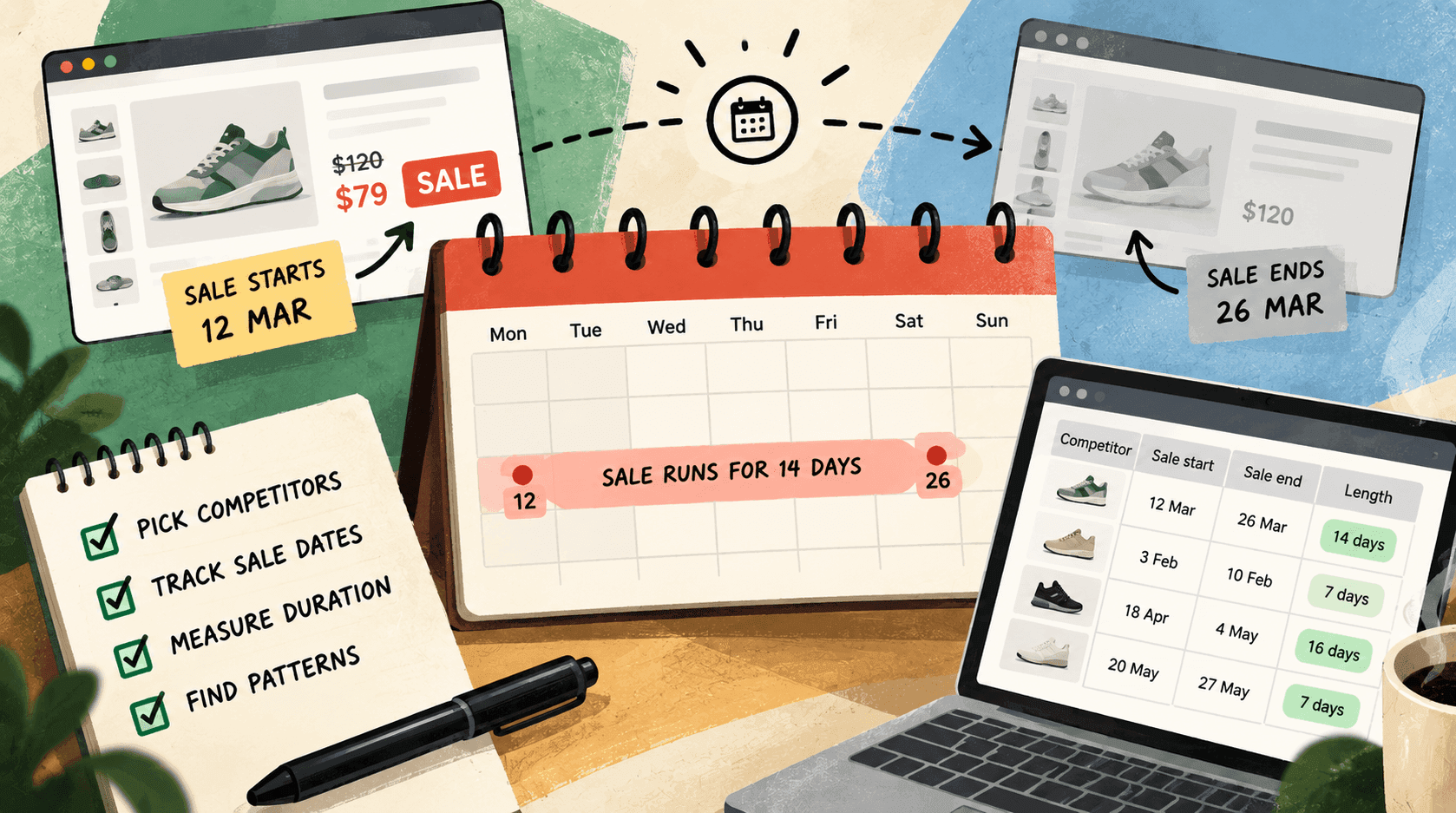
Learning their promotional calendar. Once you have a few months, the pattern of when a shop discounts — and for how long — is far more actionable than any individual price.
Settling an argument. "They were cheaper in June" is either true or not, and a dated record answers it.
What no method can recoverLink to this section
- A price nobody recorded. If the page was not archived and you were not saving, it is gone.
- What anyone actually paid. Listed prices only. Codes, basket offers and prices set for other countries never
appear.
- Prices shown to a different country's shoppers, unless you were checking from there.
- Why a price changed. Never in the data.
The practical answerLink to this section
If you need one product's price on one past date, try the archive; it takes ten minutes and sometimes works.
If you need price history as an ongoing thing — and that is the version that changes decisions — there is no shortcut. Something has to be looking and remembering, starting now.
That is what StoreLenz is being built to do: read the shops you name on a schedule and keep the history, so that in three months you can answer "when did that change?" without having planned the question. Price tracking is being built rather than finished today, and what it does now says which is which. Either way, the useful move is to start recording today, by hand or otherwise — the history you wish you had is the one somebody began collecting months ago.
Related readingLink to this section
- How to track competitor prices on Shopify
- How to tell whether a store is really running a sale
- How to read a competitor's price bands
SourcesLink to this section
- Shopify Help Center, Setting sale prices for products (the compare-at price is the original price shown alongside the new one) — https://help.shopify.com/en/manual/products/details/product-pricing/sale-pricing — read 2026-09-22
- Our own checks against a public web archive on 2026-09-28: for one well-known shop, a home page snapshot and a product page snapshot (June 2025) were available, while its
/products.jsonhad no archived snapshot at all
Written by Cristiano Pinto
shopify store expert